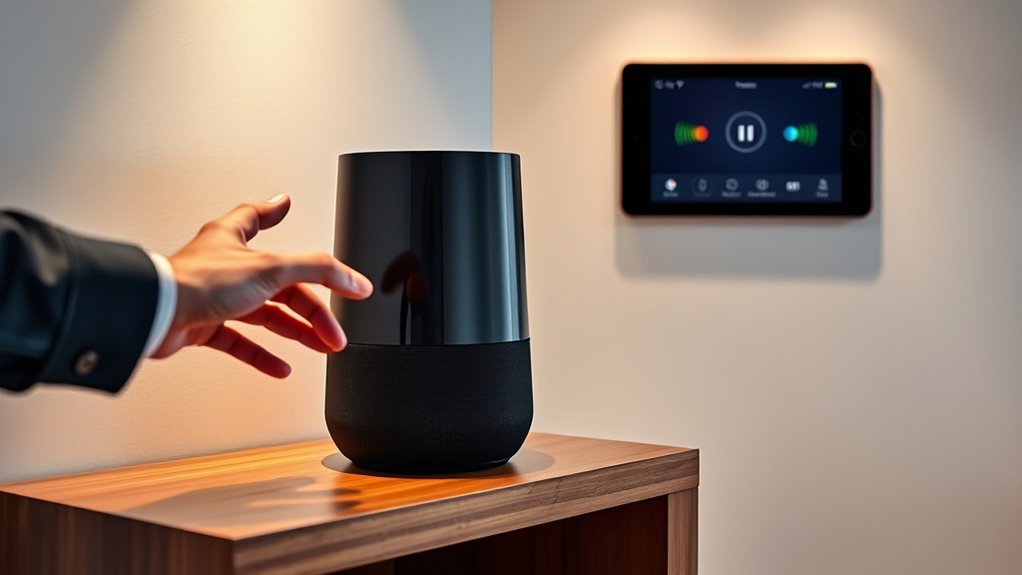

To use your smart speaker as a home intercom, activate it with voice commands like “Alexa, announce” or “Hey Google, broadcast,” followed by your message. The message will then be played on all connected devices in your home. Make sure your devices are linked and privacy settings are properly configured to prevent unwanted access. If you want to learn more about optimizing your intercom setup and privacy controls, keep exploring your options.
Key Takeaways
- Use wake words like “Hey Google,” “Alexa,” or “Hey Siri” to activate the intercom feature.
- Say commands such as “announce,” “broadcast,” or “tell everyone” followed by your message.
- Ensure all relevant devices are connected and set up for intercom communication in your app.
- Adjust privacy settings to control who can send or receive intercom messages for security.
- Create device groups or zones to target specific rooms or individuals with your intercom messages.
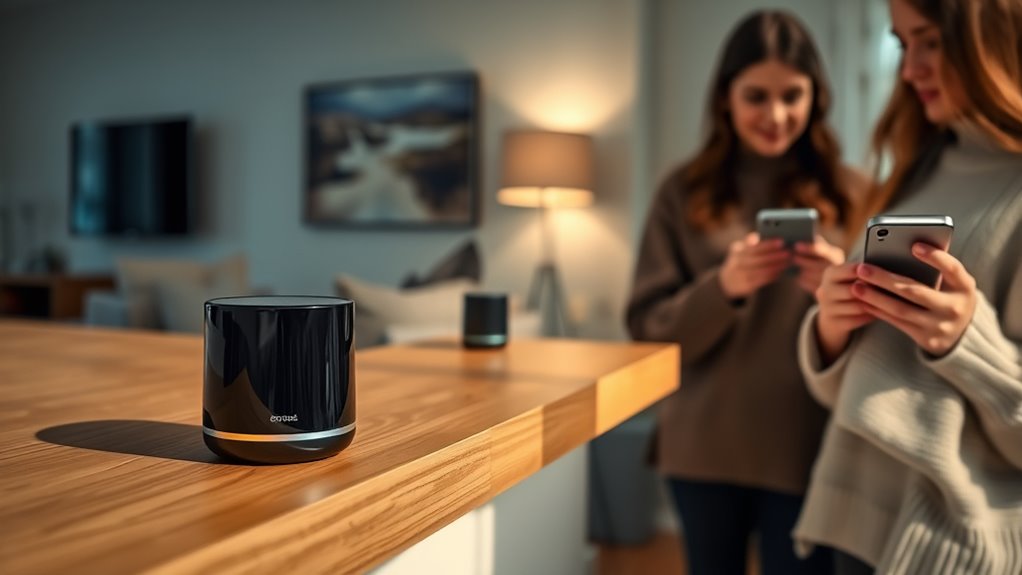
Smart speakers have become versatile hubs for home automation, and one of their most useful features is functioning as a home intercom. This allows you to communicate effortlessly with family members in different rooms, making daily routines smoother. To get started, you’ll need to understand how to use voice commands effectively. Most smart speakers respond to specific phrases, so it’s important to learn the wake words, like “Hey Siri,” “Alexa,” or “Hey Google,” and the command structure for intercom functions. For instance, you might say, “Alexa, announce dinner is ready,” or “Hey Google, broadcast, time to wake up.” These voice commands activate the intercom feature, transmitting your message across connected devices in your home.
However, before you begin broadcasting messages, it’s vital to familiarize yourself with the privacy settings on your smart speaker. Many devices come with options to disable or limit the intercom feature if you’re concerned about privacy. You can usually access these settings through the companion app on your phone or tablet. Adjust the privacy settings to restrict who can send or receive intercom messages, or turn off the feature entirely when not in use. This way, you avoid accidental broadcasts or unwanted listening, especially if you have guests or sensitive conversations. Setting up these privacy controls guarantees you retain control over your home’s communication system, providing peace of mind alongside convenience.
Adjust privacy settings to control who can send or receive intercom messages and prevent accidental broadcasts.
Once you’re comfortable with the voice commands and privacy settings, you can start using your smart speaker as a home intercom. For example, if you’re in the kitchen and want to remind the kids to do their homework, just say, “Alexa, broadcast, please do your homework now.” The message will be played on all compatible devices throughout your home. It’s a quick and easy way to communicate without shouting across rooms or rushing to find someone. You can also use it for more specific notifications, like “Hey Google, announce that guests have arrived,” or “Siri, tell everyone dinner’s ready.” The key is to speak clearly and use the correct command phrases, which typically vary slightly depending on your device brand.
In addition, some smart speakers support group messaging, allowing you to create designated groups for family members. This feature enables you to send targeted messages to specific rooms or individuals, making communication even more personalized. Remember to review your privacy settings regularly, especially if you add new devices or integrations, to keep your home communication safe and secure. Smart home automation features can enhance your intercom system by integrating with other household devices, offering more seamless communication options. Using voice commands thoughtfully and managing privacy settings properly will help you maximize your smart speaker’s potential as a home intercom, making your household more connected and efficient.

Amazon Echo Dot (newest model) – Vibrant sounding speaker, Designed for Alexa+, Great for bedrooms, dining rooms and offices, Deep Sea Blue
Your favorite music and content – Play music, audiobooks, and podcasts from Amazon Music, Apple Music, Spotify and…
As an affiliate, we earn on qualifying purchases.
As an affiliate, we earn on qualifying purchases.
Frequently Asked Questions
Can I Use My Smart Speaker as an Intercom Without Wi-Fi?
You can’t use your smart speaker as an intercom without Wi-Fi, as most rely on internet connectivity for offline communication. However, if your device supports Bluetooth, you might communicate with nearby devices without Wi-Fi. Keep in mind, Bluetooth connectivity limits range and functionality, so for full intercom features, a Wi-Fi connection is usually necessary. Without Wi-Fi, your options are quite limited.
Is There a Limit to the Number of Rooms I Can Connect?
There is generally no strict limit to the number of rooms you can connect when using your smart speaker as an intercom, but device limitations and room connectivity can affect performance. Most systems handle multiple devices easily, yet connecting too many may cause delays or connectivity issues. Check your specific smart speaker’s guidelines to guarantee peak performance, and keep your network robust to support extensive room connectivity.
How Secure Is the Communication Between Devices?
Your smart speaker’s communication is generally secure thanks to encryption protocols like TLS or WPA2, which protect your data during transmission. However, privacy concerns remain, so it’s wise to regularly update your device’s software and review privacy settings. While these protocols help prevent eavesdropping, always stay cautious about sensitive information shared over your intercom system, and consider disabling features when not in use for added security.
Can I Intercom With Multiple Speakers at Once?
Did you know that over 60% of smart speaker users utilize multi-room audio? Yes, you can intercom with multiple speakers at once by setting up group broadcasting. Simply create a speaker group in your app, then issue a command like “Hey Google, broadcast to the house,” and your message will play across all connected devices simultaneously. It’s a seamless way to communicate throughout your home effortlessly.
What Should I Do if My Intercom Isn’T Working Properly?
If your intercom isn’t working properly, start troubleshooting connectivity issues by checking your Wi-Fi signal and ensuring your speakers are within range. Then, update the firmware on your smart speaker to fix bugs and improve performance. Restart your devices and re-link them to your network if needed. These steps often resolve common problems and get your intercom working smoothly again quickly.

Google Audio Bluetooth Speaker – Wireless Music Streaming, Powerful Sound, Assistant Built-in, Wi-Fi and Bluetooth Connectivity, Smart Home Control, Stereo Pairing – Chalk
Google Audio Bluetooth Speaker Wireless Music Streaming – Chalk
As an affiliate, we earn on qualifying purchases.
As an affiliate, we earn on qualifying purchases.
Conclusion
Now that you know how to turn your smart speaker into a home intercom, you can stay connected with family and streamline your daily routines. Remember, a chain is only as strong as its weakest link—so keep your devices updated and secure. With your smart speaker in place, communication becomes effortless and efficient. Embrace this technology and enjoy the convenience of speaking up whenever you need to, making your home smarter and more connected every day.

Apple – HomePod mini – Space Gray
Rich, 360-Degree Sound – Delivers deep bass and crisp high frequencies for immersive audio in any room.
As an affiliate, we earn on qualifying purchases.
As an affiliate, we earn on qualifying purchases.

Sonos Era 100 – Black – Wireless, Alexa Enabled Smart Speaker
Powered by a 47% faster processor, the next-gen dual-tweeter acoustic architecture produces detailed stereo separation while a 25%…
As an affiliate, we earn on qualifying purchases.
As an affiliate, we earn on qualifying purchases.