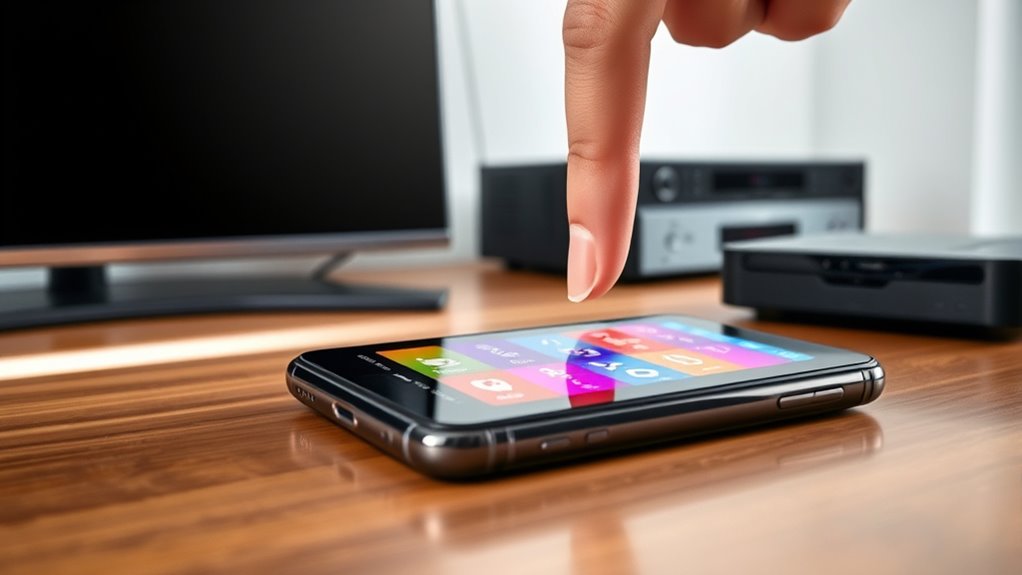
To turn your phone into a universal remote, download compatible remote apps that utilize your phone’s IR blaster, Bluetooth, or Wi-Fi. Many apps automatically detect your devices or allow manual setup, letting you control TVs, soundbars, and streaming devices with ease. You can also connect voice assistants like Alexa or Google Assistant for hands-free control. Keep exploring to discover how to set everything up perfectly and maximize your device’s potential.

Get the little things that make your day delivered free with Prime
- Fast, free delivery on millions of items
- Prime Video, Amazon Music and more included
- Member-only deals all year
Key Takeaways
- Download a compatible universal remote app that supports your devices and grant necessary permissions.
- Use the app to scan for or manually add your devices, ensuring proper setup.
- Check if your phone has IR blaster, Bluetooth, or Wi-Fi to connect with your appliances.
- Integrate voice assistants like Google Assistant or Alexa for hands-free control.
- Verify device compatibility and protocols to ensure seamless operation of your phone as a remote.
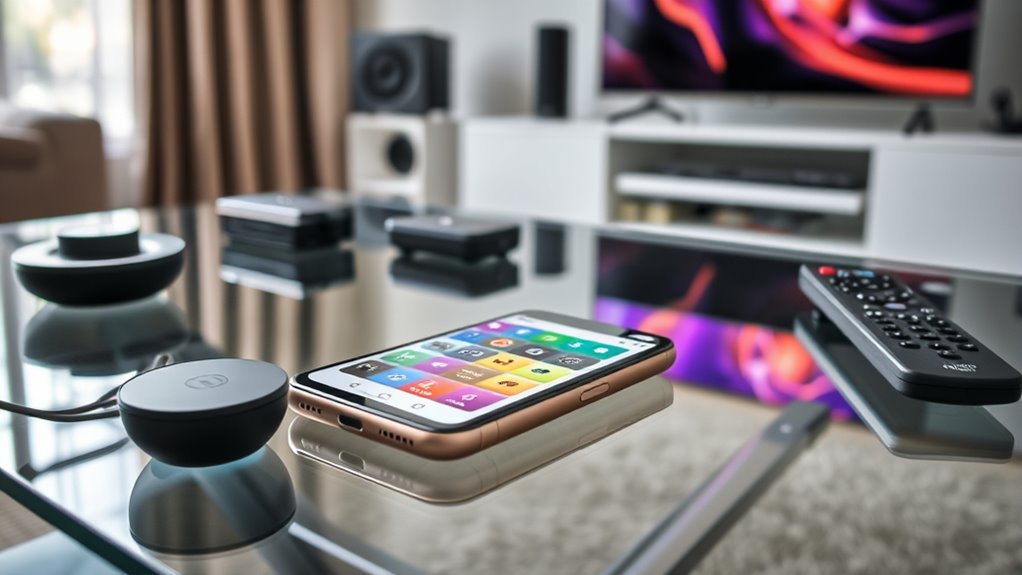
Nowadays, turning your phone into a universal remote is easier than ever thanks to advanced apps and built-in features. You can control multiple devices seamlessly, often with just a few taps or voice commands. The key to a smooth experience lies in understanding device compatibility and how voice commands can simplify your control over your entertainment system. Many smartphones now come with built-in IR blasters or Bluetooth and Wi-Fi capabilities, making it possible to connect to various devices without needing extra hardware. If your phone has an IR blaster, you’re already set to use dedicated remote apps that turn your device into a versatile remote control for TVs, soundbars, streaming devices, and more.
When choosing an app or setting up your phone, you need to take into account device compatibility. Not all remotes work with every appliance, so check whether your TV, cable box, or smart home devices are supported by the app you select. Most popular universal remote apps are compatible with a wide range of brands and models, but it’s still wise to verify before investing time in setup. Some apps are more advanced, offering features like learning remotes, where your phone mimics your existing remote’s functions, or customizable buttons to streamline your viewing experience. Compatibility extends beyond just the device brand; it also involves the communication protocol—infrared, Bluetooth, or Wi-Fi—that your devices use. Ensuring your phone supports these protocols is essential for smooth operation. Additionally, understanding Smart Home Technology can help you integrate your remote controls with other devices for a more cohesive experience.
Once you’ve confirmed compatibility, setting up your phone to function as a remote is usually straightforward. Download the app, grant the necessary permissions, and follow the prompts to scan for compatible devices nearby. Many apps allow you to input device details manually if automatic detection isn’t successful. As you get everything configured, take advantage of voice commands. Modern remote apps integrate with virtual assistants like Google Assistant or Alexa, allowing you to control your devices hands-free. Simply say commands like “turn on the TV” or “change to HDMI 2,” and your phone responds instantly, making your entertainment experience more convenient. This voice control feature is especially handy when your hands are full or if you prefer a more futuristic, streamlined way to interact with your devices.
Incorporating voice commands and ensuring device compatibility are central to turning your phone into a fully functional universal remote. With the right app, compatible hardware, and a little setup, you can control all your entertainment gadgets effortlessly. Whether you’re relaxing on the couch or hosting friends, your phone can become the central hub for managing your home entertainment, all through simple taps or voice prompts.
Products Worth Considering

PHILIPS Hue Smart LED Candle Light Bulb, B39, E12, 2-Pack

Philips Hue Essential Starter Kit with Bridge and 4 E26 Smart Bulbs

Hisense 65-inch U6 Pro Mini-LED 4K UHD Smart Fire TV
As an affiliate, we earn on qualifying purchases.
Frequently Asked Questions
Do All Smartphones Support Universal Remote Apps?
Not all smartphones support universal remote apps. Compatibility depends on your device’s hardware and software, especially regarding remote app compatibility and device pairing methods. Many Android phones can easily connect via infrared blasters or Wi-Fi, while iPhones often require additional accessories like a compatible remote control adapter. Check your phone’s specifications and app requirements first, and verify it supports the necessary device pairing methods for a seamless remote control experience.
Can I Control Multiple Devices With One App?
Think of your phone as a Swiss Army knife—versatile enough to control multiple devices with one app. Yes, you can manage several devices, but device compatibility and app limitations matter. Some apps support multiple gadgets, while others are more limited. To avoid frustration, choose a universal remote app that covers all your devices. This way, you simplify your setup and enjoy seamless control, just like having a single remote for everything.
What if My Phone Doesn’t Have an IR Blaster?
If your phone lacks an IR blaster, don’t worry. You can still use infrared alternatives like Wi-Fi or Bluetooth remotes to control your devices. Many smart TVs and devices support Bluetooth remotes or apps that connect via Wi-Fi, so you can control them without an IR blaster. Just download compatible apps or use Bluetooth-enabled remotes, and you’ll be able to manage your devices seamlessly, even without IR capabilities.
Are Universal Remote Apps Free or Paid?
A penny saved is a penny earned, and that’s true for remote apps too. Many universal remote apps are free, offering basic features, while some paid options provide advanced capabilities and better app compatibility. When comparing costs, check the app’s features and reviews. Free apps are a great starting point, but if you want extra functions, a paid app might be worth the investment. Always compare the cost and compatibility first.
How Secure Are Remote Control Apps From Hacking?
Remote control apps can be quite secure if they use strong encryption methods to protect your data during transmission. However, your security also depends on app compatibility with your devices and updates that address vulnerabilities. Always choose reputable apps, keep them updated, and avoid sideloading apps from untrusted sources to minimize hacking risks. Staying cautious guarantees your remote control experience remains secure and seamless.
Conclusion
By turning your phone into a universal remote, you simplify your entertainment setup and reduce clutter. Did you know that over 60% of households own multiple remote controls? Using your phone as a universal remote can streamline your device management and save time. With just a few taps, you can control everything from your TV to smart devices, making your life more convenient and tech-savvy. Embrace this smart solution and enjoy a clutter-free, connected home.