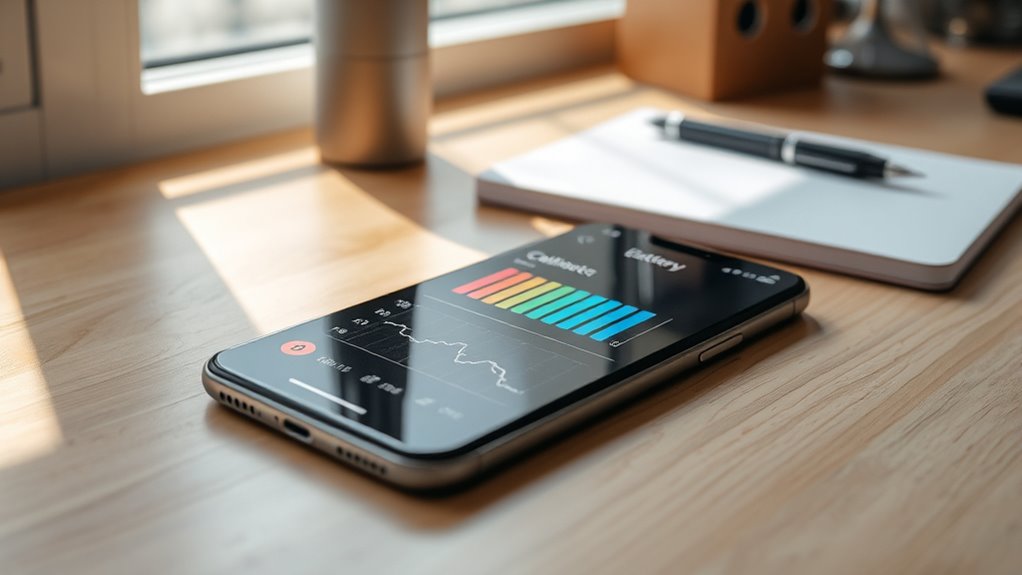

To calibrate your phone’s battery, let it drain completely until it shuts off, then fully charge it to 100% without interruption. Keep charging for an extra 30 minutes before unplugging, and then use your device normally until it dies again. Repeat this cycle once or twice a month to keep your battery readings accurate and performance ideal. Want to learn more tips to maximize your battery life? Keep exploring for helpful advice.
Key Takeaways
- Fully discharge your phone until it powers off naturally to reset the battery meter.
- Charge your device uninterrupted to 100%, then leave it plugged in for an extra 30 minutes.
- Use the phone normally to let the battery drain to a low level before recharging for calibration.
- Repeat the full discharge and charge cycle once or twice monthly for optimal results.
- Practice good charging habits, such as avoiding constant 100% charges and keeping levels between 20-80%.
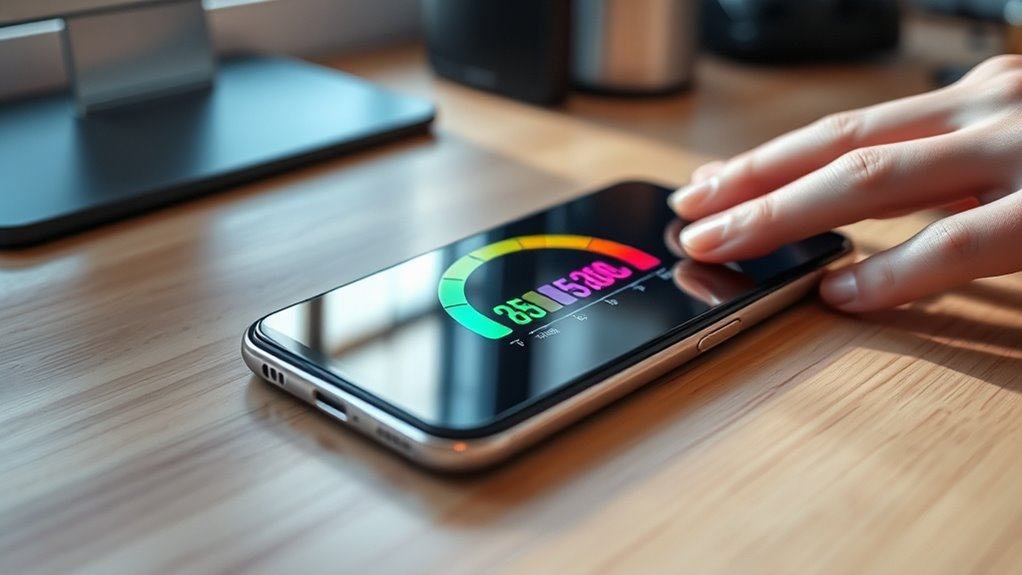
If your phone’s battery life seems inconsistent or inaccurate, calibrating the battery can help restore its proper function. Over time, your device’s battery health can decline, leading to inaccurate readings and shortened usage between charges. Proper calibration ensures that your phone’s battery meter reflects the actual charge remaining, giving you a clearer picture of its capacity. To do this effectively, you need to understand the role of good charging habits and how they impact your battery’s longevity. Poor charging habits—such as frequently letting the battery drain completely or constantly keeping it at 100%—can contribute to inaccurate battery readings and reduced overall health. Calibrating the battery helps reset these inaccuracies and supports better performance, but it’s equally important to adopt healthier charging habits going forward.
Start the calibration process by using your phone until it automatically shuts off due to low battery. This step guarantees the battery is fully drained, which is necessary for an accurate calibration. Once it powers down, connect your device to a charger and let it charge undisturbed until it reaches 100%. Avoid unplugging it prematurely or using the device while charging, as this can interfere with an accurate reading. When it hits 100%, keep charging for an additional 30 minutes to top off the battery. This step guarantees the battery is truly full and helps the device’s software recalibrate the battery meter. Afterward, unplug your phone and allow it to discharge naturally through regular use. Use it normally until the battery drops to zero and the device shuts off again, completing the cycle. Additionally, maintaining the health of your battery involves understanding that the contrast ratio impacts overall performance and longevity, making calibration an even more valuable tool in optimizing your device’s display and battery function.
Repeat this process once or twice a month to maintain more precise battery readings. During this process, it’s vital to pay attention to your charging habits. Try to avoid letting your battery drain to zero frequently or always charging to 100%. Instead, keep your battery level between 20% and 80% for regular use, which helps prolong its health. Using certified chargers and avoiding fast charging when unnecessary can also improve battery longevity. Consistency in good charging habits supports your efforts to calibrate and maintain the battery’s accuracy. Remember, calibration isn’t a permanent fix for degraded battery health, but it can noticeably improve the accuracy of your battery indicator and overall device performance. Combining proper calibration with mindful charging habits ensures your phone’s battery remains as healthy and reliable as possible for longer periods.

ANCEL BD200 OBD2 Scanner Bluetooth – Code Reader & Check Engine Diagnostic Scan Tools with Car Battery Test, Exclusive App on iOS & Android, Wireless OBDII Adapter Works for 1996 & Newer Vehicles
[AVOID RIP-OFFS & EASY TO USE] – Walk into the repair shop confident with the accurate info you…
As an affiliate, we earn on qualifying purchases.
As an affiliate, we earn on qualifying purchases.
Frequently Asked Questions
How Often Should I Calibrate My Phone’s Battery?
You should calibrate your phone’s battery about once every three months or if you notice rapid battery drain and inconsistent charging habits. Calibrating helps your device accurately read the battery level, preventing unexpected shutdowns. To do this, fully charge your phone to 100%, then let it drain completely before charging it back to full without interruptions. Regular calibration guarantees better battery performance and more dependable usage.
Can Calibration Extend My Battery’s Lifespan?
Calibrating your phone’s battery can help extend its lifespan by reducing battery memory issues and optimizing charge cycles. Studies show that lithium-ion batteries last longer when you avoid shallow discharges and full charges, which calibration encourages. By regularly calibrating, you reset the battery’s power indicator, ensuring accurate readings and potentially delaying capacity loss. So, yes, calibration can help preserve your battery’s health over time, making your device last longer.
Does Calibration Affect Battery Health Long-Term?
Calibration mainly helps your phone display accurate battery levels, but it doesn’t directly impact long-term battery health. Frequent calibration won’t reduce battery degradation caused by charging cycles or heat. Over time, all batteries naturally degrade, regardless of calibration. So, while calibration can improve your user experience, it doesn’t substantially affect your battery’s lifespan or prevent degradation caused by normal use and charging habits.
What Signs Indicate My Battery Needs Calibration?
Think of your battery indicator as a lighthouse guiding you through cloudy skies. If it suddenly drops to zero despite a full charge or jumps unexpectedly, it’s a sign you need to calibrate. Poor charging habits, like frequent partial charges, can also cause misreading. When these signs appear, calibration helps realign your battery’s sense of its capacity, ensuring your device accurately displays power levels and performs reliably.
Is Calibration Necessary for All Phone Models?
Calibration isn’t necessary for all phone models, but it can improve battery accuracy on some devices. If your phone’s battery percentage seems off or inconsistent, calibration might help. Keep in mind that regular software updates can also enhance battery performance and accuracy. You should consider calibration if you notice persistent issues, but many newer models maintain battery health without it. Ultimately, check your device’s recommendations for ideal performance.
iHealth Accu Blood Pressure Monitor – 4.5" Large LCD(Black), Clinically Accurate, Irregular Heartbeat Alert, Body & Cuff Detection, Bluetooth Sync, Large 8.6"–17" Cuff– Easy for Seniors & Adults
Smart and Accurate Home Blood Pressure Monitoring: The iHealth Home Smart Blood Pressure Monitor ensures medical-grade accuracy with…
As an affiliate, we earn on qualifying purchases.
As an affiliate, we earn on qualifying purchases.
Conclusion
By calibrating your phone’s battery, you’re giving it a fresh start, much like hitting the reset button on a tired mind. Think of it as tuning a musical instrument—you’ll notice the harmony of better battery life and smoother performance. Don’t overlook this simple trick; it’s the secret ingredient to extending your device’s longevity. So, go ahead, give your phone a little TLC, and watch it perform like a star—battery life included!

USB Type-C to A Cable 5pack 6ft Braided Fast Charging 3A Quick Charger Cord, 6 Foot Compatible iPhone 17/17 Pro/16e/16/15 Pro Max,Samsung Galaxy S10 S9 S8 Plus, Note 10 9 8, LG V50 V40 G8 G7(Grey)
𝐔𝐒𝐁 𝐓𝐲𝐩𝐞 𝐜 𝐂𝐡𝐚𝐫𝐠𝐢𝐧𝐠 5-PACK 6 FT USB 2.0 CABLE: Super fast charging time, conforming to the USB…
As an affiliate, we earn on qualifying purchases.
As an affiliate, we earn on qualifying purchases.

Type C Charger Fast Charging, 2 Pack USB C Android Phone Wall Charger Block & 6ft Charge Cable Cord, for Samsung Galaxy S8 / S9 / S10 Plus Active S10e, S20 / S21 Ultra Plus, Note 8 9 10, Pixel 3 etc
Safeguard Protection – USB c Android chargers comes with premium built-in safeguards and intelligent IC identification technology to…
As an affiliate, we earn on qualifying purchases.
As an affiliate, we earn on qualifying purchases.