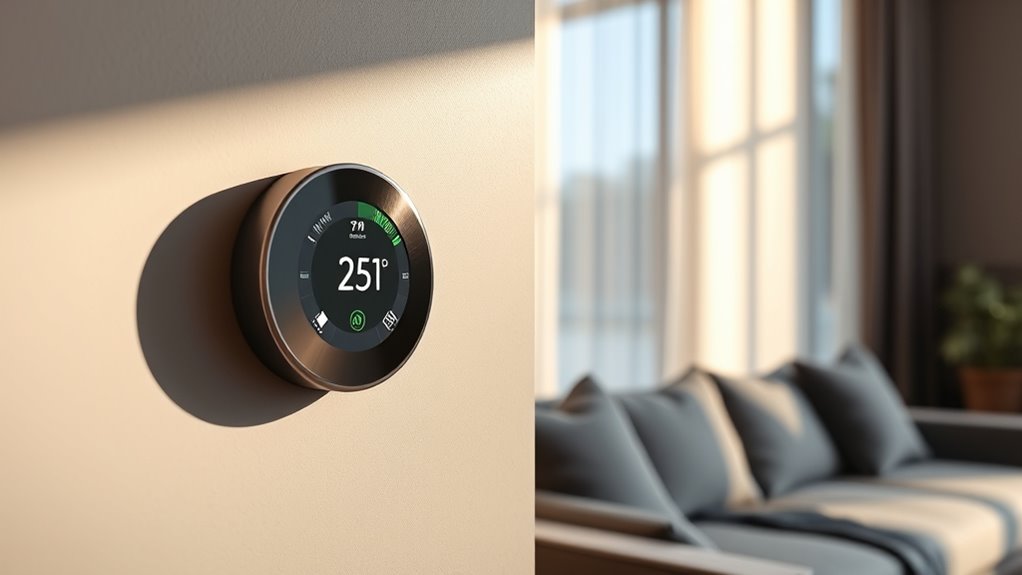

A smart thermostat connects to your Wi-Fi and learns your schedule to automatically adjust your home’s temperature, saving energy and lowering bills. It offers remote control via smartphone and can integrate with other devices for added convenience. By customizing settings, enabling eco modes, and using features like geofencing, you can maximize savings effortlessly. Keep exploring to discover simple tips and features that help your home run more efficiently and comfortably.
Key Takeaways
- Smart thermostats connect to Wi-Fi, allowing remote control and automation based on user habits and occupancy sensors.
- They offer energy and cost savings by optimizing heating and cooling schedules automatically.
- Choosing a compatible, user-friendly device with features like learning capabilities and voice control simplifies setup.
- Advanced features like geofencing and device integration enhance efficiency and enable personalized climate management.
- Regular maintenance, proper scheduling, and automation adjustments maximize ongoing energy savings.
Top picks for "beginner smart thermostat"
Open Amazon search results for this keyword.
As an affiliate, we earn on qualifying purchases.
What Is a Smart Thermostat and How Does It Work?

A smart thermostat is a device that allows you to control your home’s heating and cooling systems more efficiently. It connects to your Wi-Fi, enabling you to adjust settings remotely through your smartphone or voice commands. Inside, it learns your schedule and preferences over time, automatically adjusting temperatures to save energy without sacrificing comfort. Some models feature sensors that detect occupancy and room temperature, optimizing heating and cooling accordingly. Instead of manually toggling your thermostat, you set your desired comfort levels, and the device manages the rest. It also provides real-time data, helping you monitor your energy usage. By intelligently controlling your HVAC system, a smart thermostat simplifies home climate management and can lead to significant energy savings. Smart home integration enhances the overall efficiency and convenience of your climate control system.
Benefits of Installing a Smart Thermostat in Your Home

Installing a smart thermostat helps you save energy by optimizing your heating and cooling systems. With remote control, you can adjust your home’s climate from anywhere, ensuring comfort and efficiency. These benefits make your home more eco-friendly and convenient. Additionally, smart thermostats can learn your schedule and preferences, further enhancing energy savings through adaptive temperature control.
Enhanced Energy Efficiency
Smart thermostats actively optimize your home’s heating and cooling schedules, leading to significant energy savings. By automatically adjusting temperatures based on your daily routines and preferences, they reduce unnecessary energy use when you’re away or asleep. This precise control prevents wasteful heating and cooling, making your system more efficient. Additionally, many smart thermostats learn your habits over time, further refining their adjustments for ideal performance. As a result, you’ll notice lower energy bills without sacrificing comfort. The enhanced efficiency not only saves money but also reduces your carbon footprint by minimizing energy consumption. Overall, installing a smart thermostat helps you make smarter choices about your home’s climate control, ensuring you get the most out of your energy use while maintaining a comfortable environment. Energy-efficient technology plays a crucial role in advancing sustainable home solutions.
Remote Climate Control
Ever wish you could adjust your home’s climate from anywhere? With a smart thermostat, you can. Remote climate control lets you change your heating or cooling settings using your smartphone, tablet, or voice commands. No more rushing home to adjust the thermostat or worrying about leaving it on all day. Whether you’re at work, on vacation, or running errands, you stay in control of your home’s comfort. This convenience helps you avoid wasting energy when you’re away and ensures your home is cozy when you arrive. Plus, many smart thermostats learn your schedule and preferences, automatically adjusting for ideal comfort and efficiency. Remote climate control simplifies managing your home environment, saving you time, energy, and money. Smart appliance integration further enhances the functionality of these devices, making your home even smarter and more efficient.
Key Features to Consider When Choosing a Smart Thermostat
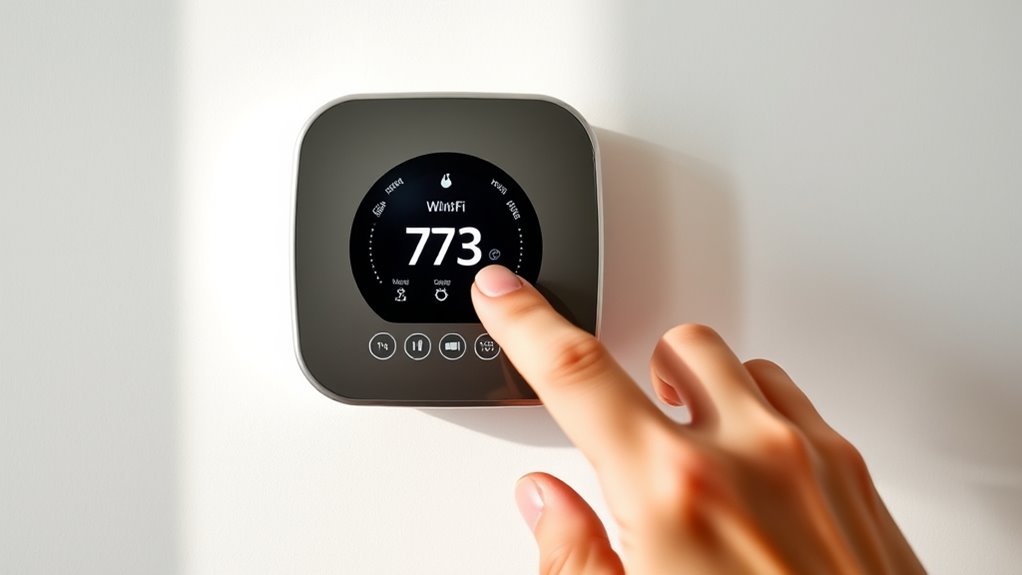
Choosing the right smart thermostat involves considering several key features that can impact both your comfort and energy savings. First, look for compatibility with your existing HVAC system to ensure smooth integration. Touchscreens or simple interfaces make daily adjustments easier, while learning capabilities can automatically optimize settings over time. Geofencing features detect when you’re home or away, helping to reduce energy use without sacrificing comfort. Compatibility with voice assistants like Alexa or Google Assistant adds convenience for hands-free control. Energy reports can give insights into your usage patterns, enabling you to make informed adjustments. Additionally, consider Wi-Fi connectivity for remote access, and look for software updates that ensure ongoing improvements and security. Prioritizing these features helps you select a smart thermostat that fits your needs. Understanding senior comfort is also important, as some features may be more beneficial for older adults with specific needs.
How to Install a Smart Thermostat: A Step-by-Step Guide
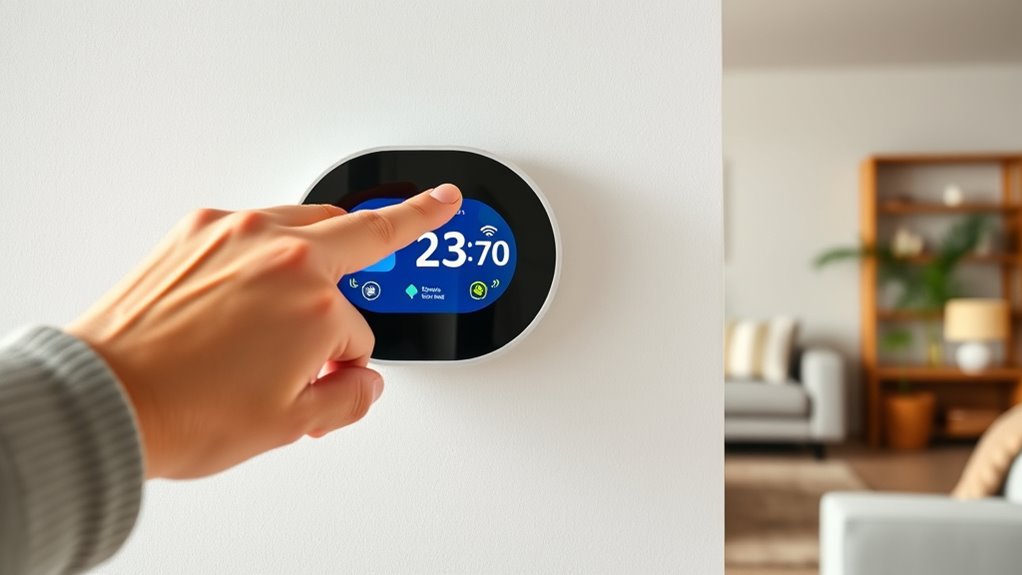
Have you ever wondered how to install a smart thermostat quickly and correctly? First, turn off power to your heating and cooling system at the breaker to guarantee safety. Remove your current thermostat, noting how wires are connected. Take a photo for reference. Next, mount the new thermostat’s baseplate on the wall, making sure it’s level. Connect the wires to the corresponding terminals on the new device, following the manufacturer’s instructions. Once wired, attach the thermostat faceplate. Turn the power back on at the breaker. Follow the setup prompts on your thermostat’s screen to connect it to Wi-Fi and verify everything works properly. Understanding how your system’s wiring works can help prevent common installation issues. With these steps, you’ll have your smart thermostat installed and ready to start saving energy.
Setting Up and Programming Your Smart Thermostat for Maximum Savings
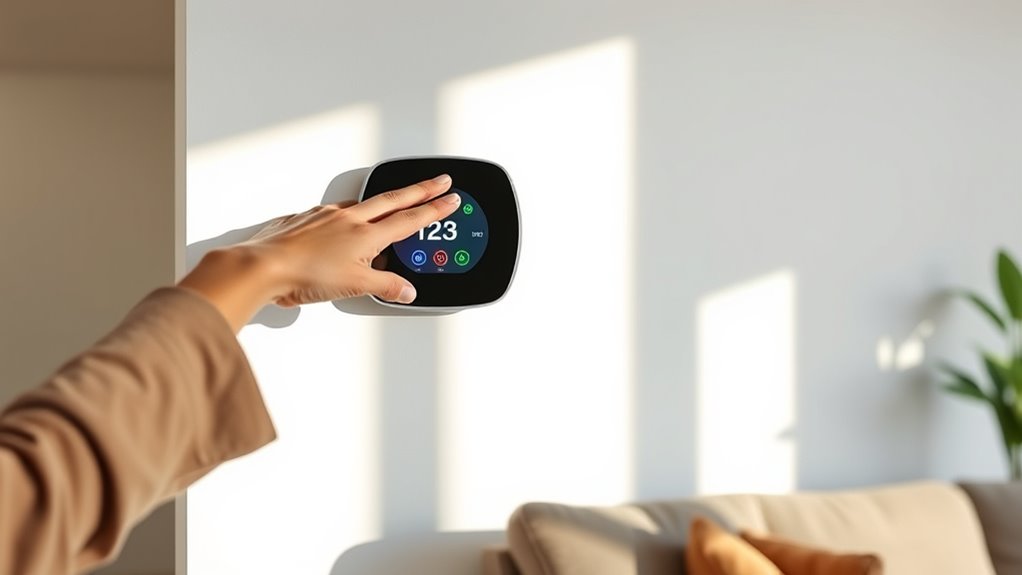
Once your smart thermostat is installed and connected to Wi-Fi, the next step is to set it up for maximum energy savings. Begin by customizing the temperature schedules to match your daily routine. Set lower temperatures during the night and when you’re away, and raise them when you’re home and active. Use the device’s learning features or create routines to automatically adjust temperatures based on your habits. Make sure to activate any energy-saving modes or eco settings available. Adjust the temperature differentials to prevent frequent cycling, which wastes energy. Also, connect your thermostat to voice assistants or smartphone apps for remote control. Properly programming your thermostat ensures comfort and reduces energy use, saving you money without sacrificing convenience. Additionally, understanding contrast ratio and other display features can help you optimize your thermostat’s interface for easier adjustments.
Tips for Optimizing Your Home’s Heating and Cooling With Smart Technology

To get the most out of your smart thermostat, start by setting schedules that match your daily routines. Using geofencing features can automatically adjust your home’s temperature when you leave or return, saving energy. These simple tips help you stay comfortable while reducing your energy bills. Additionally, consider understanding your HVAC system’s specifications to optimize compatibility and performance with your smart thermostat.
Set Schedules Strategically
Setting your thermostat schedule thoughtfully can considerably boost your energy savings and comfort. By aligning your settings with your daily routine, you avoid wasting energy when you’re not home or asleep. Use your smart thermostat’s scheduling features to set different temperatures for mornings, work hours, evenings, and nights. Experiment with gradual temperature changes to prevent sudden shifts that can be inefficient. Additionally, understanding home‑care techniques can help you maintain your system’s efficiency over time.
Utilize Geofencing Features
Utilizing geofencing features allows your smart thermostat to automatically adjust your home’s temperature based on your location. When you leave, it can lower the heat or cooling to save energy, and when you return, it ramps up to comfort levels. This prevents unnecessary heating or cooling when you’re away, reducing energy bills. To set it up effectively, verify your smartphone’s location services are enabled, and define the geofence radius according to your routine. You can also customize settings for different times or days. With geofencing, you gain a hands-free way to optimize comfort and save energy without thinking about it. Just remember to keep your phone’s location accurate for the feature to work seamlessly. Understanding energy management helps you make the most of your smart thermostat’s capabilities.
Integrating Your Smart Thermostat With Other Home Devices
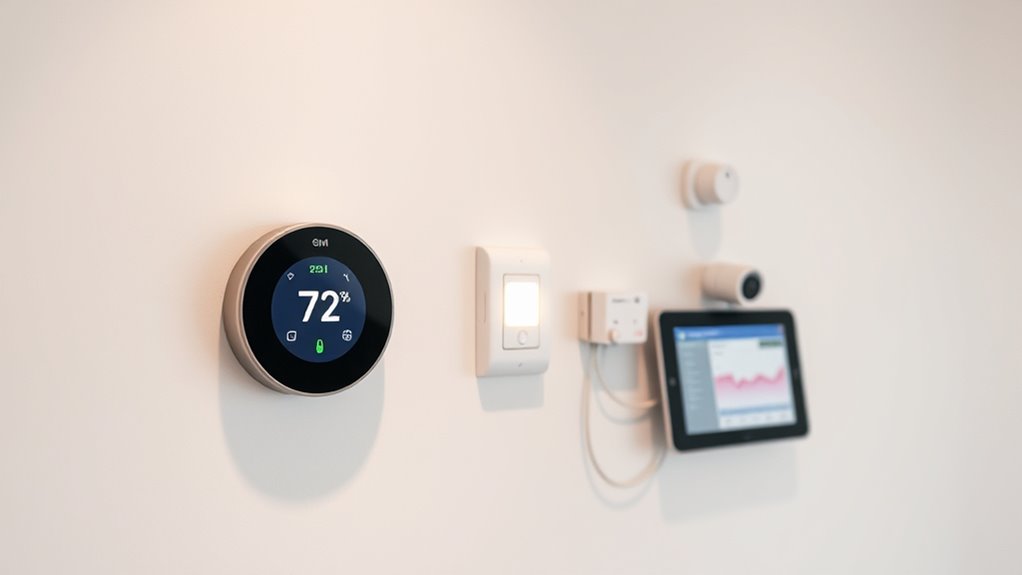
Integrating your smart thermostat with other home devices can streamline your energy management and create a more comfortable environment. By connecting your thermostat to smart lighting, window sensors, or even voice assistants, you can automate temperature adjustments based on activity, weather, or time of day. For example, you can set your thermostat to lower the heat when smart blinds close or when your security system detects no one’s home. This seamless integration guarantees your home responds intelligently, reducing energy waste while maintaining comfort. Many smart thermostats are compatible with popular platforms like Google Home, Amazon Alexa, or Apple HomeKit, making it easy to create a unified smart home ecosystem. When your devices work together, you optimize energy use and enhance your overall living experience effortlessly.
Common Issues and Troubleshooting Tips
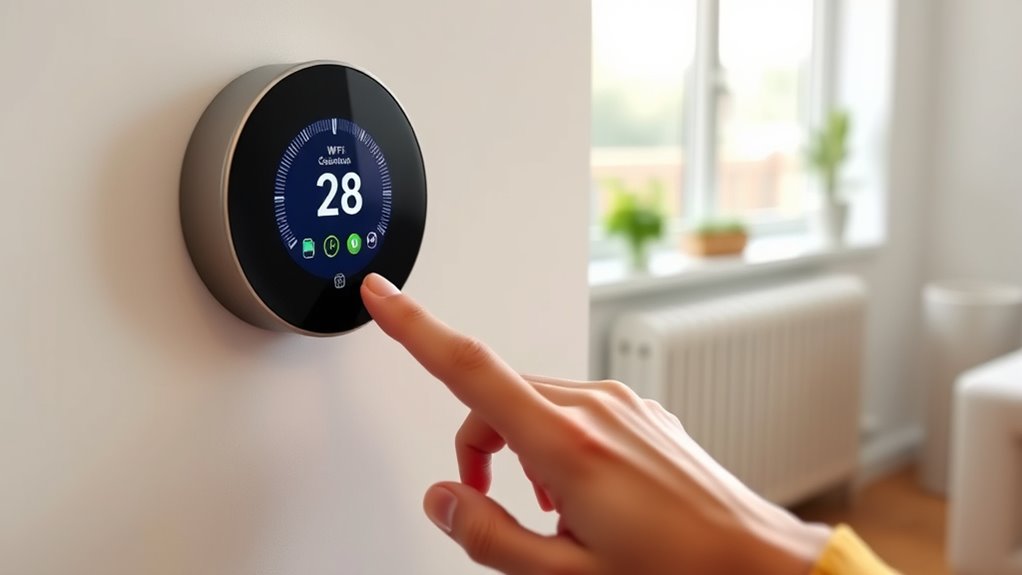
Even the most reliable smart thermostats can encounter issues from time to time, which can disrupt your home’s comfort and energy savings. If your thermostat isn’t responding properly, first check the Wi-Fi connection, as a weak signal can cause communication problems. Restart the device or reset it to factory settings if necessary. Verify your app is updated and that your device’s software is current. If the temperature readings seem inaccurate, confirm that the sensors are clean and properly placed. For scheduling or automation issues, double-check your settings and routines. If you experience persistent problems, consult the manufacturer’s troubleshooting guide or contact customer support. Regular maintenance, like changing batteries or updating firmware, can prevent many common issues and keep your smart thermostat functioning at its best.
Real-Life Examples of Energy Savings With Smart Thermostats
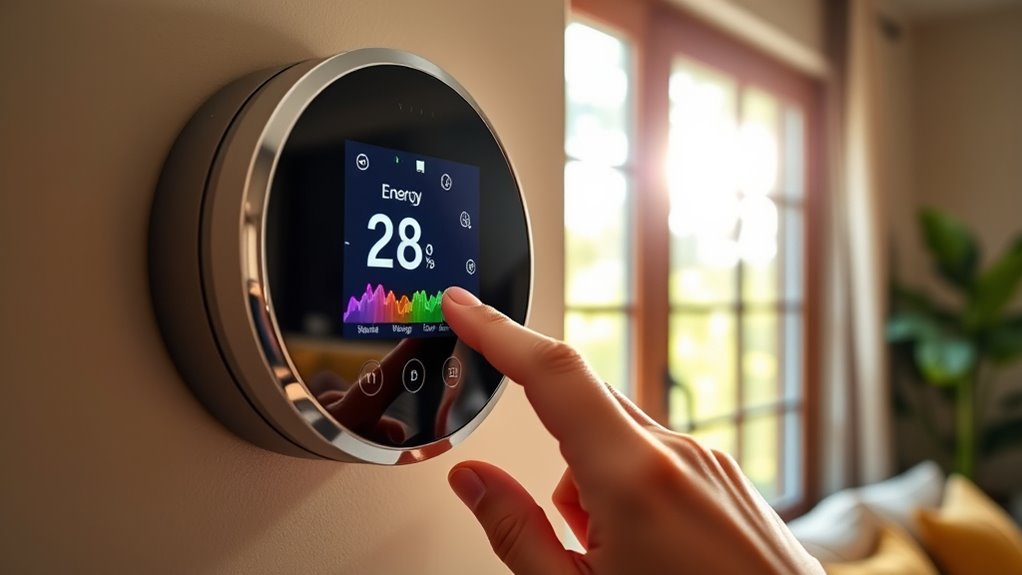
Many households have already discovered the tangible benefits of smart thermostats through real-world energy savings. These devices help cut costs and improve comfort effortlessly. For example, one family reduced their heating bill by 20% after installing a smart thermostat that learns their schedule. Another homeowner saved energy by setting the thermostat to lower temperatures when away or asleep. Some users benefit from custom schedules that optimize heating and cooling based on daily routines. Others save by using remote control features to adjust settings on the go, avoiding unnecessary energy use. Ultimately, smart thermostats with occupancy sensors automatically turn off heating or cooling when rooms are empty, maximizing efficiency. These examples prove that smart thermostats deliver practical, measurable savings you can enjoy every day.
Frequently Asked Questions
Can I Control My Smart Thermostat Remotely via Smartphone?
Yes, you can control your smart thermostat remotely via your smartphone. Most smart thermostats come with dedicated apps that let you adjust the temperature, set schedules, and monitor energy usage from anywhere with an internet connection. Simply download the app, connect your thermostat to Wi-Fi, and log in. This way, you stay in control of your home’s comfort and energy efficiency, even when you’re away.
Are Smart Thermostats Compatible With All HVAC Systems?
Not all smart thermostats are compatible with every HVAC system. You’ll need to check your system’s type and features before purchasing. Many smart thermostats work with standard central heating and cooling systems, but some require specific wiring or compatibility with heat pumps, dual-fuel systems, or older units. To guarantee proper functionality, verify your HVAC specifications and review the thermostat’s compatibility list before installation.
How Secure Is My Data With a Smart Thermostat?
Data security depends on your device’s design and your diligence. Smart thermostats utilize encryption, secure networks, and regular updates to protect your privacy. However, you must stay vigilant—use strong passwords, enable two-factor authentication, and keep firmware fresh. While manufacturers aim to guard your data, your proactive practices play a pivotal part in preventing breaches. Trust in the technology, but always stay alert and aware of potential security snags.
Do Smart Thermostats Require a Wi-Fi Connection to Function Properly?
Yes, smart thermostats typically require a Wi-Fi connection to work properly. This connection allows you to control your thermostat remotely via your smartphone or app, update software, and access smart features like learning your schedule. Without Wi-Fi, you might still be able to manually control the thermostat, but you’ll miss out on remote access and automation features. So, a stable Wi-Fi connection is essential for full functionality.
Can a Smart Thermostat Learn My Schedule Automatically?
Yes, many smart thermostats can learn your schedule automatically. They use sensors and algorithms to track your daily routines, adjusting the temperature accordingly without manual input. As you go about your day, the thermostat observes your habits—like when you wake up or leave home—and optimizes settings for comfort and energy savings. Over time, it becomes more accurate, ensuring your home stays comfortable while reducing unnecessary energy use.
Conclusion
By choosing a smart thermostat, you’re saving energy, cutting costs, and gaining convenience. By understanding features, installing correctly, and optimizing settings, you’re taking control of your home’s comfort and efficiency. By integrating your devices, troubleshooting issues, and learning from real-life examples, you’re turning technology into savings. Embrace smart thermostats to simplify your life, improve your home, and maximize your energy savings — all while enjoying greater comfort every day.