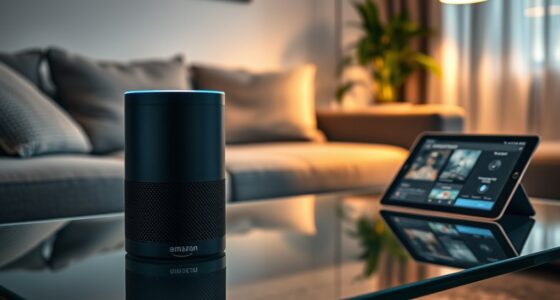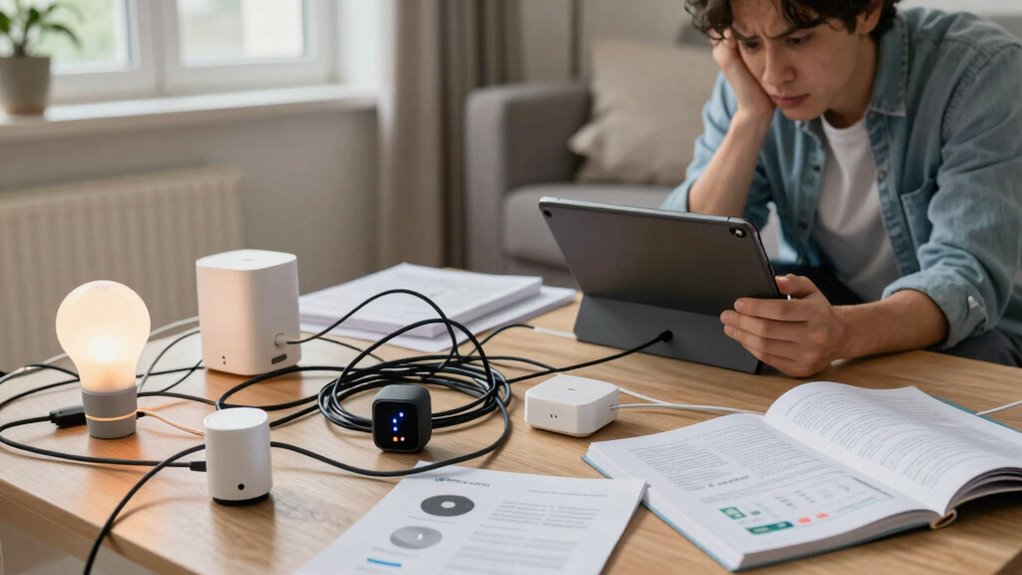

Smart home compatibility problems often occur when devices use different brands, protocols, or outdated software, causing communication issues and voice recognition failures. These issues can frustrate your setup, reduce automation effectiveness, and even create security risks. To avoid these headaches, it’s essential to choose devices that support standard communication protocols and stay updated on firmware. If you want to learn how to navigate and minimize these issues, keep exploring the key factors involved.
Key Takeaways
- Compatibility issues often stem from differing brands, protocols, or software versions, causing communication failures.
- These problems can reduce voice control effectiveness and complicate smart home device management.
- Security risks increase when compatibility issues lead to outdated firmware or insecure device settings.
- Standardized communication protocols help improve device interoperability and reduce troubleshooting complexity.
- Choosing devices carefully and prioritizing updates balance convenience, security, and reliable integration.
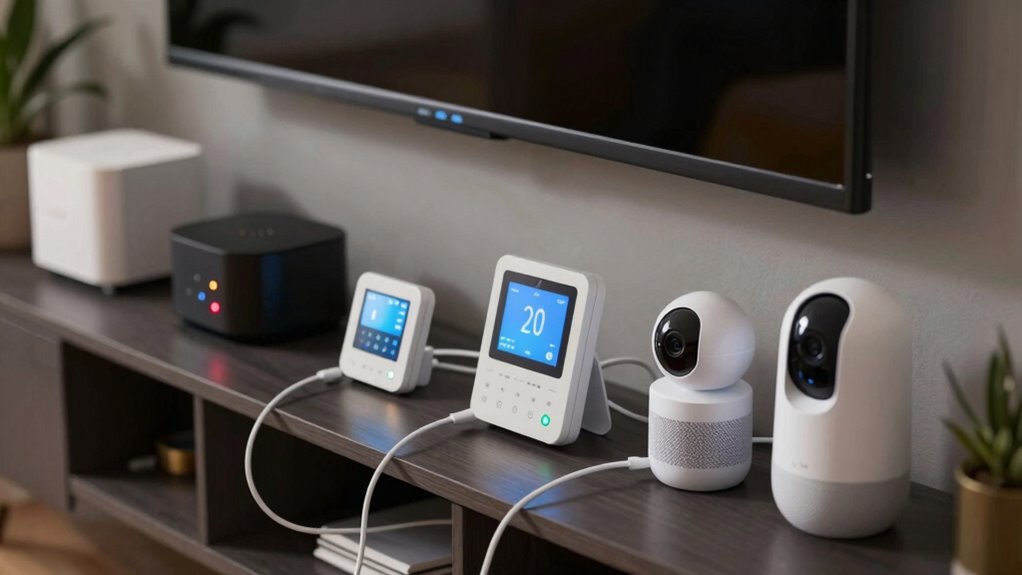
As smart home devices become more popular, many users find themselves facing unexpected compatibility problems. You might think that adding a new smart device will seamlessly integrate into your existing setup, but often, it doesn’t work as smoothly as expected. Compatibility issues can stem from different brands, communication protocols, or software versions that don’t play well together. When you try to rely on voice control to manage these devices, frustration can quickly set in. If your smart speaker can’t recognize or control a device because of compatibility gaps, it defeats the purpose of having a hands-free, integrated home. These issues can make you question whether your investment is worth it, especially when you’re eager to streamline your daily routines. Additionally, smart device integration can be hindered by limited support for certain operating systems or hardware limitations, further complicating setup and use. Ensuring your devices operate on compatible **communication protocols** can help mitigate many of these issues, making setup smoother and more reliable. Security concerns also loom large when dealing with compatibility problems. When you add devices that don’t communicate properly or are from different manufacturers, you risk creating weak links in your home network. Each device that connects to your Wi-Fi offers a potential entry point for cyber threats if not properly secured. Compatibility problems often mean you’re juggling multiple apps, firmware updates, and settings, which increases the likelihood of overlooking critical security patches. This can leave your smart home vulnerable to hacking or unauthorized access. As you troubleshoot these issues, you might find yourself tempted to disable some security features or bypass certain protocols, but doing so can compromise your safety. It’s essential to maintain updated firmware and use strong, unique passwords for each device, regardless of compatibility hurdles. Recognizing the importance of standardized communication protocols can help you plan better and avoid many of these issues from the start. It’s also helpful to understand that software versions and firmware updates can sometimes introduce compatibility issues, emphasizing the need for consistent maintenance. Being aware of hardware limitations can also assist in selecting devices that better fit your existing setup, reducing future frustrations. In the end, the core challenge lies in balancing convenience and security. While compatibility problems can be irritating and create security vulnerabilities, they also remind you to choose your devices carefully, prioritize security updates, and stay informed about the latest software improvements. By doing so, you can transform your smart home from a patchwork of devices into a safer, more reliable space that genuinely simplifies your life.

Aeotec Smart Home Hub, Works as a SmartThings Hub, Z-Wave, Zigbee, Matter Gateway, Compatible with Alexa, Google Assistant, WiFi
Connect & control your smart home — Easily link thousands of compatible devices from leading brands to create…
As an affiliate, we earn on qualifying purchases.
As an affiliate, we earn on qualifying purchases.
Frequently Asked Questions
How Can I Test Device Compatibility Before Purchasing?
To test device compatibility before purchasing, first check the manufacturer compatibility details on product labels or websites. Use online compatibility tools or forums to verify device interoperability with your existing smart home setup. Visit stores to try demo units or ask sales reps about compatibility issues. You can also ask the manufacturer directly for compatibility assurances, ensuring the device will work smoothly with your current system before making a commitment.
Are There Universal Hubs That Solve Compatibility Issues?
Around 60% of smart home enthusiasts face compatibility issues, making universal hubs a game-changer. These hubs simplify ecosystem integration by acting as a central control point for multiple devices and standards. They solve compatibility problems by bridging different protocols like Zigbee, Z-Wave, and Wi-Fi, allowing you to manage your smart home effortlessly. With a universal hub, you get a seamless experience, no matter how many brands or devices you add.
What Are Common Signs of Incompatible Smart Home Devices?
You might notice your smart home devices don’t work together seamlessly, which indicates compatibility issues. Common signs include devices not responding to commands, inconsistent performance, or failing to sync with your hub. These problems often stem from poor device interoperability or brand compatibility issues. To avoid this, check compatibility before purchasing and look for devices that support the same standards or work with universal hubs, ensuring smooth integration across your smart home ecosystem.
Can Firmware Updates Fix Compatibility Problems?
Firmware updates can sometimes fix compatibility problems, but don’t count on them to work miracles. They’re like a band-aid on a broken leg—helpful but not foolproof. If your device integration is stubbornly incompatible, a firmware update might solve the issue, or it might just be a temporary fix. Always check if the update is meant for your device and keep your devices’ firmware current for the best chance at smooth integration.
Do Compatibility Issues Affect Smart Home Security?
Compatibility issues can definitely affect your smart home security, as they may hinder device communication and create vulnerabilities. You might face privacy concerns if outdated or incompatible devices don’t get proper updates, leaving gaps in security. These problems also impact user experience, making it frustrating to manage your smart home efficiently. To keep your system secure, make sure your devices are compatible, updated regularly, and work seamlessly together.

Vimtag Security Camera Outdoor 2.5K, 2.4G/5G Smart Wi-Fi Cameras for Home Security with Color Night Vision, Motion Activated Spotlight/Siren, IP66,2-Way Audio, Support Cloud/512G SD Card Storage,Wired
Instant Motion and Sound Alerts with Spotlight – Stay informed with instant notifications sent to the app whenever…
As an affiliate, we earn on qualifying purchases.
As an affiliate, we earn on qualifying purchases.
Conclusion
Dealing with smart home compatibility issues can be frustrating, but understanding how different devices work together can make your life easier. By researching compatibility before buying, you avoid headaches down the line. Remember, the goal is a seamless smart home experience, not a constant troubleshooting session. Isn’t it worth investing a little time now to enjoy a truly integrated home? With the right knowledge, you can turn your smart home into a smooth, intuitive space you’ll love.
smart home device firmware updater
As an affiliate, we earn on qualifying purchases.
As an affiliate, we earn on qualifying purchases.

EIGHTREE Smart Plug, WiFi Outlet Works with Alexa & Google Home, Smart Home Socket with Remote Control & Timer Function, 2.4GHz WiFi Only, 4 Packs
Warm Tips: To use Alexa and Google Home for voice control, please connect the plug with the “Smart…
As an affiliate, we earn on qualifying purchases.
As an affiliate, we earn on qualifying purchases.