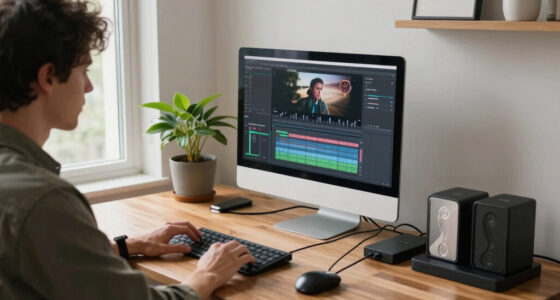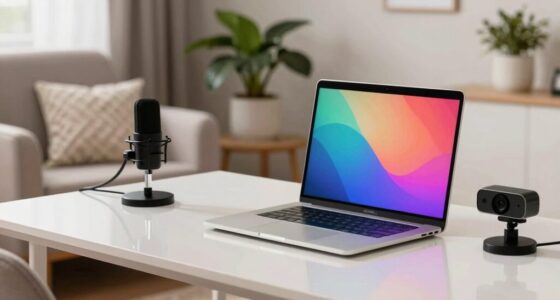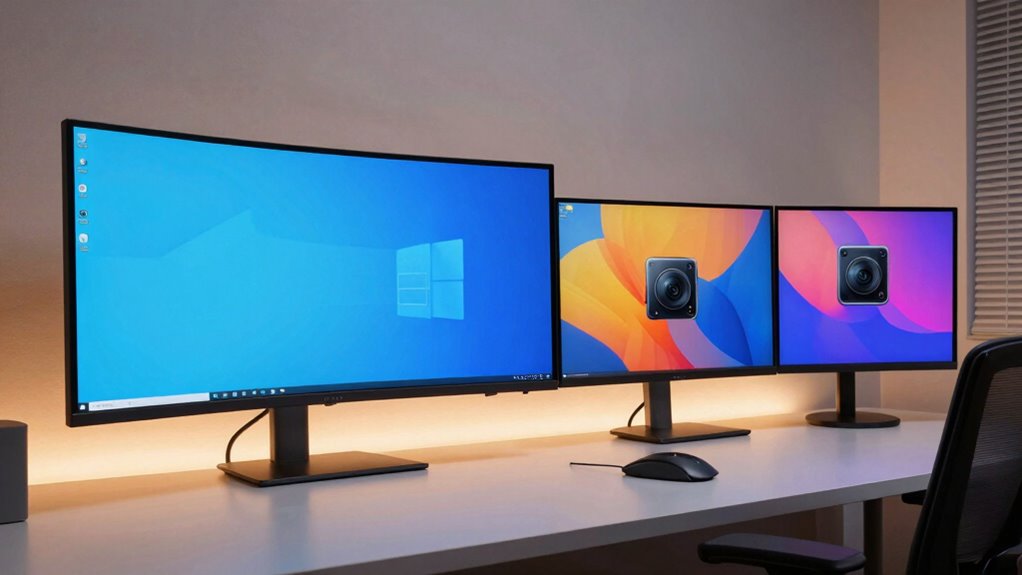

If you’re deciding between ultrawide and dual monitors for work and play, consider how you prefer to multitask and your space. Ultrawides offer seamless views ideal for creative projects, gaming, and immersive experiences without distracting bezels, while dual monitors provide flexibility for organizing different tasks and can be customized with varying resolutions. Both setups have ergonomic aspects, but understanding what fits your workspace and needs will help you optimize your setup—keep exploring to discover the best choice for you.

Get the little things that make your day delivered free with Prime
- Fast, free delivery on millions of items
- Prime Video, Amazon Music and more included
- Member-only deals all year
Key Takeaways
- Ultrawide monitors provide immersive, seamless viewing ideal for gaming, creative work, and multitasking without window overlaps.
- Dual monitors enhance multitasking flexibility by dedicating screens to specific tasks or applications.
- Ultrawide offers a compact setup with high resolution, saving desk space and reducing visual distractions.
- Dual monitors allow ergonomic adjustments and redundancy, supporting various work and entertainment preferences.
- Choice depends on workspace size, budget, and whether immersive experience or multitasking flexibility is prioritized.
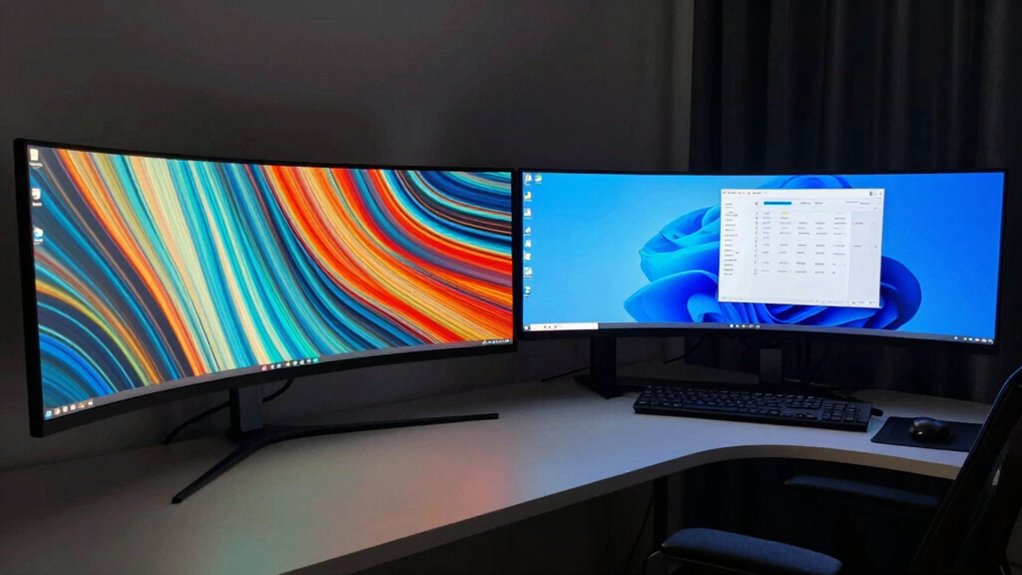
When choosing between ultrawide and dual monitors for work and play, understanding the strengths and limitations of each setup can help you make an informed decision. Your choice hinges largely on factors like display resolution and ergonomic setup, both of which profoundly impact your overall experience. Ultrawide monitors typically feature a single, expansive screen with a high display resolution, offering a seamless viewing experience that minimizes bezels and distractions. This wide format is perfect for multitasking, as it allows you to run multiple applications side by side without the need for multiple monitors. The high resolution ensures sharp images and text, making it easier to focus on detailed tasks such as video editing or graphic design. However, because ultrawide screens are large, setting up an ergonomic workstation becomes essential. You’ll need to take into account proper monitor height, distance, and tilt to prevent neck strain and ensure comfortable viewing angles during long work sessions or gaming marathons.
In contrast, dual monitors give you the flexibility to customize your workspace more precisely. You can choose different display resolutions for each monitor, tailoring your setup to specific tasks. For example, you might pair a high-res monitor for design work with a standard resolution screen for browsing or communication apps. This versatility allows for an ergonomic setup that suits your preferences; you can position each monitor at different heights or angles to reduce strain and improve comfort. Dual monitors also offer a degree of redundancy—if one screen fails, you still have a backup, and you can organize your workspace efficiently by dedicating each monitor to specific functions. But, managing dual screens requires more desk space and cable management, which can become cumbersome if not organized properly. Additionally, understanding emerging trends in digital publishing can help you optimize your workspace with the latest ergonomic and technological innovations. Furthermore, considering ergonomic principles can significantly enhance your comfort and productivity when using either setup.
Both setups excel for work and play, but your decision should contemplate how you prioritize display resolution and ergonomic comfort. Ultrawide monitors deliver a unified, immersive experience ideal for creative workflows and gaming, provided you set them up correctly. Meanwhile, dual monitors offer greater flexibility and customization, particularly for multitasking and varied activities. Whichever you choose, investing in a proper ergonomic setup ensures that your eyes, neck, and posture stay protected, making your experience more comfortable and productive. Ultimately, your workspace’s size, your budget, and your specific needs will guide you toward the best option, whether it’s one large ultrawide screen or a tailored dual monitor arrangement.
ultrawide monitor 34 inch 3440×1440
As an affiliate, we earn on qualifying purchases.
As an affiliate, we earn on qualifying purchases.
Frequently Asked Questions
How Do Ultrawide Monitors Impact Multitasking Efficiency?
Ultrawide monitors boost your multitasking efficiency by offering a seamless, immersive experience thanks to their screen curvature, which reduces distortion and eye strain. You can easily view multiple windows side by side without toggling between tabs, leading to productivity enhancements. The wider, curved display helps you focus better and work more comfortably, making multitasking smoother and more integrated compared to traditional setups.
Are Dual Monitors Better for Gaming Performance?
Dual monitors can enhance your gaming setup, but they might not boost gaming immersion like ultrawide monitors do. With dual screens, you might experience some visual distortion at the edges, which can distract you during gameplay. However, they provide more screen real estate for multitasking or streaming. If your priority is immersive gaming, an ultrawide monitor often offers a more seamless, panoramic experience, while dual monitors excel in multitasking.
What Are the Ergonomic Considerations for Long-Term Use?
Using a monitor all day is like walking a tightrope—you need balance and awareness. To avoid strain, make ergonomic adjustments like raising your monitor to eye level and maintaining good posture. Keep posture awareness in check by sitting upright, taking regular breaks, and adjusting your chair and desk for comfort. These steps help prevent long-term discomfort and keep you focused, productive, and comfortable during extended work or play sessions.
How Do Costs Compare Between Ultrawide and Dual Monitor Setups?
The cost comparison between ultrawide and dual monitor setups varies, but generally, ultrawides tend to be more expensive upfront. Dual monitors can be more budget-friendly, especially if you already own one or can buy smaller screens separately. When considering budget, think about the long-term value — ultrawides offer seamless viewing, but dual setups give flexibility and potential savings. Your choice depends on your specific needs and financial considerations.
Can Ultrawide Monitors Replace Multiple Monitors Entirely?
Yes, ultrawide monitors can replace multiple monitors, thanks to their immersive screen curvature and wide aspect ratio. The curved display creates a seamless viewing experience, reducing bezels and distractions. With a large aspect ratio, you can multitask efficiently, viewing multiple windows side-by-side without physical gaps. However, consider your specific tasks and workspace needs—some situations still benefit from the flexibility of dual monitors.
As an affiliate, we earn on qualifying purchases.
Conclusion
Choosing between ultrawide and dual monitors depends on your priorities, whether for work or play. If you value immersive gaming and seamless multitasking, ultrawides offer a stunning experience. On the other hand, dual monitors provide flexibility and space for productivity. Did you know that 78% of gamers prefer ultrawide screens for their immersive experience? Ultimately, pick what aligns best with your needs, and you’ll elevate your work and play to new heights.
ergonomic monitor mount for ultrawide
As an affiliate, we earn on qualifying purchases.
As an affiliate, we earn on qualifying purchases.
high resolution gaming monitor 27 inch
As an affiliate, we earn on qualifying purchases.
As an affiliate, we earn on qualifying purchases.
NFL season / tailgating Picks
team gear
As an affiliate, we earn on qualifying purchases.