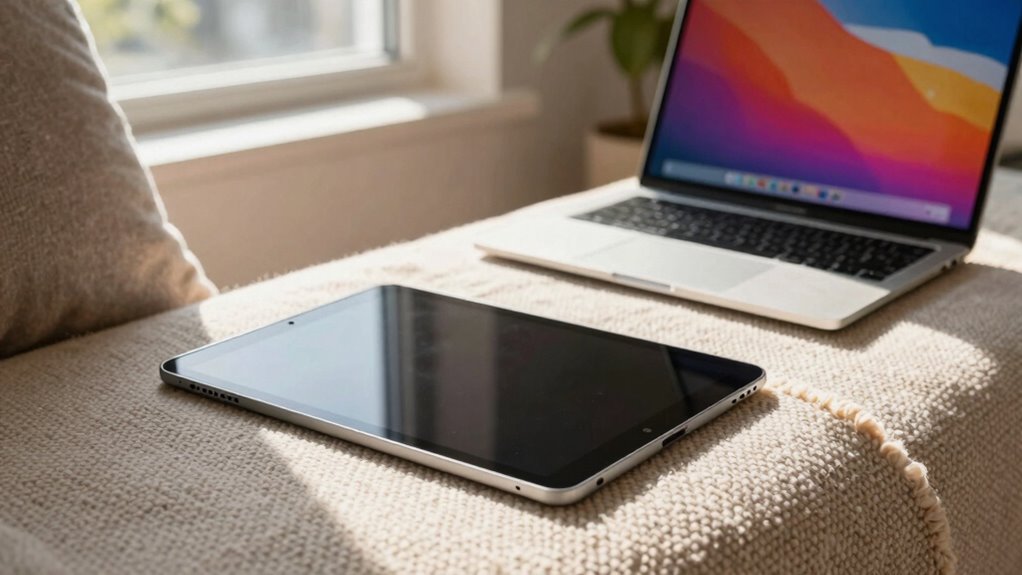

For casual home use, a tablet is great if you want something lightweight and easy to handle for browsing, streaming, or reading. It’s portable and has long battery life, making it perfect for lounging around the house. However, if you need more power for multitasking, some light productivity, or gaming, a laptop is a better fit with its larger screen and full keyboard. Keep exploring to discover which device suits your daily habits best.

Get the little things that make your day delivered free with Prime
- Fast, free delivery on millions of items
- Prime Video, Amazon Music and more included
- Member-only deals all year
Key Takeaways
- Tablets are lightweight and portable, ideal for casual browsing, streaming, and reading at home.
- Laptops offer larger screens and full keyboards, better suited for multitasking and more demanding tasks.
- Tablets typically have longer battery life, making them convenient for extended casual use.
- Laptops provide more power and versatility for both entertainment and productivity needs.
- Choose based on whether your primary focus is entertainment (tablet) or multitasking (laptop).
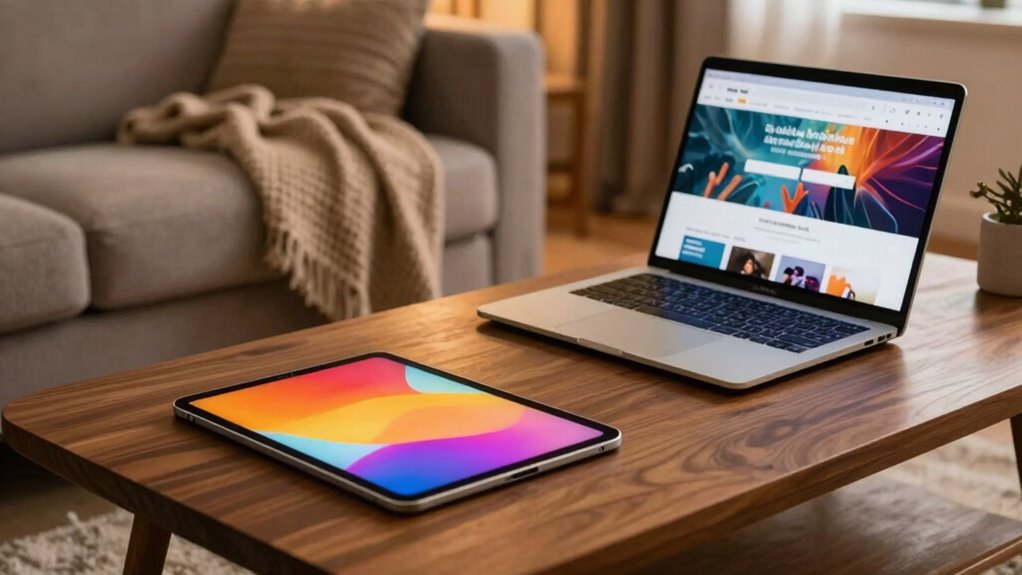
When choosing between a tablet and a laptop for casual home use, understanding their differences can help you make the right decision. Both devices serve different needs, and your choice depends on how you plan to use them daily. If you’re looking for something lightweight, portable, and easy to handle, a tablet might be the best fit. On the other hand, if you need more power, a keyboard, and a larger screen, a laptop could be more suitable.
One critical aspect to consider is gaming performance. Tablets generally handle casual games well because they’re designed for touch-based interactions and are optimized for lightweight applications. However, if you’re into more demanding games or want a broader selection of gaming options, laptops usually provide better gaming performance. They come with more powerful processors and dedicated graphics cards that support high-end gaming without lag. So, if gaming is a priority, a laptop is likely the better choice, especially for graphically intensive titles.
Laptops offer better gaming performance with powerful processors and dedicated graphics, ideal for demanding or graphics-intensive games.
Battery longevity is another important factor. Tablets tend to excel here because they have smaller screens and less demanding hardware, allowing them to last longer on a single charge. You might find that a tablet can go a full day of light use, such as browsing, streaming, or reading, without needing a recharge. Laptops, especially those with larger screens and more powerful components, tend to drain batteries faster. While some high-end models offer impressive battery life, many laptops require more frequent charging, which might be inconvenient if you’re away from power outlets for extended periods. Additionally, battery efficiency can vary greatly between models, impacting daily usability. Incorporating energy-saving features can further enhance battery life and overall device performance. Moreover, understanding power management settings can help prolong your device’s battery life significantly.
Portability also plays a role in your decision. Tablets are ultra-light and slim, making them ideal for carrying around the house, whether you’re lounging on the sofa or in bed. Laptops, while portable, are generally larger and heavier, but provide a full keyboard and more robust multitasking capabilities. If you prefer a device mainly for media consumption, reading, or light productivity, a tablet’s ease of use might outweigh the benefits of a laptop’s power and versatility.
Ultimately, your choice hinges on your primary use. If you want simple, long-lasting device mainly for entertainment and casual browsing, a tablet offers convenience and decent performance for most activities. If you need a machine that can handle multitasking, productivity, and more demanding tasks, especially gaming, a laptop’s power, better gaming performance, and flexibility will serve you better. Each has its strengths, so consider your habits and priorities to pick the device that truly fits your casual home needs. Additionally, understanding home theater projectors can help you enhance your entertainment setup if you’re interested in creating a more immersive experience at home.
As an affiliate, we earn on qualifying purchases.
Frequently Asked Questions
Which Device Has Better Battery Life for All-Day Use?
A tablet generally offers better battery life for all-day use due to its superior battery longevity and power efficiency. You’ll find that tablets consume less power because of their smaller screens and optimized hardware, making them ideal for extended use without frequent recharging. Laptops tend to drain batteries faster, especially during intensive tasks. So, if you want longer-lasting power for casual activities, a tablet is your best bet.
Are Tablets More Suitable for Children Than Laptops?
Imagine handing your child a colorful, lightweight tablet that fits perfectly in their small hands; it’s more suitable for children than a laptop. Tablets often come with child-friendly features and pre-installed educational apps, making learning fun and engaging. They’re easier for kids to handle, carry around, and use safely. Plus, parental controls help you monitor screen time and content, giving you peace of mind while your child explores and learns.
Can Tablets Replace Laptops for Video Editing Tasks?
Tablets can’t fully replace laptops for video editing because of their video editing limitations, like less powerful processors and limited software options. However, their portability advantages let you edit on the go and quickly review footage. If you do simple edits or prioritize convenience, a tablet might work. For more detailed, professional editing, a laptop remains the better choice due to its enhanced capabilities and range of software.
How Do Affordability and Long-Term Costs Compare?
Thinking like a tech-savvy pioneer, you’ll find that tablets are generally more affordable upfront, making them a budget-friendly choice for casual use. The price comparison favors tablets, but maintenance costs can add up over time, especially if you need repairs or upgrades. Laptops tend to have higher initial prices but often offer better durability and lower long-term expenses. So, weigh your needs carefully before choosing your device.
Which Device Offers Better Compatibility With Smart Home Devices?
A tablet generally offers better compatibility with smart home devices because many apps and platforms are designed for mobile use, making smart home integration smoother. You can easily control lights, thermostats, and security cameras directly from a tablet’s touchscreen. Laptops also work well, but they might require additional software or setup. For seamless device compatibility and quick smart home control, a tablet is usually the more convenient choice.
lightweight portable laptop for home
As an affiliate, we earn on qualifying purchases.
As an affiliate, we earn on qualifying purchases.
Conclusion
In the end, choosing between a tablet and a laptop is like picking your favorite brush for a masterpiece. If you crave portability and quick bites of entertainment, a tablet is your trusty paintbrush, ready to sketch your day. But if you need a sturdy tool for more detailed work, a laptop is your versatile canvas. Whichever you choose, remember, it’s your personal gateway to a world of endless possibilities, right in the comfort of your home.
As an affiliate, we earn on qualifying purchases.
gaming laptops for demanding games
As an affiliate, we earn on qualifying purchases.
As an affiliate, we earn on qualifying purchases.
Evergreen bestsellers Picks
bestsellers
As an affiliate, we earn on qualifying purchases.