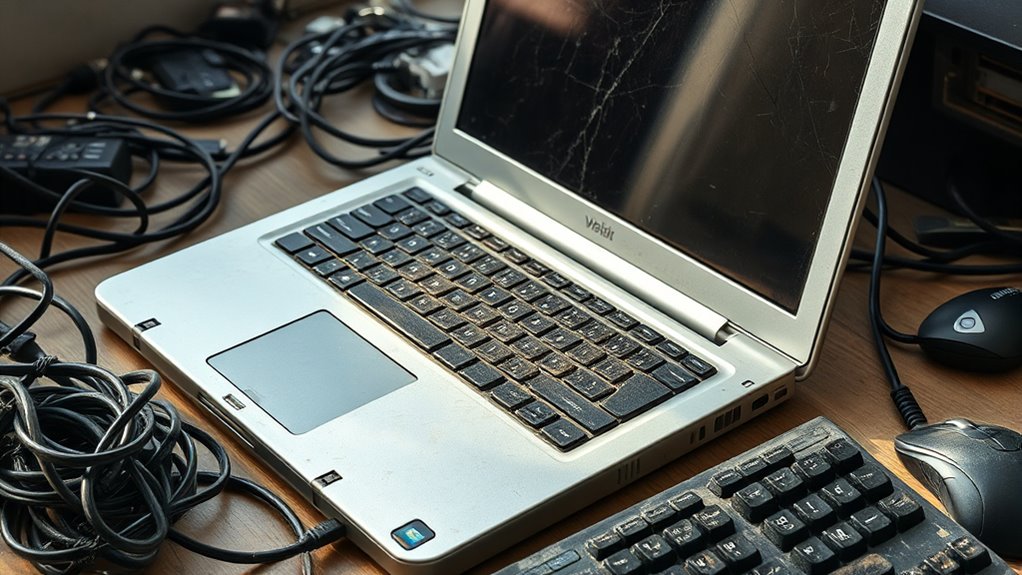

If your laptop no longer keeps up with current software, or upgrades don’t improve its speed, it’s a clear sign of aging. Security vulnerabilities and compatibility issues can put your data at risk, while sluggish performance and reduced display quality diminish your experience. Hardware wear and system limitations indicate it’s time for an upgrade. Spotting these signs early helps avoid bigger issues later—keep going to discover more warning signs that signal it might be time for a replacement.

Get the little things that make your day delivered free with Prime
- Fast, free delivery on millions of items
- Prime Video, Amazon Music and more included
- Member-only deals all year
Key Takeaways
- Hardware upgrades no longer improve performance, indicating an outdated system architecture.
- Incompatibility with new software and operating systems hampers productivity and security.
- Security vulnerabilities increase as hardware cannot support modern security updates.
- Display quality declines, affecting media consumption and overall user experience.
- System age-related wear and persistent issues prevent meeting current demands effectively.
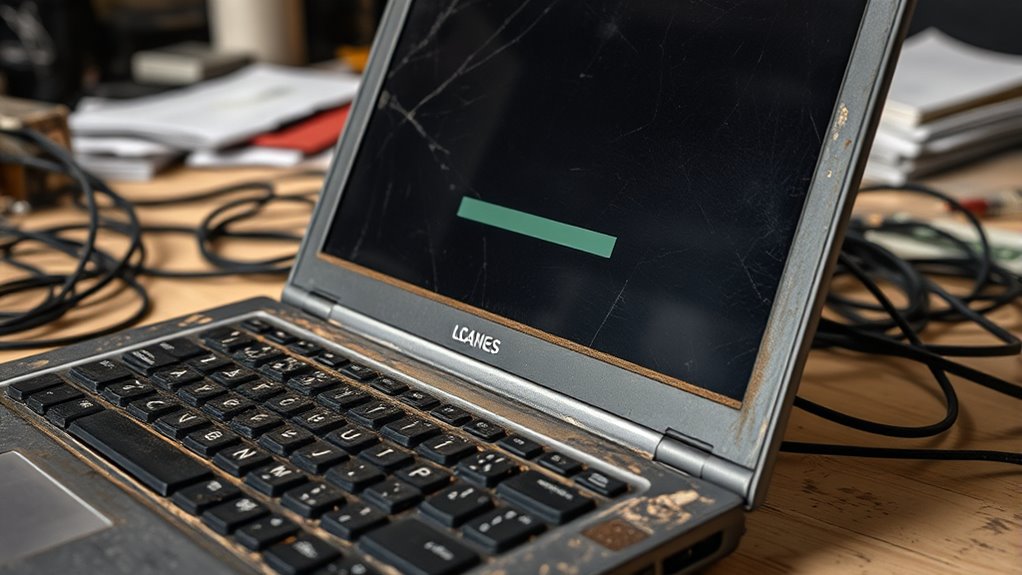
If your laptop is showing signs of age, it might be time for an upgrade. One of the clearest indicators is when hardware upgrades no longer deliver a noticeable performance boost. Over time, components like RAM, storage, or the processor can become bottlenecks, making your system sluggish even after upgrades. If adding more RAM or swapping out an HDD for an SSD no longer improves speed, it’s a sign your laptop’s architecture is outdated. Modern software demands more from hardware, and older machines often struggle to meet these requirements. Compatibility issues may arise, preventing you from installing the latest operating systems or essential applications. This hampers your ability to stay current with security updates and new features, leaving your system vulnerable or less efficient. When hardware upgrades stop making a difference, it’s a clear signal that your laptop has reached its limits.
Another key sign is software compatibility. As technology advances, newer software versions often require more powerful hardware and updated drivers. If your laptop can’t run the latest operating system or if critical applications refuse to update or install properly, it’s a problem. Outdated hardware may not support the latest security protocols, leading to potential vulnerabilities. Plus, incompatible software can severely limit your productivity, forcing you to use outdated programs that lack modern features or security patches. When you find yourself constantly troubleshooting compatibility issues or stuck on obsolete software, it’s time to think about a new device. Staying current ensures you can utilize the latest tools and security measures, which is essential whether you’re working, studying, or just browsing. Additionally, the contrast ratio of your display impacts your viewing experience, especially in darker environments, and older laptops often lack the high contrast needed for clear images.
As an affiliate, we earn on qualifying purchases.
Frequently Asked Questions
Can Software Updates Make an Old Laptop Faster?
Software updates can sometimes improve your old laptop’s performance by fixing bugs and optimizing performance upgrades. However, they won’t substantially boost your laptop’s speed if hardware limitations or outdated components cause slowdowns. If your laptop struggles with software compatibility or frequent crashes, updating might help temporarily. But, for a real speed boost, consider hardware upgrades or replacing your device if it’s too old to run the latest software efficiently.
How Does Battery Life Impact Laptop Replacement Decisions?
You should consider replacing your laptop if battery degradation causes it to hold a charge for only a short time, impacting your productivity. When the replacement cost becomes too high or the battery performance no longer meets your needs, it’s a clear sign. A deteriorating battery can slow down your workflow and lead to damage, so weigh these factors carefully to decide if a new laptop is the right move for you.
Is a Damaged Keyboard a Sign to Replace My Laptop?
Did you know that keyboard issues are among the top reasons people replace their laptops? If your keyboard is damaged, it can hinder your productivity and signal underlying hardware damage. While minor issues might be fixable, persistent or severe keyboard problems often mean it’s time to replace your laptop. Don’t ignore hardware damage, as it can lead to further complications and increased repair costs down the line.
Can External Hardware Extend My Laptop’s Lifespan?
Yes, external hardware like external hard drives and docking stations can extend your laptop’s lifespan. External hard drives give you extra storage, reducing strain on your laptop’s internal drive, while docking stations expand connectivity options, allowing you to use peripherals without overloading your laptop’s ports. These upgrades help you optimize performance and functionality, delaying the need for a replacement and making your existing laptop more versatile and efficient.
When Should I Consider Professional Repair Over Replacement?
You should consider professional repair over replacement when the repair costs are a small fraction of a new laptop’s price and your device is still under warranty. Don’t overlook cost-effective options like repairs for minor issues, but recognize when repairs might be temporary or ineffective. If repairs could void your warranty or cost too much, replacing your laptop might be a smarter, long-term investment.
As an affiliate, we earn on qualifying purchases.
Conclusion
When your laptop starts showing these signs, it’s like trying to run a marathon with worn-out shoes—you won’t get very far. Replacing it can boost your productivity and make everyday tasks smoother. Don’t wait until it completely breaks down; think of it as giving yourself a fresh start. Upgrading now guarantees you’re not stuck in the past, just like updating software keeps your device running at its best. Stay ahead, and don’t let your old laptop hold you back.
As an affiliate, we earn on qualifying purchases.
As an affiliate, we earn on qualifying purchases.
Fall Picks
fall essentials
As an affiliate, we earn on qualifying purchases.