

To recover a forgotten password without resetting it, start by checking your password manager or browser’s saved credentials, where your login details might be stored securely. You can also use system restore points to revert your device to a previous state with accessible passwords. Trusted devices and contacts may help verify your identity and regain access. Keep exploring these methods; you’ll find additional tips to help you recover your password effectively.
Key Takeaways
- Use your browser’s saved passwords feature to view stored login credentials securely.
- Access your password manager app or extension to reveal saved passwords for websites or services.
- Utilize linked trusted devices to verify your identity and access accounts without resetting passwords.
- Check for recovery options within your account settings, such as security questions or email verification, that don’t require resetting.
- Use reputable password recovery tools or software to retrieve passwords from saved files or encrypted data.
Using Password Managers to Retrieve Stored Credentials

If you’ve previously saved your passwords in a password manager, recovering a forgotten password becomes much simpler. You just need to open your preferred password manager app or extension. Locate the website or service for which you’ve forgotten the password, then search or browse through your stored credentials. Most password managers display the saved username and password directly, often with a simple click or tap. Some may require you to authenticate with your master password or biometric verification before revealing the details. This process eliminates the need to reset your password or go through email recovery. With your credentials readily available, you can quickly log in and avoid unnecessary frustration or delays. Password managers are your secure, efficient solution for retrieving forgotten passwords effortlessly.
Exploring Browser Password Saving and Retrieval Options
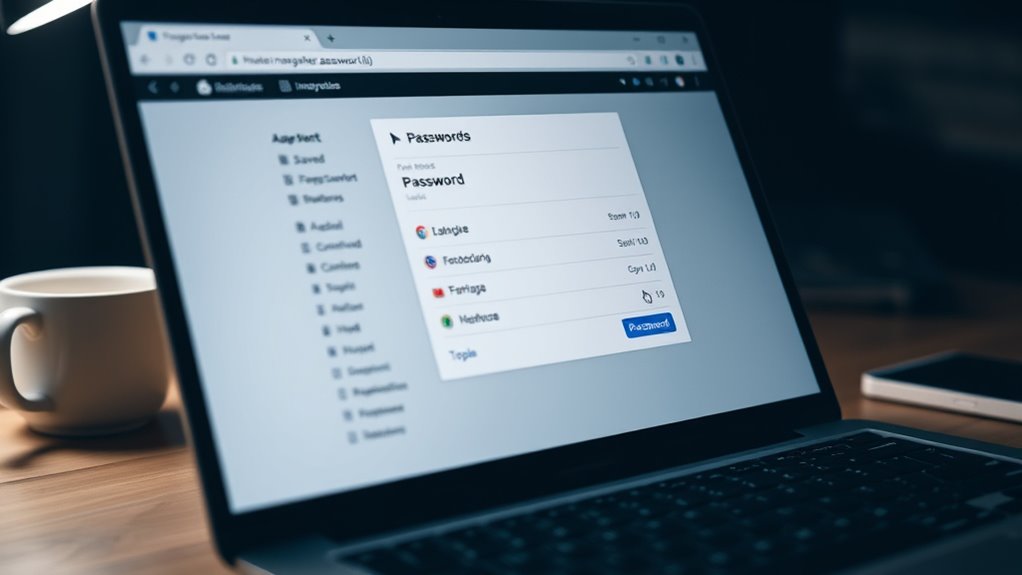
Many modern web browsers offer built-in options to save and manage passwords, making it easy to access your credentials without relying on third-party tools. When you enable this feature, your browser securely stores login details for websites you visit frequently. To retrieve a saved password, navigate to your browser’s settings or preferences, locate the password manager or autofill section, and select the relevant site. You may be prompted to enter your device’s security PIN or password for verification. Once authenticated, your saved password will be displayed. This method provides quick access without the need for external apps, but guarantee you’re in a secure environment when viewing sensitive information. Regularly reviewing your saved passwords helps maintain security and prevents unauthorized access.
Employing System Restore Points to Recover Access

System restore points can be a valuable tool when you’ve forgotten your password and need to recover access to your system. These restore points save your system’s configuration and files at specific moments, allowing you to revert to a previous state before the password issue occurred. To use this method, access your system’s recovery options, then select the option to restore your system to an earlier point. Keep in mind, this process won’t affect personal files but may remove recently installed programs or updates. It’s a quick way to undo recent changes that might be causing login problems. However, make sure you choose a restore point created before you forgot your password to maximize the chances of regaining access without losing important data.
Utilizing Password Recovery Tools and Software

When choosing password recovery tools, make certain you pick reliable software from reputable sources to protect your data. Follow detailed, step-by-step guides to guarantee you use the tools correctly and avoid mistakes. This approach helps you recover your password safely and efficiently.
Choosing Reliable Software
Choosing reliable password recovery software is essential to guarantee your data remains safe and your device stays protected. You want tools that are reputable, regularly updated, and have positive reviews from users. Avoid software from unknown sources or those promising impossible results, as they may contain malware or compromise your security. Look for programs with strong encryption, clear privacy policies, and good customer support. Free options can be tempting, but paid software often offers more robust features and better reliability. Before installing, research the provider, check user feedback, and ensure compatibility with your system. Using trustworthy software minimizes risks and increases your chances of successfully recovering your password without jeopardizing your personal data. Your safety depends heavily on the software you choose.
Following Step-by-Step Guides
After selecting reliable password recovery tools, the next step is to follow detailed, step-by-step guides to guarantee you use them correctly. These guides walk you through each stage, ensuring you don’t miss essential steps or make errors. Carefully read the instructions provided by the software developer or trusted sources. Typically, you’ll need to upload or select the file or account you want to recover. Then, follow prompts to initiate the recovery process, which may involve choosing specific attack modes or settings. Pay close attention to any warnings or recommendations. By adhering to these guides precisely, you minimize the risk of damaging your data or encountering errors. Taking your time and following each step carefully helps maximize your chances of successfully retrieving your password without causing additional issues.
Accessing Account via Linked Devices or Trusted Contacts

If you’ve linked your account to trusted contacts or devices, you can use them to regain access quickly. Trusted contacts can verify your identity and help you reset your password, while linked devices might still be signed in and ready for use. Exploring these options can save you time and avoid more complicated recovery steps.
Using Trusted Contacts
When you’re unable to remember your password, trusted contacts can be a valuable resource for regaining access to your account. Most platforms allow you to select trusted contacts beforehand, who can verify your identity if you’re locked out. To use this method, you’ll need to initiate the recovery process and choose the option to contact your trusted contacts. The platform will send a unique code or link to these contacts, which they can then share with you. By collecting these codes or links from your trusted contacts, you can verify your identity and regain access without resetting your password. Make sure your trusted contacts are available and understand their role in helping you recover your account efficiently.
Access Through Linked Devices
Access through linked devices offers a convenient way to recover your account when you can’t remember your password. If your account is connected to trusted devices, you can use them to regain access quickly. Here’s how it works:
- Make sure your device is logged into your account before losing access.
- Use a trusted device to receive a prompt or notification for verification.
- Confirm your identity by following on-screen instructions.
- Once verified, you can create a new password or open your account directly.
This method works best if you’ve previously set up device linking and trusted those devices. It’s a seamless alternative that bypasses resetting your password, saving you time and effort. Just remember to keep your linked devices secure.
Recovering Passwords Through Backup Files and Data Recovery Methods

Using backup files and data recovery methods can be effective ways to restore a forgotten password, especially if you regularly create backups of your system or application data. You might find stored passwords within encrypted backup files or configuration settings. To access these, restore your backup to a secure environment, then search for password data. Keep in mind that recovery tools vary by system, so understanding your backup type helps. Here’s a quick guide:
| Backup Type | Data Recovery Method |
|---|---|
| System image backups | Use recovery software to extract passwords |
| Application backups | Restore data and search for saved credentials |
| Cloud backups | Download and analyze backup files |
| Local files | Use data recovery tools to scan for passwords |
Frequently Asked Questions
Can I Recover a Password Without Any Prior Saved Data?
Yes, you can recover a password without prior saved data by using your device’s built-in recovery options. For example, on smartphones, you might use biometric authentication or answer security questions. On computers, you can try account recovery features or use password hints. If these aren’t available, contacting customer support or using third-party recovery tools might help. Just remember, these methods depend on the device or service’s security settings.
Are There Risks Involved in Using Third-Party Password Recovery Tools?
Yes, using third-party password recovery tools can pose risks. You might expose your device or accounts to malware, viruses, or data theft if the tool isn’t reputable. Some tools could also compromise your personal information or cause system instability. Always research thoroughly, read reviews, and choose trusted providers. Avoid tools that seem suspicious or ask for unnecessary permissions to protect your data and device security.
How Secure Is Retrieving Passwords From Browser Storage?
Retrieving passwords from browser storage can be fairly secure if you’re cautious. Your browser encrypts stored passwords, making it difficult for unauthorized users to access them. However, if someone gains physical access to your device or uses malicious software, they could potentially retrieve these saved credentials. To stay safe, make certain your device has strong security measures, avoid sharing access, and keep your browser updated to benefit from the latest security patches.
What Are the Limitations of Restoring System Points for Password Recovery?
You can’t fully restore system points for password recovery because they mainly back up system files, settings, and installed programs, not your saved passwords. Restoring a system point might revert your passwords if they were stored locally and affected by system changes, but it’s unreliable. Limitations include potential data loss, outdated information, and the risk of overwriting recent changes, making it an ineffective method for secure password recovery.
Can Trusted Contacts Help Recover Passwords Without Resetting?
Think of trusted contacts as your digital Odysseus, guiding you through the labyrinth of forgotten passwords. Yes, they can help you recover access without resetting by verifying your identity through shared secrets or codes. Contact them, and they might provide the needed information or assistance. Just guarantee you’ve set up this option beforehand, so when the time comes, your journey back to your account becomes a smoother voyage.
Conclusion
Remember, your forgotten password is like a hidden treasure waiting to be uncovered. With the right tools and a bit of detective work—using password managers, browser saves, or backup files—you can navigate the maze and reclaim your access. Think of your data as a locked chest; with patience and the right key, you’ll open it without resetting. Stay persistent, and soon, your digital doors will swing open once again.