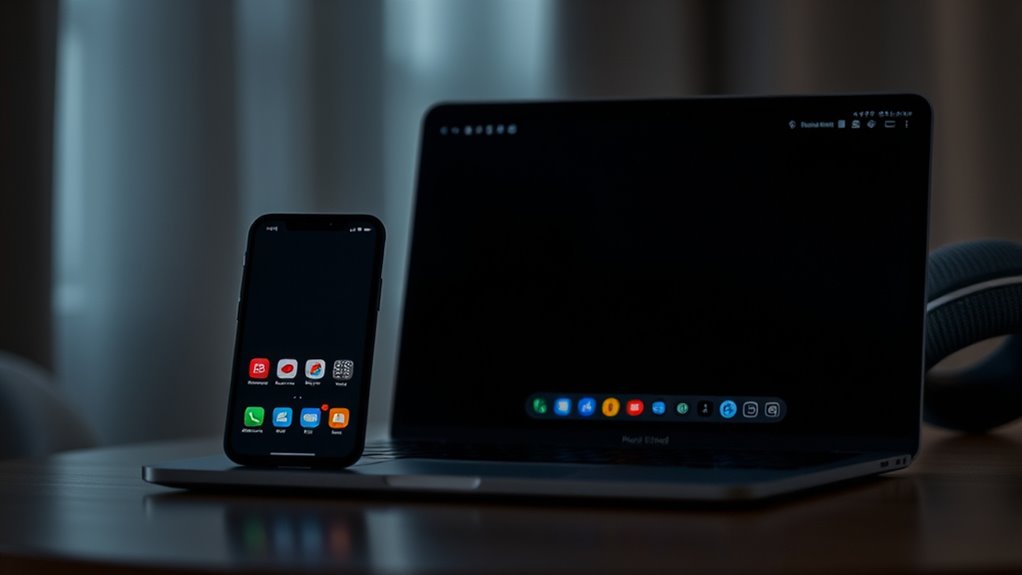

Switching to dark mode can substantially boost your comfort, reduce eye strain, and even extend your device’s battery life, especially on OLED screens. It minimizes glare, making it easier to focus and helping you wind down at night, which can improve your sleep. Many devices and apps offer easy ways to activate dark mode, often with just a tap. Keep going to discover simple tips on enabling dark mode everywhere for a healthier, more comfortable experience.
Key Takeaways
- Dark mode reduces eye strain and glare, making prolonged screen use more comfortable.
- It helps conserve battery life, especially on OLED and AMOLED devices.
- Switching to dark mode can improve sleep quality by decreasing blue light exposure.
- Most devices and apps offer easy options to enable dark mode or automate its activation.
- Using dark mode enhances visual comfort and promotes healthier device interaction habits.
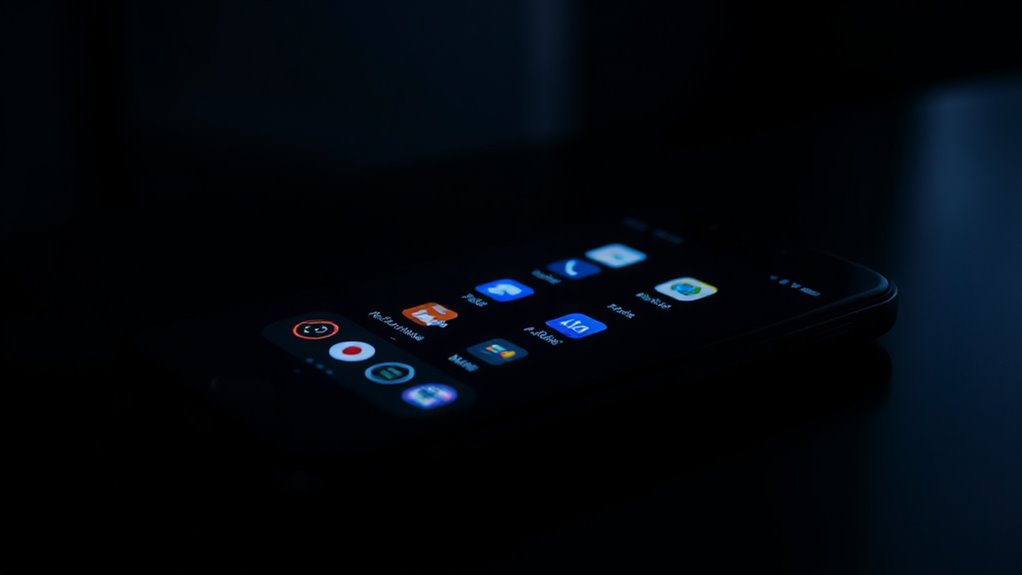
Have you ever noticed how switching to dark mode can make your screen easier on your eyes? It’s a simple change that can appreciably reduce eye strain, especially during long hours of use. When you enable dark mode, the background shifts to darker shades, often black or deep gray, which helps minimize the harsh glare that bright screens produce. This not only makes your viewing experience more comfortable but also helps prevent fatigue and discomfort, particularly in low-light environments. Plus, with less bright light emitted directly from your screen, your eyes don’t have to work as hard to focus, reducing fatigue over extended periods.
Another compelling benefit of dark mode is its impact on battery saving. If you’re using a device with an OLED or AMOLED screen, switching to dark mode can substantially extend your battery life. These screens light up individual pixels, so darker pixels require less power than lighter ones. When you opt for dark themes, fewer pixels need to illuminate brightly, which conserves energy and prolongs your device’s uptime. This is especially useful when you’re on the go and want to squeeze more usage out of a single charge. It’s a simple yet effective way to optimize your device’s performance without sacrificing functionality or aesthetics.
Dark mode can significantly extend your device’s battery life on OLED and AMOLED screens by reducing power consumption.
Using dark mode consistently can also help you develop healthier viewing habits. The reduced glare and diminished blue light exposure can make it easier to wind down at night, potentially improving your sleep quality. Bright screens emitting blue light can interfere with your circadian rhythm, making it harder to fall asleep. Dark mode minimizes this issue, allowing you to enjoy your devices late into the evening without disrupting your sleep cycle. As a result, you may notice less eye strain after prolonged use and wake up feeling more rested. Additionally, screen brightness adjustments can further enhance these benefits by tailoring the display to ambient lighting conditions, reducing overall eye fatigue.
Enabling dark mode everywhere is straightforward. Most smartphones, tablets, and computers now include built-in options to switch themes easily. Many apps also support dark mode, from social media platforms to email clients and reading apps. You can typically find these settings in the display, appearance, or themes menu, and toggle them on with just a tap or click. Automating the switch based on the time of day or ambient lighting conditions is also possible, making it even more convenient. Overall, embracing dark mode not only enhances your visual comfort but also offers practical benefits like battery saving and better eye health, making it a smart choice for everyday device use.
Top picks for "surpris benefit dark"
Open Amazon search results for this keyword.
As an affiliate, we earn on qualifying purchases.
Frequently Asked Questions
Does Dark Mode Improve Battery Life on All Devices?
Dark mode can improve battery life on devices with OLED screens, as it uses less power by turning off pixels in black areas. However, on LCD screens, the impact is minimal because backlit displays don’t save energy with darker colors. You might also notice reduced screen glare and better eye comfort, but color accuracy could be affected, especially for tasks requiring precise color. So, benefits vary depending on your device type.
Can Dark Mode Cause Eye Strain in Low-Light Conditions?
Ever wonder if dark mode might cause eye strain in low-light settings? It can, especially if glare isn’t reduced properly. Dark mode emits less blue light, which helps reduce eye fatigue, but poor contrast or screen glare can still cause discomfort. To minimize strain, adjust brightness and enable glare reduction features. You’ll find that with proper settings, dark mode can be easier on your eyes even in low-light conditions.
Is Dark Mode Suitable for Reading Long Articles?
Dark mode can be suitable for reading long articles, especially if you prioritize reading comfort. It reduces glare and minimizes visual fatigue, allowing your eyes to relax during extended reading sessions. However, some people find it harder to distinguish fine details in dark mode, which might affect comprehension. To optimize your experience, adjust brightness and contrast settings and take regular breaks to prevent eye strain.
How Do I Customize Dark Mode Settings on My Device?
Did you know over 70% of users customize their device display settings? To customize dark mode, head to your device’s display customization options or accessibility settings. You can usually find these in your device’s main settings menu, then select theme, display, or appearance. Adjust brightness, contrast, or toggle dark mode on and off to suit your preference, ensuring a comfortable viewing experience tailored just for you.
Are There Any Health Risks Associated With Prolonged Dark Mode Use?
Prolonged dark mode use generally isn’t risky, but it can lead to eye fatigue if you’re in low-light conditions for too long. You might also experience sleep disruption if you use dark mode late at night, as it can affect your circadian rhythm. To minimize these risks, take regular breaks, adjust brightness settings, and avoid screens right before bed. Balancing dark mode with proper lighting helps protect your eye health and sleep quality.
Conclusion
Switching to dark mode isn’t just about aesthetics—it can boost your sleep quality by reducing blue light exposure, helping you wind down faster. Did you know that 81% of users prefer dark mode because it reduces eye strain? By enabling it everywhere, you not only protect your eyes but also create a more comfortable, energy-efficient digital environment. So go ahead, make the switch and enjoy these surprising benefits every day.