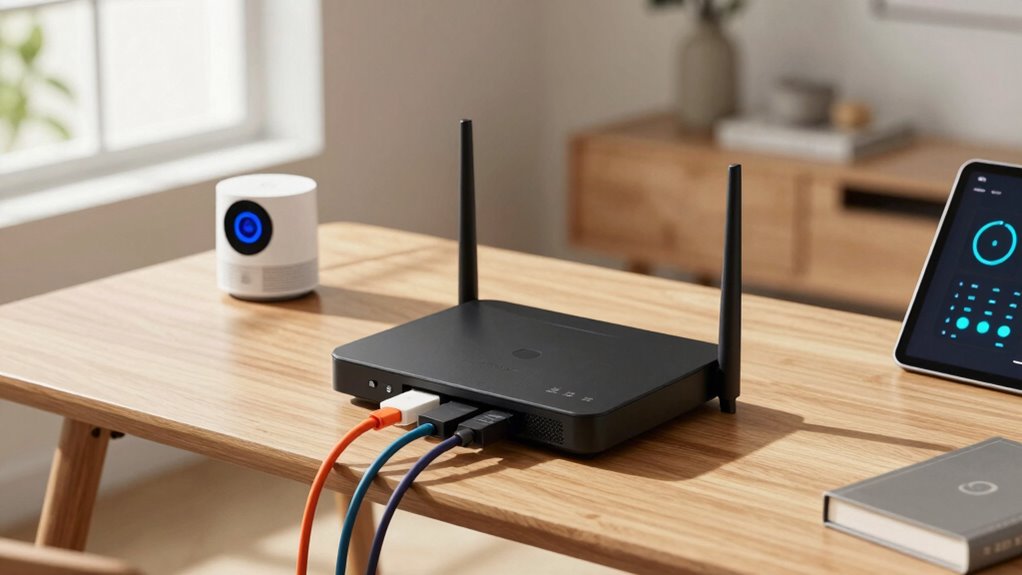

To choose a better router for modern homes, focus on models with strong performance, support for Wi-Fi 6, and extended range, especially if your home is large or multi-story. Look for security features like WPA3, guest networks, and user-friendly setups through mobile apps. Prioritize ease of installation, signal stability, and hardware that’s future-proof. If you keep these factors in mind, you’ll find the right router for your needs and enjoy a reliable, secure connection in every corner.
Get ready for Prime Big Deal Days — try Prime free
Exclusive member deals on October 6–7, plus fast free delivery. Cancel anytime.
As an affiliate, we earn on qualifying purchases.
Key Takeaways
- Prioritize routers supporting Wi-Fi 6 for faster speeds and better device handling in busy households.
- Ensure strong coverage with mesh compatibility, multiple antennas, or beamforming for larger or multi-story homes.
- Select routers with updated security features like WPA3, guest networks, and parental controls for enhanced safety.
- Opt for user-friendly setup processes, mobile app controls, and intuitive dashboards for easy management.
- Check hardware quality and future-proofing features, including firmware updates and compatibility with upcoming technologies.
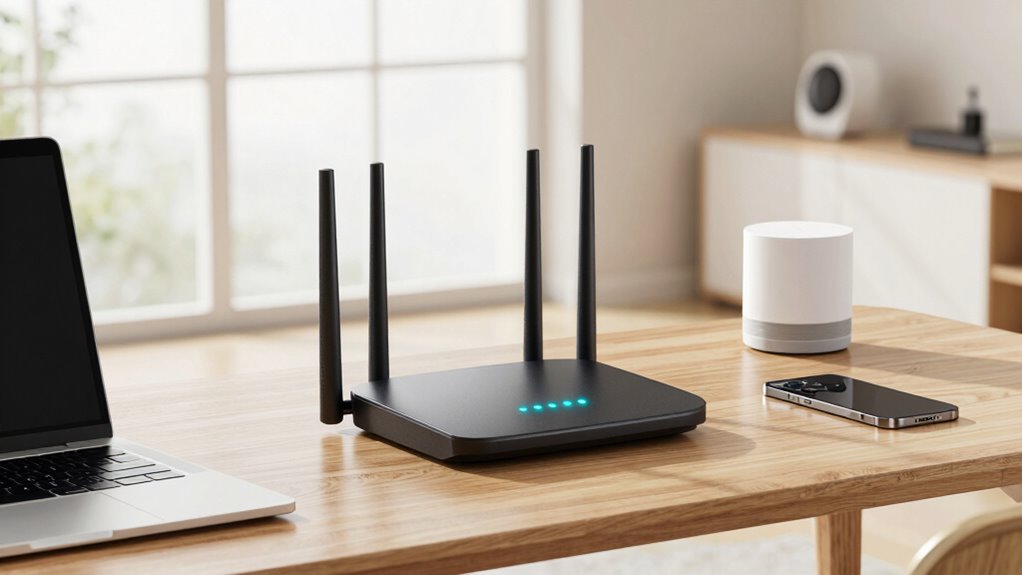
Are you overwhelmed by the variety of routers available for your modern home? With so many options on the market, it can feel intimidating to pick the right one. The key is understanding what features matter most for your needs. First, consider your internet usage habits. If you stream videos, play online games, or have multiple devices connected simultaneously, you’ll want a router that offers strong performance and reliable coverage. Next, think about wireless security. A good router should have up-to-date security protocols like WPA3 to protect your personal data and prevent unauthorized access. Setting up these security features during router installation is essential to safeguard your network from potential threats.
Choose a router with strong performance, reliable coverage, and up-to-date security like WPA3 for a secure, smooth home internet experience.
When choosing a router, look for one that supports the latest Wi-Fi standards, such as Wi-Fi 6, which provides faster speeds and better handling of multiple devices. This is especially important in a modern home where smart devices, laptops, and smartphones all demand bandwidth. Additionally, consider the router’s range. Larger homes require routers with extended coverage or the ability to mesh with other units, ensuring every corner of your space gets a strong signal. If you live in a multi-story house, look for models with multiple antennas or beamforming technology, which directs Wi-Fi signals toward your devices for better stability.
Ease of router installation is another essential factor. Opt for models that provide clear, step-by-step setup instructions or come with mobile apps that streamline the process. A straightforward installation saves you time and frustration, enabling you to get your network running quickly. Also, think about the interface; a user-friendly dashboard makes managing your network and adjusting security settings easier. Features like guest networks or parental controls add extra layers of security, especially if you have children or visitors connecting frequently. Understanding emerging trends in digital publishing can help you stay informed about the latest innovations affecting network technology and smart home integration. Staying updated on network security protocols is vital for protecting your digital environment from evolving threats. Moreover, selecting a router with advanced hardware components can improve overall performance and longevity.
Furthermore, choosing a router that supports future-proofing by offering firmware updates and backward compatibility ensures your network stays current as technology advances.
Wi-Fi 6 router with mesh support
As an affiliate, we earn on qualifying purchases.
As an affiliate, we earn on qualifying purchases.
Frequently Asked Questions
How Often Should I Upgrade My Home Router?
You should upgrade your home router every 3 to 5 years to keep up with evolving wireless security standards and technology. Regular upgrades guarantee better speeds and stronger signals, especially with ideal router placement for coverage. If you notice slow connections or frequent disconnections, it’s time to think about an upgrade. Staying current helps protect your network and maximizes your internet experience, especially as devices become more demanding.
Can I Use a Single Router for All Devices?
Yes, you can use a single router for all devices, but it depends on your home’s size and device demands. To maximize wireless security and signal range, choose a router with strong coverage and security features. A well-placed, modern router can serve multiple devices efficiently, reducing interference and dead zones. Just guarantee it supports your needs and offers robust protection to keep your network safe and speedy.
Do Mesh Routers Require Special Setup?
Mesh routers do require a special setup, but it’s usually straightforward. You’ll need to perform a mesh setup, which involves connecting the primary unit to your modem and then adding satellite nodes. Make sure to check router compatibility beforehand, as not all routers support mesh networks. Once set up, your devices will seamlessly connect across the mesh system, providing better coverage and reliable connections throughout your home.
How Important Is Router Brand Reputation?
Brand reputation is quite important because it reflects reliability and quality. You should look for routers from brands known for good customer support and consistent performance. Checking product reviews helps you gauge real-world experiences and identify any common issues. A reputable brand‘s router is more likely to provide stable Wi-Fi, longer-lasting performance, and easier updates, which are essential for modern homes with multiple devices.
What’s the Best Router for Smart Home Devices?
You need a router that’s a superhero for your smart home, and Wi Fi 6 adoption is its secret weapon. The Asus RT-AX88U or the Netgear Nighthawk AX12 are your best bets—they’re lightning-fast, support tons of devices, and handle smart home compatibility effortlessly. With these, your smart devices stay connected seamlessly, so you can control everything without lag or dropouts. It’s like giving your home a Wi-Fi upgrade from the future!
As an affiliate, we earn on qualifying purchases.
Conclusion
Think of your router as the captain of your home’s digital ship. Just like a good captain keeps the crew connected and the voyage smooth, a quality router guarantees your devices sail seamlessly through the internet. Choosing the right one means setting your ship on a steady course, avoiding storms of lag and dead zones. With the right captain at the helm, your modern home can navigate the digital seas with confidence and ease.
dual band router with beamforming
As an affiliate, we earn on qualifying purchases.
As an affiliate, we earn on qualifying purchases.
easy setup Wi-Fi router mobile app
As an affiliate, we earn on qualifying purchases.
As an affiliate, we earn on qualifying purchases.
NFL season / tailgating Picks
team gear
As an affiliate, we earn on qualifying purchases.