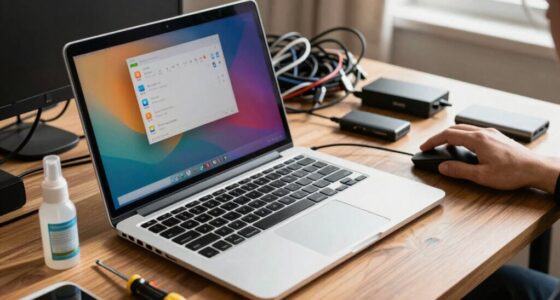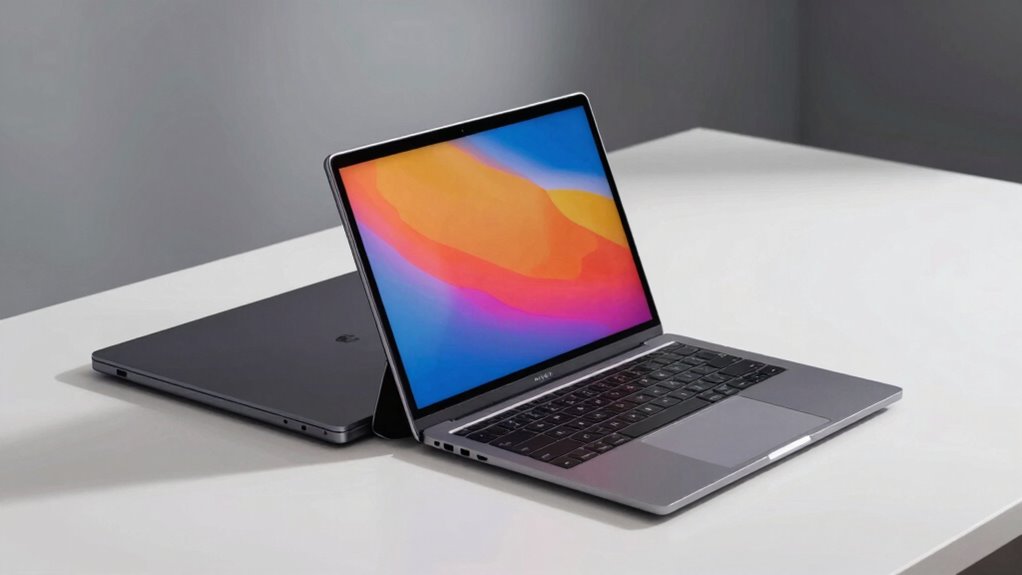

A 2-in-1 laptop gives you versatile touchscreen modes, letting you switch between typing, drawing, and presenting easily, which is great for creativity and casual tasks. Traditional laptops, on the other hand, focus on longer battery life and powerful hardware, making them ideal for demanding work and extended use. Your choice depends on whether you prefer flexibility or longer lasting performance—stay with us to discover which option suits your needs best.

Get the little things that make your day delivered free with Prime
- Fast, free delivery on millions of items
- Prime Video, Amazon Music and more included
- Member-only deals all year
Key Takeaways
- 2-in-1 laptops offer touchscreen functionality and multiple modes, enhancing versatility for tasks like drawing and note-taking.
- Traditional laptops typically have longer battery life, making them better suited for extended, intensive use.
- Hardware efficiency influences power consumption; high-end 2-in-1s aim to match traditional laptops in battery performance.
- Traditional laptops excel in demanding tasks like coding and software use due to their robust hardware and longer endurance.
- User needs and preferences determine whether a flexible, portable 2-in-1 or a durable, long-lasting traditional laptop is ideal.

When choosing between a 2-in-1 laptop and a traditional laptop, understanding their key differences can help you make an informed decision. One of the most notable distinctions lies in touchscreen versatility. A 2-in-1 laptop offers a touchscreen that can be used in multiple modes, such as a tablet, tent, or stand. This flexibility allows you to switch seamlessly from typing to drawing or note-taking with just a touch or stylus. If you value the ability to interact directly with your screen—whether for creative work, presentations, or casual browsing—a 2-in-1 provides a significant advantage. In contrast, traditional laptops typically lack touchscreen capability, focusing instead on a conventional keyboard and trackpad setup. They excel in tasks that require typing precision and longer usage sessions but may fall short if you want a device that doubles as a tablet.
Battery life comparison is another critical factor to consider. Generally, traditional laptops tend to have longer battery life than 2-in-1 models. This difference stems from their design and hardware choices; traditional laptops often prioritize power efficiency and have less demanding touchscreen components, which consume less energy. If you need a device that lasts through long workdays without frequent charging, a traditional laptop might be the better option. However, some high-end 2-in-1 models have improved significantly, offering competitive battery life. Still, it’s essential to check specific specs and reviews, as the battery longevity can vary widely depending on the device’s size, hardware, and usage patterns. Additionally, the display technology used in projectors can influence power consumption and image quality, which is worth considering when choosing a device for multimedia use. Furthermore, understanding how different hardware configurations impact power efficiency can aid in selecting a device that aligns with your usage needs. Exploring battery optimization techniques can also help extend your device’s usage time and improve overall efficiency. To maximize battery life, users can also adjust settings like brightness and background app activity, which are crucial aspects of power management. Moreover, selecting devices with better hardware components can contribute to improved energy efficiency and longer usage between charges.
The choice also hinges on how you plan to use the device. If you require a machine mainly for typing documents, coding, or running demanding software, a traditional laptop’s more robust hardware and longer battery life make it a practical choice. Conversely, if your work involves frequent note-taking, drawing, or presentation sharing in different environments, a 2-in-1’s touchscreen versatility can enhance productivity and creativity. It’s worth considering that 2-in-1s tend to be more portable and lightweight, ideal for on-the-go use, but they might sacrifice some battery endurance compared to traditional models.
Ultimately, your decision depends on balancing touchscreen versatility with battery life and how you intend to use your device. Think about your daily tasks, mobility needs, and preferences for interaction, and you’ll find the right fit between a 2-in-1 or traditional laptop.
As an affiliate, we earn on qualifying purchases.
Frequently Asked Questions
Can a 2-In-1 Replace a Tablet Effectively?
A 2-in-1 laptop can effectively replace a tablet, especially if it offers stylus compatibility and app optimization. You can enjoy the touchscreen experience and use a stylus for notes, sketches, or detailed work. However, it might not be as lightweight or portable as a dedicated tablet, and some apps may not be perfectly optimized. Still, for versatility, a 2-in-1 can serve as a solid tablet alternative for most tasks.
Which Lasts Longer on a Single Charge: 2-In-1 or Traditional Laptops?
Think of battery life as a race—you’re likely to find traditional laptops crossing the finish line first. They generally boast better battery efficiency and lower power consumption, helping them last longer on a single charge. 2-in-1 laptops, with their versatile design, often consume more power due to added features and touchscreen use. So, if longevity matters, a traditional laptop usually outperforms a 2-in-1 in battery endurance.
Are 2-In-1 Laptops More Expensive Than Traditional Laptops?
Yes, 2-in-1 laptops tend to be more expensive than traditional laptops. The price comparison shows that their versatile design and touchscreen features increase manufacturing costs, which reflect in the retail price. Cost factors like build quality, specs, and brand also influence prices. You might pay more upfront, but you get added flexibility. If you value portability and multi-use functions, the extra cost could be worth it for you.
How Durable Are 2-In-1 Laptops With Hinges and Touchscreens?
Your 2-in-1 laptop is surprisingly resilient, almost like a superhero with hinge longevity that defies expectations. The hinges are built tough, handling countless flips and rotations without breaking a sweat. Touchscreen resilience is equally impressive, standing up to fingerprints, scratches, and daily mishaps with ease. With proper care, your device can endure years of use, proving that these versatile gadgets aren’t just innovative—they’re practically indestructible!
Do 2-In-1 Laptops Perform as Well as Traditional Laptops?
Yes, 2-in-1 laptops often perform on par with traditional laptops regarding performance benchmarks, thanks to modern processors and ample RAM. Their design versatility lets you switch between laptop and tablet modes, offering flexibility for various tasks. While some may experience slight compromises in keyboard feel or battery life, overall, 2-in-1s deliver comparable performance for most everyday and creative uses.
long battery life traditional laptops
As an affiliate, we earn on qualifying purchases.
As an affiliate, we earn on qualifying purchases.
Conclusion
In the battle between 2-in-1 laptops and traditional laptops, your choice hinges on your needs. If you crave versatility and a convertible design, the 2-in-1 wins with its flexibility and fun. But if you prefer power and simplicity, the traditional laptop stays steady and strong. Ultimately, decide based on your device demands and daily duties. Whether you opt for adaptability or a straightforward setup, make your move with confidence, and enjoy your perfect portable partner.
stylus compatible 2-in-1 laptops
As an affiliate, we earn on qualifying purchases.
As an affiliate, we earn on qualifying purchases.
high performance traditional laptops
As an affiliate, we earn on qualifying purchases.
As an affiliate, we earn on qualifying purchases.
NFL season / tailgating Picks
team gear
As an affiliate, we earn on qualifying purchases.