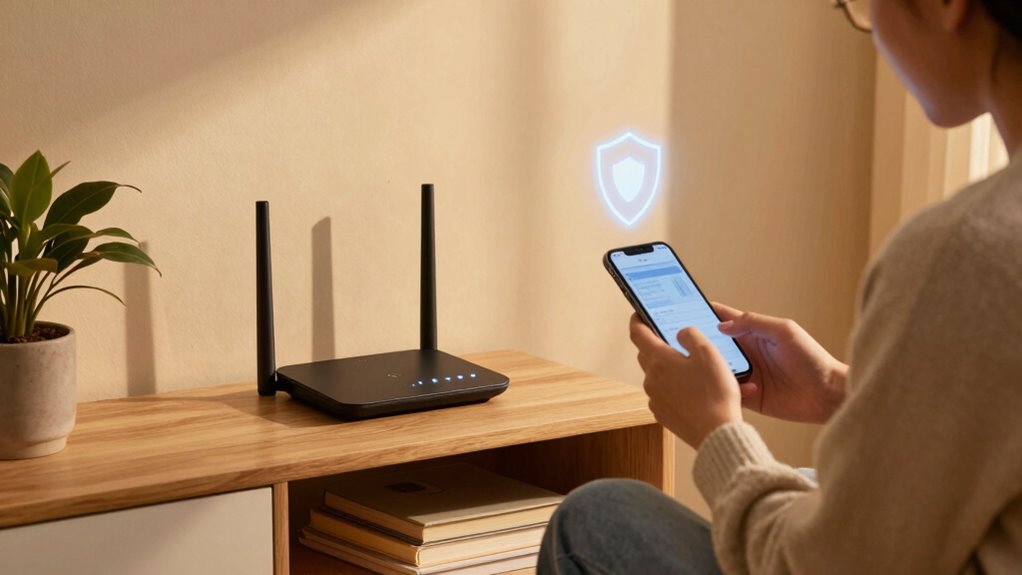

You can protect your home network easily by changing default passwords on your router and devices to strong, unique ones, and enabling built-in security features like firewalls and encryption. Regularly updating your router’s firmware helps patch vulnerabilities, while disconnecting unused devices and turning off unnecessary features reduce risks. Monitoring connected devices and opting for secure network segments can further prevent unauthorized access. Stay informed about simple security practices, so you’re prepared to keep your network safe—there’s more to discover if you keep exploring.

Get the little things that make your day delivered free with Prime
- Fast, free delivery on millions of items
- Prime Video, Amazon Music and more included
- Member-only deals all year
Key Takeaways
- Change default router login credentials and Wi-Fi passwords to strong, unique ones.
- Enable encryption and security features on your router, like firewalls and guest networks.
- Keep your device software and router firmware updated regularly.
- Disconnect unknown or untrusted devices from your network immediately.
- Use a password manager to securely store and manage your passwords.
Have you ever wondered how secure your home network really is? Many people overlook basic security steps, leaving their personal information vulnerable. Protecting your network doesn’t require advanced technical skills; you just need to be aware of a few simple practices. One of the most essential is good password management. Instead of using generic or easy-to-guess passwords for your Wi-Fi and devices, create strong, unique ones. Avoid common words or phrases, and incorporate a mix of uppercase and lowercase letters, numbers, and symbols. Consider using a password manager to keep track of your passwords securely; it saves you from reusing the same password across different accounts, which can be a significant security risk.
Another key step is enabling device encryption. Encryption transforms your data into a secure format that can’t be accessed without a key. Most modern devices offer built-in encryption options—simply turn them on to add an extra layer of security. When your devices communicate with your network, encryption helps prevent outsiders from intercepting sensitive information, like passwords, personal messages, or financial details. It’s a straightforward way to protect your data without needing technical expertise. Additionally, understanding network security principles can help you better safeguard your entire home setup. This understanding includes learning about how data encryption works and why it’s a vital part of modern security measures. Being aware of potential vulnerabilities can further strengthen your overall security approach. Regularly updating your router’s firmware is also crucial because it often includes important security patches, making your network less susceptible to attacks.
Securing your Wi-Fi network itself is also vital. Change the default network name and password that came with your router—these are often well-known to hackers. Use a robust, unique password for your Wi-Fi and update it periodically. Make sure your router’s firmware is up to date, as updates often include security patches that fix known vulnerabilities. Many routers also have built-in security features, like firewalls or guest networks, which you should enable to isolate your main devices from potential threats. Additionally, enabling network segmentation can help limit the impact of any potential breach by isolating sensitive devices.
Additionally, be cautious about the devices you connect to your network. Only connect trusted devices and keep their software and security settings updated. Turn off features you don’t use, such as remote access or UPnP, which can sometimes be exploited by hackers. Regularly reviewing connected devices helps you spot any unauthorized access early. Being proactive with network monitoring can help you detect suspicious activity before it becomes a major issue. Developing an understanding of cybersecurity best practices can also empower you to implement even more effective safeguards.
As an affiliate, we earn on qualifying purchases.
Frequently Asked Questions
Do I Need to Change My Wi-Fi Password Regularly?
Yes, you should change your Wi-Fi password regularly. Regular password updates help prevent unauthorized access, especially if your network has been compromised without your knowledge. Along with changing passwords, keep an eye on network monitoring to spot suspicious activity early. This simple step boosts your home network security without needing to be tech-savvy, ensuring your devices stay protected and your data remains private.
Can I Secure My Network Without a Professional?
Absolutely, you can secure your network without a professional—just don’t forget the irony. By managing your passwords carefully and enabling network encryption, you’re already ahead. Use strong, unique passwords for your Wi-Fi, change them regularly, and guarantee your router’s encryption is active. These simple steps don’t require tech expertise but make a huge difference in safeguarding your home network. So, yes, you can protect it yourself—no expert needed.
What Devices Should I Prioritize for Security?
You should prioritize securing your router and any smart devices like cameras or thermostats, as they’re common targets. Focus on device prioritization by updating their firmware regularly and enabling a strong security protocol like WPA3. Protect your network by changing default passwords and disabling unnecessary features. These steps help safeguard your home network without needing technical expertise, ensuring your devices and personal data stay safe from intruders.
Is Using Guest Networks Safe for Visitors?
Think of a guest network as a safety fence around your digital garden—it’s generally safe, but beware of guest network vulnerabilities that could let intruders in if not properly secured. Using a guest network helps protect your main devices from visitor privacy concerns, isolating their activity. Keep it password-protected and updated to guarantee visitors enjoy internet access without risking your personal data. It’s a simple shield that keeps your digital space safe and private.
How Do I Know if My Network Is Hacked?
You can tell if your network is hacked by noticing unusual activity, like slow internet speeds or unknown devices connected. Use network monitoring tools to check for suspicious traffic and malware detection software to scan for malicious files. Regularly review your connected devices and update your passwords. If anything seems off, taking these steps helps you identify potential breaches early and keeps your home network secure.
As an affiliate, we earn on qualifying purchases.
Conclusion
Protecting your home network is like locking the front door of your house—simple, but essential. I once knew someone who ignored basic security, only to find their personal info stolen overnight. Just like a sturdy lock keeps out intruders, a few easy steps can shield your digital life from threats. Don’t wait for a break-in; take action now. Your peace of mind depends on the small steps you choose today.
network firewall for home router
As an affiliate, we earn on qualifying purchases.
As an affiliate, we earn on qualifying purchases.
As an affiliate, we earn on qualifying purchases.
NFL season / tailgating Picks
team gear
As an affiliate, we earn on qualifying purchases.