
When setting up your smart home, avoid common mistakes like choosing devices that aren’t compatible with your voice assistant or each other, which can cause frustration and disconnects. Don’t forget to check your network’s strength and security features to prevent lag and vulnerabilities. Overlooking these details can lead to system glitches, security risks, and ongoing trouble. Keep these pitfalls in mind, and you’ll improve your setup—continue to discover how to optimize your smart home effectively.
Key Takeaways
- Failing to verify device compatibility with existing smart home ecosystems before purchase.
- Overlooking the importance of a strong, dedicated network infrastructure for multiple devices.
- Ignoring voice control support and compatibility during device selection.
- Neglecting security best practices like changing default passwords and updating firmware.
- Not planning for a unified ecosystem, leading to fragmented and inefficient systems.
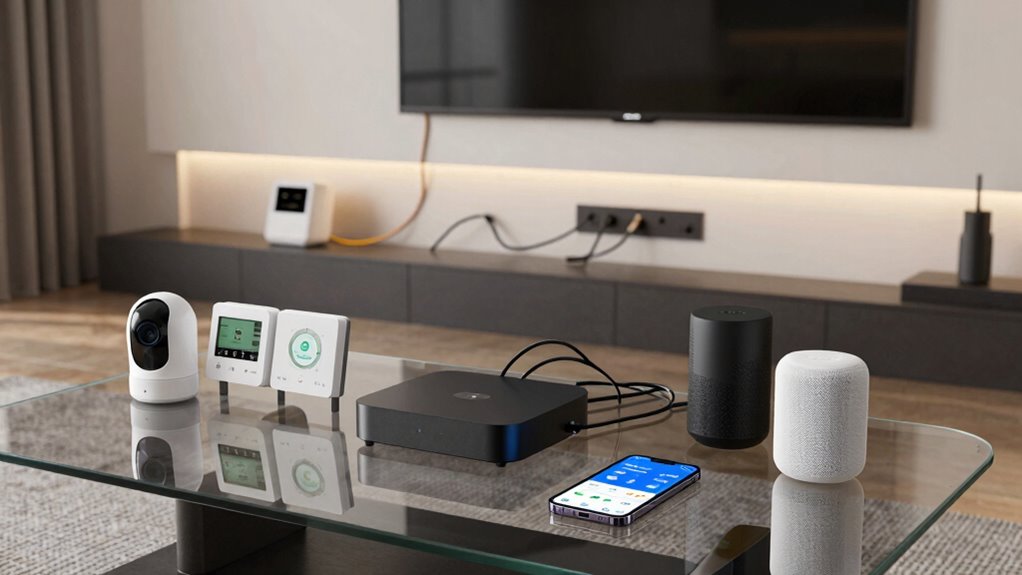
Setting up a smart home can seem straightforward, but many people make common mistakes that hinder their experience and security. One of the biggest pitfalls is not paying enough attention to voice control integration. When you choose devices that don’t support voice commands or aren’t compatible with your preferred voice assistant, it creates frustration and limits convenience. For example, if your smart speaker only works with certain brands or protocols, you might find yourself unable to control all your devices with a simple voice command. Before purchasing, you should verify that each device is compatible with your voice control system, whether it’s Alexa, Google Assistant, or Siri. This assures seamless control and avoids having to manage multiple apps or switch between incompatible platforms.
Verify device compatibility with your voice assistant before buying for seamless control and convenience.
Another frequent mistake is overlooking device compatibility altogether. You might buy smart gadgets without checking if they work well together or with your existing home setup. When devices aren’t compatible, you end up with isolated systems that don’t communicate, defeating the purpose of a smart home. For instance, a smart thermostat might not sync with your security system or lighting controls, forcing you to manually manage each device separately. To prevent this, do your research and stick to a unified ecosystem or devices that adhere to common standards like Zigbee or Z-Wave. This improves overall functionality, makes automation easier, and reduces the chance of glitches or connectivity issues down the line. Additionally, device interoperability is crucial for creating a cohesive and efficient smart home environment.
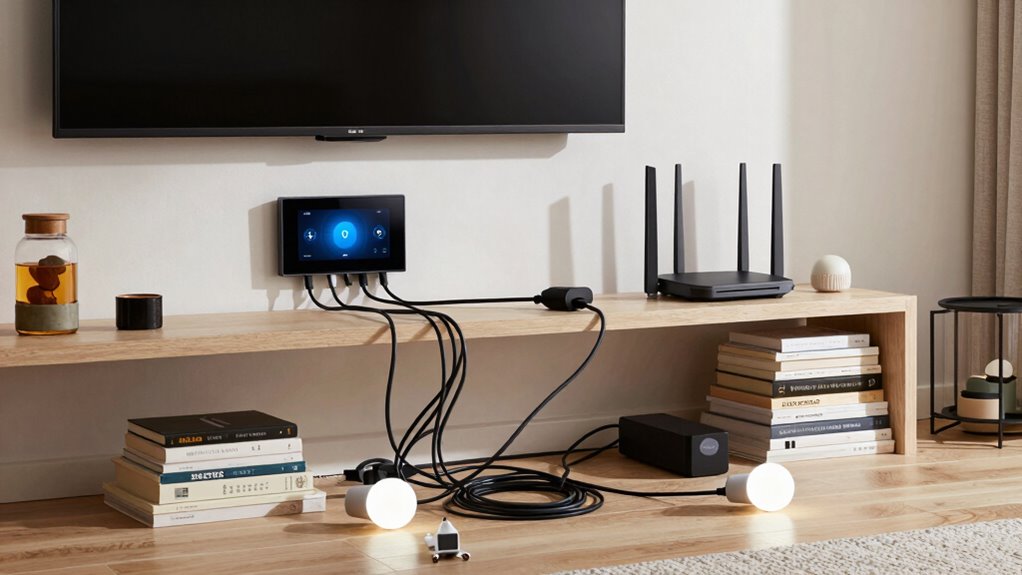
Many people also forget to take into account the network infrastructure needed to support their smart home. A weak Wi-Fi signal or insufficient bandwidth can cause devices to lag, disconnect, or malfunction. You might think that simply connecting everything to your existing router will suffice, but as your number of smart devices grows, so does the strain on your network. Investing in a robust Wi-Fi mesh system or dedicated network for your smart devices can help maintain stable connections and ensure everything works smoothly. Moreover, understanding network infrastructure can help you appreciate the importance of a strong foundation—just like healthy nails need proper care, a reliable network infrastructure is essential for a well-functioning smart home. Ensuring your network is optimized can prevent many issues before they arise.
Finally, neglecting security during setup can lead to serious vulnerabilities. Weak passwords, outdated firmware, and unsecured networks make it easier for cyber threats to compromise your system. Always change default passwords, keep your devices updated, and consider segmenting your network to isolate your smart home from your main internet connection. This way, even if one device is compromised, it doesn’t put your entire network at risk. Additionally, cybersecurity best practices should be part of your setup routine. By paying attention to voice control, device compatibility, network strength, and security, you set yourself up for a smarter, safer, and more reliable home.
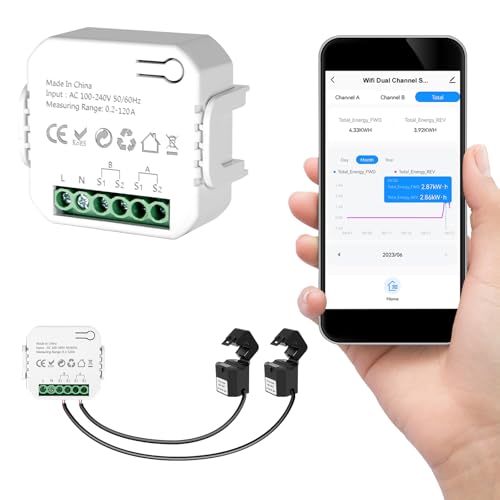
Smart Home Energy Monitor 2×120A, Dual-Channel Real-Time Electricity Usage Monitoring for Household Power, WiFi Energy Meter with App Control, Compatible with Tuya/Smart Life
【Dual-Channel Energy Monitoring】 This smart home energy monitor features two independent high-capacity sensing channels, allowing you to track…
As an affiliate, we earn on qualifying purchases.
As an affiliate, we earn on qualifying purchases.
Frequently Asked Questions
How Do I Choose Compatible Smart Home Devices?
To choose compatible smart home devices, focus on device integration and compatibility testing first. Check if the devices support the same ecosystem, like Amazon Alexa, Google Assistant, or Apple HomeKit. Read product labels and specifications carefully, ensuring they mention compatibility with your existing setup. It’s also helpful to look for reviews or forums where users share their experiences with integration, so you avoid devices that might cause issues later.
What Security Measures Are Essential for Smart Homes?
You need strong security measures for your smart home. Implement access control by setting unique, complex passwords and enabling two-factor authentication where possible. Always activate data encryption to protect your device communications from hackers. Regularly update your devices’ firmware, and monitor network activity for suspicious behavior. These steps help prevent unauthorized access and keep your personal data safe, ensuring your smart home remains secure and functional.
Can I Upgrade My Smart Home System Later?
Absolutely, you can upgrade your smart home system later. As technology evolves, you can add voice control features and energy monitoring tools to enhance convenience and efficiency. Just make certain your existing setup supports compatibility and updates. Regularly reviewing your system’s capabilities allows seamless integration of new devices, so you stay smart, secure, and satisfied without sacrificing simplicity or security. Upgrading is always an option when your needs or tech advances.
How Do I Troubleshoot Connectivity Issues?
When troubleshooting connectivity issues, start by checking your device placement; guarantee your smart devices are within range of your Wi-Fi router. Restart your router and device to refresh the connection. Test voice commands to see if the device responds properly. If problems persist, update the device firmware and reset the device if necessary. Proper placement and keeping software current can prevent future connectivity hiccups and improve overall performance.
What Is the Best Way to Organize Smart Device Controls?
To organize your smart device controls effectively, focus on device grouping within your control interfaces. Group similar devices, like lights or thermostats, for easier access and management. Use intuitive labels and create custom scenes or routines to streamline actions. Consistently update and review your control setup to prevent clutter and confusion. This approach simplifies your smart home experience and minimizes the chances of control issues later.

TP-Link Deco X55 AX3000 WiFi 6 Mesh System – Covers up to 6500 Sq.Ft, Replaces Wireless Router and Extender, 3 Gigabit Ports per Unit, Supports Ethernet Backhaul, Deco X55(3-Pack)
Wi-Fi 6 Mesh Wi-Fi – Next-gen Wi-Fi 6 AX3000 whole home mesh system to eliminate weak Wi-Fi for…
As an affiliate, we earn on qualifying purchases.
As an affiliate, we earn on qualifying purchases.
Conclusion
By paying close attention to these common smart home setup pitfalls, you can avoid many future headaches. A little extra care now guarantees your smart home runs smoothly, offering convenience without unintended surprises. Think of it as planting seeds for a seamless, enjoyable experience later. With mindful planning, you’ll enjoy a smart home that truly works for you—making your life easier and more comfortable, day after day.

Pocket AI Voice Recorder & Smart Assistant – Auto Transcription, Summaries & Action Items – AI Note Taker for Meetings, Calls & Productivity – Space Grey
YOUR AI PERSONAL ASSISTANT FOR EVERYDAY PRODUCTIVITY: More than a voice recorder, Pocket works as your AI personal…
As an affiliate, we earn on qualifying purchases.
As an affiliate, we earn on qualifying purchases.

Ring Alarm 14-Piece Kit (newest model), Wireless smart home or business security system, expandable, easy setup, Mobile App Control, 24/7 Professional Monitoring, Alexa Compatible
A great fit for 2-4 bedroom homes, this Alarm Kit includes one Base Station, two Keypads, eight Contact…
As an affiliate, we earn on qualifying purchases.
As an affiliate, we earn on qualifying purchases.