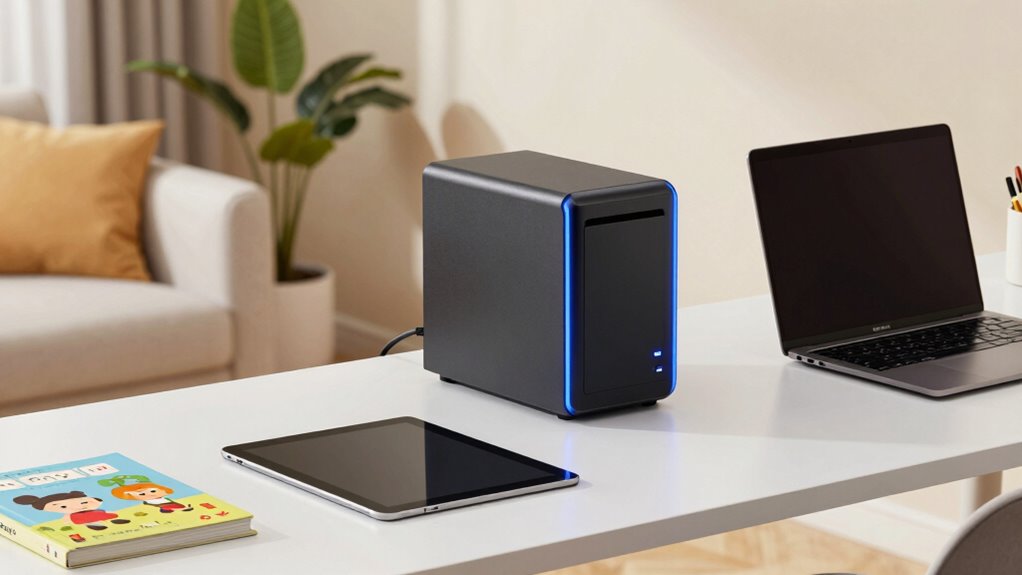

A NAS device is a central hub for your family or home office data, making it easy to access and share files securely. It automatically backs up all connected devices, reducing the risk of data loss. With cloud integration, your files stay synchronized across devices and platforms like Dropbox or Google Drive. It also offers user management, security features, and remote access. Want to explore how to set it up effectively? Keep going to find out more.
Key Takeaways
- NAS serves as a centralized, secure hub for family or home office data management and sharing.
- It enables automatic backups and version control to prevent data loss across devices.
- NAS integrates seamlessly with cloud services for real-time synchronization and remote access.
- Easy setup includes network configuration, user permissions, and cloud account linking.
- It enhances data security and network performance through monitoring and security features.
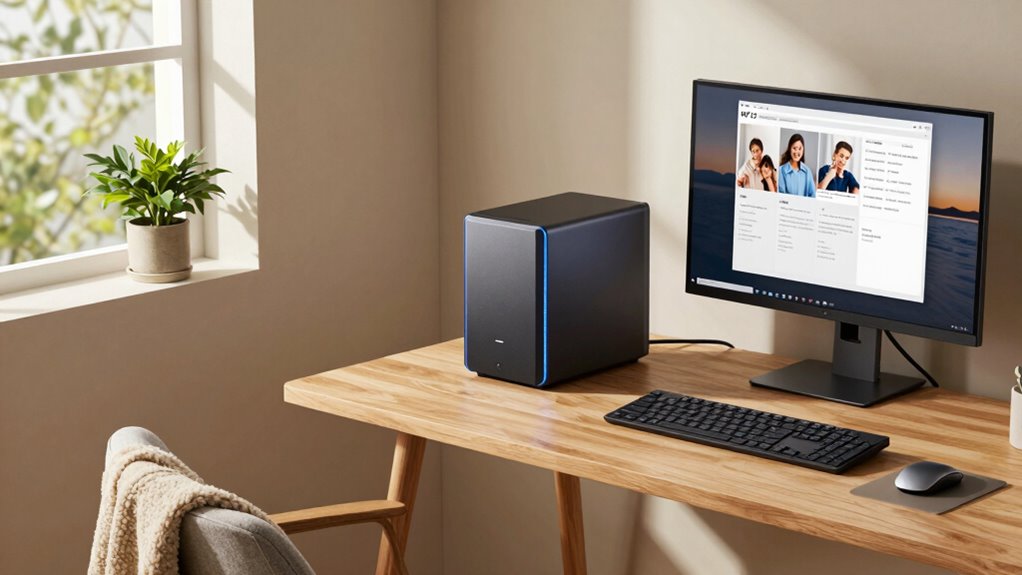
In today’s connected world, setting up a Network-Attached Storage (NAS) can greatly simplify how your family or home office manages and shares data. A NAS device acts as a centralized hub, allowing everyone in the household or team to access files quickly and securely. One of the key benefits is its ability to seamlessly integrate with cloud services. With cloud integration, you can synchronize your NAS with popular cloud platforms like Google Drive or Dropbox, ensuring your data is always up-to-date across multiple devices. This setup means you can easily access your files remotely or share large files with family members or colleagues without relying solely on email or external drives.
Data backup is another critical feature that NAS provides, giving you peace of mind that your important files are protected. Instead of manually copying files to external drives or relying on less reliable methods, your NAS can automatically back up data from all connected devices. This automation reduces the risk of losing valuable photos, documents, or work files due to hardware failure, theft, or accidental deletion. Many NAS systems support scheduled backups, incremental saves, and even version histories, so you can restore previous versions if needed. With a reliable data backup strategy in place, you’re less likely to face stressful data recovery scenarios. Additionally, understanding NAS basics can help you make informed decisions about your setup and future upgrades.
Setting up a NAS with cloud integration and data backup capabilities is straightforward, especially with user-friendly interfaces that guide you through the process. You start by connecting the device to your home network and configuring the storage settings. Once set up, you can link your cloud accounts, enabling automatic synchronization. This ensures your data is consistent across local and cloud storage, providing an extra layer of protection and flexibility. You also have options to set user permissions, control access, and monitor activity, making it suitable for both family use and small home offices. Recognizing the importance of data security can further help safeguard your information from unauthorized access. Moreover, familiarizing yourself with network configuration can optimize your NAS setup for performance and security.

BUFFALO LinkStation 210 2TB 1-Bay NAS Network Attached Storage with HDD Hard Drives Included NAS Storage that Works as Home Cloud or Network Storage Device for Home
Value NAS with RAID for centralized storage and backup for all your devices. Check out the LS 700…
As an affiliate, we earn on qualifying purchases.
As an affiliate, we earn on qualifying purchases.
Frequently Asked Questions
How Secure Is a NAS for Sensitive Family Data?
Your NAS can be quite secure for sensitive family data if you use strong encryption protocols like AES to protect files and user access. Additionally, implementing solid data backup strategies guarantees your data stays safe even if an attack occurs or hardware fails. Regularly updating firmware and controlling access permissions further enhances security, giving you peace of mind that your family’s information remains private and protected.
Can Multiple Users Access a NAS Simultaneously?
Yes, multiple users can access a NAS simultaneously, though your network speed and user permissions determine how smoothly it runs. Ironically, while you might think a single connection suffices, a busy household or home office benefits from proper settings. User permissions guarantee everyone gets the right access, and a fast network keeps everyone happy. Otherwise, you’ll face sluggish responses, making simultaneous access feel more like a shared nightmare than a convenience.
What Is the Average Cost of Setting up a NAS?
Setting up a NAS typically costs between $300 and $1,500, depending on storage capacity and features. You’ll want to invest in network redundancy to prevent data loss and enable smooth access for multiple users. Additionally, look for models offering data encryption to keep your files secure. Remember, the price varies based on the hardware specs and additional features, but this range covers most home and family setups.
How Much Storage Capacity Do I Need for a Family?
You’ll want at least 8 to 16 terabytes of storage to comfortably handle family photo storage, backups, and streaming needs. Think about your current and future needs—more photos, videos, and documents. Prioritize backup strategies that protect your memories and data. Choose a NAS with expandable storage, so you can grow your capacity as your family’s digital library expands, ensuring you always have enough space for everything important.
Is Technical Support Necessary for NAS Maintenance?
Technical support isn’t always necessary for NAS maintenance if you’re comfortable with basic tasks like firmware updates and managing backup strategies. However, if you encounter complex issues or want to guarantee peak performance, professional support can be helpful. Regularly updating firmware keeps your device secure, and having solid backup strategies safeguards your data. If you’re confident with these tasks, you might handle most maintenance on your own, saving time and money.

GOLDENMATE 1000VA/800W Lithium UPS Battery Backup and Surge Protector, Sinewave UPS System with LiFePO4 Battery(230Wh),Upgraded Pro Ver. with Communication Port, 8 Outlets, for NAS & Home Office, Gray
[Enhanced Connectivity & Smart Auto Shutdown]: This upgraded 1000VA/800W model is equipped with an enhanced communication port and…
As an affiliate, we earn on qualifying purchases.
As an affiliate, we earn on qualifying purchases.
Conclusion
A NAS is like a trusted digital vault, quietly humming in the corner of your home, ready to safeguard your memories and work files. With a simple setup, you can effortlessly access your data from anywhere—your cozy living room or work desk. Imagine the peace of mind as your family’s photos, videos, and important documents sit securely, just a few clicks away. Embrace the power of a NAS, and turn your home into a hub of effortless storage and sharing.

UGREEN NAS DXP2800 2-Bay, Ideal for Content Creators and Enthusiasts
All-Round NAS: DXP2800 is suitable for enthusiasts, content creators, and more. You will get pro specs and advanced…
As an affiliate, we earn on qualifying purchases.
As an affiliate, we earn on qualifying purchases.

Seagate IronWolf Pro, 20 TB, Enterprise NAS Internal HDD –CMR 3.5 Inch, SATA 6 Gb/s, 7,200 RPM, 256 MB Cache for RAID Network Attached Storage (ST20000NT001)
High Performance: All-CMR (conventional magnetic recording) portfolio enables consistent, industry-leading 24×7 performance allowing users to access data anytime,…
As an affiliate, we earn on qualifying purchases.
As an affiliate, we earn on qualifying purchases.