

The easiest way to digitize old photos and documents is to use a simple flatbed scanner or a smartphone scanner app. These tools let you quickly capture high-quality images without much setup. Organize your files with descriptive names and storage them in cloud services or on external drives for safety. To enhance your digital copies, minimal editing can improve brightness or fix damage. Keep exploring for more tips to make your digitization process even smoother.
Key Takeaways
- Use a flatbed scanner or a mobile scanning app for quick, high-quality digital copies.
- Choose user-friendly software with automatic cropping and enhancement features for easy editing.
- Organize files with clear labels and folders to simplify management and retrieval.
- Save images in high-resolution formats like TIFF or JPEG for quality preservation.
- Backup digital files regularly on cloud storage or external drives to prevent data loss.
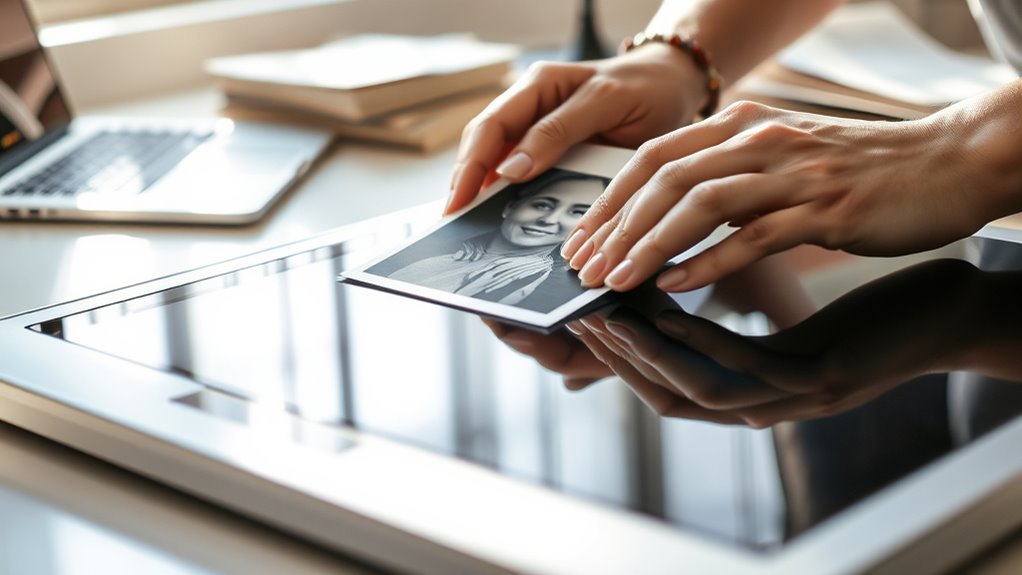
Digitizing old photos and documents is a practical way to preserve treasured memories and important information for future generations. When you decide to digitize, you’re taking a pivotal step toward safeguarding these items from deterioration due to age, light, or handling. The process involves more than just scanning; it also includes employing effective restoration techniques to enhance image quality and choosing suitable storage solutions to keep your digital files organized and secure.
Restoration techniques are indispensable if your photos and documents have suffered damage over time. You might encounter faded images, tears, spots, or discoloration. Luckily, many digital editing tools can help you repair these issues easily. Simple adjustments like sharpening, color correction, and removing minor blemishes can markedly improve the quality of your scans. For more severe damage, advanced restoration techniques, such as cloning or patching, can help reconstruct missing parts or reduce noise. You don’t need to be a professional designer to perform these edits; user-friendly software options make restoration accessible for beginners. By restoring your images digitally, you guarantee they look as vibrant and clear as possible, which can be especially meaningful for old family photos or historical documents. Additionally, utilizing AI-powered restoration tools can further enhance the process, especially for complex repairs.
Digital restoration techniques can repair damage and enhance the clarity of old photos and documents easily.
Once your images are digitized and cleaned up, storage solutions become your next priority. Digital files can quickly multiply and become unmanageable if not organized properly. You should create a logical folder hierarchy on your computer or external drives, labeling files with descriptive names and dates to make retrieval easy. Cloud storage services are a popular choice because they offer accessible, off-site backup options that protect your files from hardware failures or theft. For long-term preservation, consider backing up your data on multiple devices or using dedicated archival storage formats, such as TIFF, that retain high quality over time. It’s also wise to keep physical copies of the most important or fragile items in acid-free storage solutions, such as archival boxes or folders, to prevent further degradation.
Incorporating these practices into your digitization process guarantees your memories and essential information are preserved for generations. Restoration techniques help you maintain the visual integrity of your images, while smart storage solutions keep your digital and physical collections organized and protected. With a little effort, you can create a lasting digital archive that’s both easy to access and safe from the common threats of aging and mishandling. Ultimately, digitizing old photos and documents isn’t just about saving space—it’s about safeguarding your history and sharing it with future loved ones.

Canon Canoscan Lide 300 Scanner (PDF, AUTOSCAN, Copy, Send)
Scanner type: Document
As an affiliate, we earn on qualifying purchases.
As an affiliate, we earn on qualifying purchases.
Frequently Asked Questions
How Do I Restore Damaged or Faded Photos During Digitization?
To restore damaged or faded photos during digitization, start with photo restoration software that offers fading correction tools. Use these features to improve color vibrancy and clarity. Carefully scan your images at high resolution, then apply digital repairs to fix scratches, tears, or discoloration. This process helps bring your old photos back to life, preserving precious memories while ensuring they look vivid and intact in digital form.
What Are the Best File Formats for Storing Digital Images?
Think of your digital archive as a treasure chest; choosing the right file formats is key. Use JPEGs for smaller size and quick sharing, while TIFFs preserve quality for printing and archiving. PNGs are perfect for images with transparency. Consider image compression techniques to balance quality and storage. By selecting the best file formats, you make certain your precious memories stay vibrant and accessible for generations to come.
How Can I Organize and Catalog My Digital Photo Library?
To organize and catalog your digital photo library, start by creating folders based on events, dates, or themes. Use metadata tagging to add details like location, people, and keywords, making searches easier. Store your collection in cloud storage for easy access and backup. Regularly update your catalog, delete duplicates, and consider photo management software to streamline the process, ensuring your digital library stays organized and easily navigable.
What Equipment Is Necessary for High-Quality Document Digitization?
Imagine you’re stepping into a time machine, but for documents. To guarantee high-quality digitization, you need a flatbed scanner or a dedicated document scanner with adjustable scanning resolution, ideally 300-600 dpi for clarity. Don’t forget color calibration tools to match the original’s hues accurately. These equipment choices help you capture crisp, true-to-life digital copies, preserving your documents with professional precision and making your archive both accessible and enduring.
How Do I Ensure the Long-Term Preservation of Digital Files?
To guarantee the long-term preservation of your digital files, you should implement solid backup strategies like using cloud storage and external drives. Additionally, manage metadata carefully to keep your files organized and easily retrievable over time. Regularly update your backups and verify file integrity to prevent data loss. By combining these practices, you’ll keep your digital memories safe and accessible for years to come.

Plustek Photo Scanner ePhoto Z300, Scans 4×6 inch Photos in 2 Seconds, Auto crop and deskew with CCD Sensor, Supports Mac and PC
The easiest way to scan photos and documents. Supports 3×5, 4×6, 5×7, and 8×10 in sizes photo scanning…
As an affiliate, we earn on qualifying purchases.
As an affiliate, we earn on qualifying purchases.
Conclusion
Now that you know how simple it is, think of digitizing your old photos and documents as planting seeds in a digital garden, where memories blossom forever. With just a few easy steps, you’ll turn faded paper into vibrant pixels, preserving your past like a treasured jewel. Don’t let your memories fade into the shadows—bring them into the light, where they can shine brightly for generations to come. Your history is just a scan away.

GIMP Photo Editor 2026 on CD Disc | Premium Professional Image Editing Software Compatible with Windows 11 10 8.1 8 7 Vista XP PC 32 & 64-Bit & Mac| Lifetime Licence & No Monthly Subscription
GIMP – The #1 alternative and fully compatible with Adobe Photoshop and Adobe Photoshop Elements files, it is…
As an affiliate, we earn on qualifying purchases.
As an affiliate, we earn on qualifying purchases.

How to Use Amazon Photos for Cloud Storage and Sharing: Organize & Share Your Memories Effortlessly. Quick & Easy to Follow Instructions. (How to Guides Book 49)
As an affiliate, we earn on qualifying purchases.
As an affiliate, we earn on qualifying purchases.