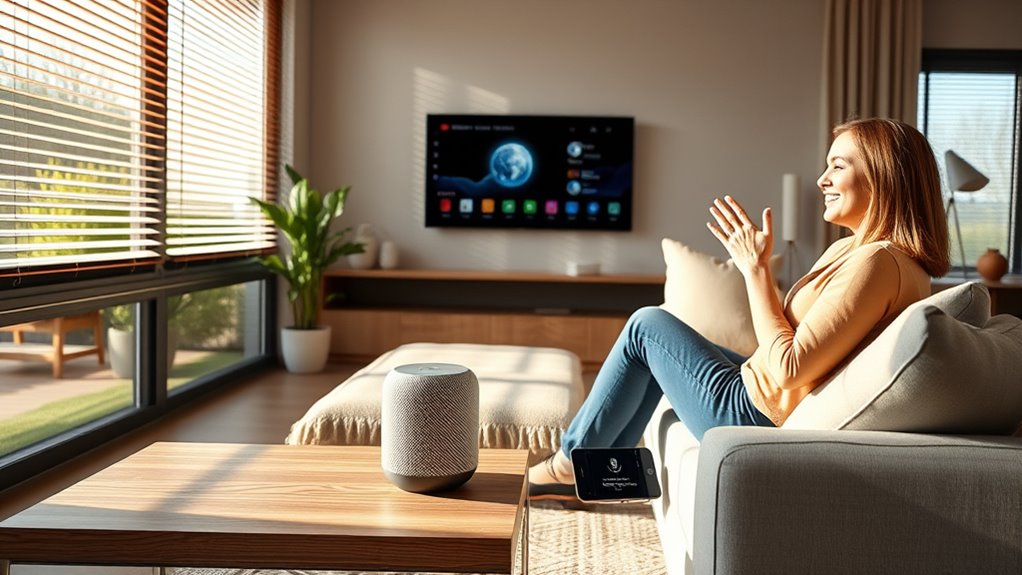

To create voice-controlled routines, start by exploring your voice assistant’s app to customize and assign specific actions to a single command. Think about your daily tasks, like turning off lights or adjusting the thermostat, and combine these into routines such as “Good Morning” or “Goodnight.” You can also set routines based on triggers like time or location for added convenience. Keep refining these routines to better fit your schedule, and learn more to maximize your home automation.
Key Takeaways
- Access your voice assistant’s app and navigate to the routines or automation section.
- Create a new routine by assigning a voice command and selecting multiple actions to execute.
- Customize routines to include daily tasks like controlling lights, thermostats, or playing music.
- Integrate devices from different brands for seamless control via a single routine.
- Regularly review and update routines to adapt to changing schedules and optimize automation.
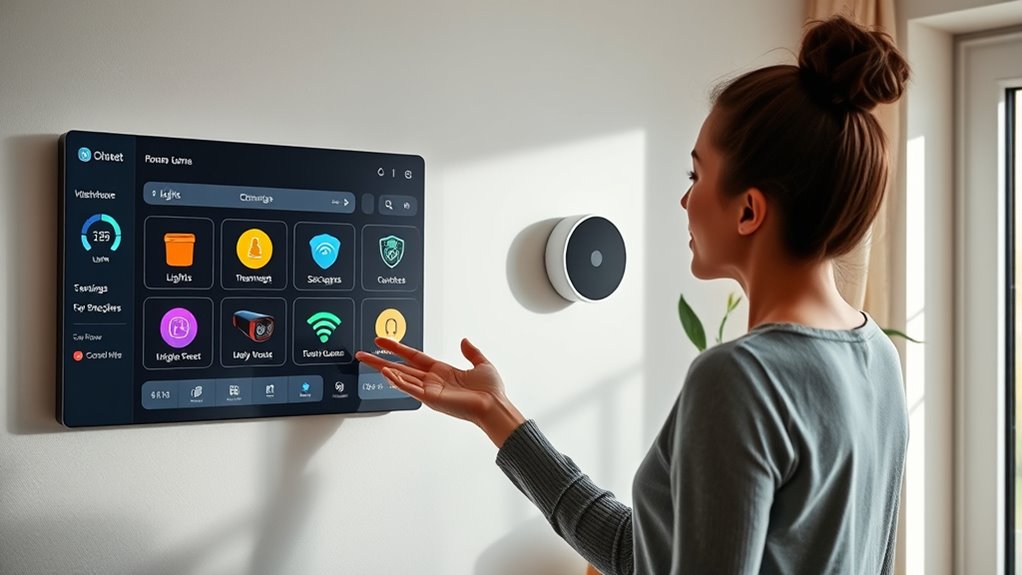
Voice-controlled routines can simplify your daily life by automating multiple tasks with a simple command. Imagine waking up in the morning and saying, “Good morning,” only for your smart home to turn on the lights, adjust the thermostat, and start your coffee maker. This seamless integration is possible through smart home integration, which connects various devices and systems into a cohesive network that responds to your voice commands. To get started, you’ll want to explore your voice assistant’s customization options, tailoring routines to fit your unique schedule and preferences. Most voice assistants, like Alexa, Google Assistant, or Siri, allow you to set up multiple actions under a single voice command, making it easy to streamline your daily activities.
Creating effective routines begins with identifying repetitive tasks you perform daily. Think about what you want automated—whether it’s turning off the lights when you leave, playing your favorite playlist at a specific time, or setting reminders for appointments. Once you’ve pinpointed these actions, you can customize your voice assistant to execute them with minimal effort. Voice assistant customization involves setting up routines through the app, where you can assign specific commands to trigger a series of actions. For example, a “Goodnight” routine can lock your doors, turn off all lights, adjust the thermostat, and activate security cameras, all with one phrase. This customization makes your routines adaptable and personalized, giving you control over how your smart home responds to your voice.
To make your routines more efficient, consider integrating devices from different brands into a unified system. Many smart home platforms support cross-brand compatibility, allowing you to control lights, thermostats, security systems, and entertainment devices through a single voice command. This integration increases the convenience and functionality of your routines, ensuring everything responds harmoniously. Additionally, understanding how AI-powered devices learn and adapt can help you optimize your routines over time. When setting up routines, think about timing and triggers. For example, you can program your smart lights to turn on gradually at sunrise or have your music start playing when you arrive home. The key is to design routines that align with your daily rhythm and enhance your comfort.
Regularly review and update your routines as your needs change. Your daily schedule may evolve, and your smart home setup should adapt accordingly. Experiment with different commands and combinations to discover what works best for you. The more you customize and refine your routines, the more intuitive and helpful your smart home becomes. With smart home integration and personalized voice assistant customization, you create a home environment that responds effortlessly to your needs, saving you time and reducing daily stress.
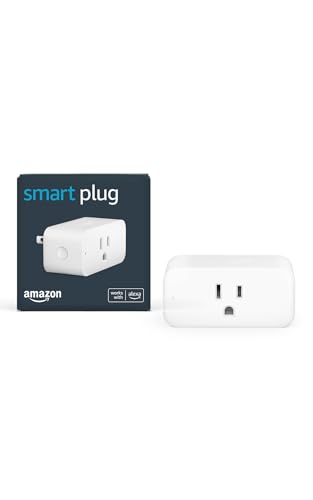
Amazon Smart Plug, Works with Alexa, Simple Setup, Endless Possibilities
Amazon Smart Plug works with Alexa to add voice control to any outlet.
As an affiliate, we earn on qualifying purchases.
As an affiliate, we earn on qualifying purchases.
Frequently Asked Questions
Can I Customize Routines for Specific Days or Times?
Yes, you can customize routines for specific days or times. With routine customization, you can set your daily scheduling to vary based on your needs. For example, you might create different routines for weekdays and weekends, or set specific times for certain actions. This flexibility helps you stay organized and efficient, ensuring your voice-controlled routines fit seamlessly into your daily life and adapt to your changing schedule.
How Do I Troubleshoot Voice Recognition Issues?
Voice recognition issues can be frustrating, but you can fix them by double-checking your microphone issues and doing voice training. Start by ensuring your microphone is properly connected and free of obstructions. Then, re-train your device’s voice recognition to better understand your speech patterns. Speak clearly and consistently during training. These steps help improve accuracy, making your routines more responsive and reliable, ultimately simplifying your day.
Are Routines Compatible With All Smart Home Devices?
Routines are generally compatible with most smart home devices, but you should check device compatibility first. Some devices, especially older or less common ones, might have routine limitations or require specific integrations. To avoid issues, verify that your devices work seamlessly with your chosen voice assistant. If you encounter problems, updating firmware or using compatible hubs can help expand device compatibility and guarantee your routines run smoothly.
Can I Set up Routines Without Using a Smartphone?
Did you know that over 70% of smart home users rely on smartphones for routine setup? You can set up routines without a smartphone by using voice assistants directly, but be aware of voice assistant limitations and routine setup challenges. Some devices may require initial configuration via an app, and voice commands alone might not cover all customization options. However, once set up, you can manage routines hands-free effortlessly.
How Secure Are My Voice Commands and Routines?
Your voice command security depends on the platform you use, but most providers encrypt data to protect your routines. To enhance routine privacy, regularly update your device’s software and use strong, unique passwords. Be cautious when sharing sensitive information through voice commands, and review privacy settings. By staying vigilant, you guarantee your voice command security remains strong, keeping your routines private and safe from unauthorized access.

Google Audio Bluetooth Speaker – Wireless Music Streaming, Powerful Sound, Assistant Built-in, Wi-Fi and Bluetooth Connectivity, Smart Home Control, Stereo Pairing – Chalk
Google Audio Bluetooth Speaker Wireless Music Streaming – Chalk
As an affiliate, we earn on qualifying purchases.
As an affiliate, we earn on qualifying purchases.
Conclusion
By setting up voice-controlled routines, you streamline your daily tasks and regain valuable time. With a few simple commands, you’ll have a smoother, more organized day—making life feel less like a juggling act. Remember, the devil is in the details, so personalize your routines to fit your lifestyle perfectly. Embrace this tech-savvy approach, and you’ll find that tackling your day becomes a walk in the park, rather than a uphill climb.

Govee Smart Light Bulbs, Color Changing Light Bulb, Work with Alexa and Google Assistant, 16 Million Colors RGBWW, WiFi & Bluetooth LED Light Bulbs, Music Sync, A19, 800 Lumens, 4 Pack
16 Million DIY Colors: Govee smart light bulbs own millions of color and 54 preset scene modes, you…
As an affiliate, we earn on qualifying purchases.
As an affiliate, we earn on qualifying purchases.

Honeywell Home RTH9585WF1004 Wi-Fi Smart Color Thermostat, 7 Day Programmable, Touch Screen, Energy Star, Alexa Ready, Gray
COMFORT COMES IN YOUR COLOR. Personalize your Wi-Fi Smart Color Programmable Thermostat to fit your décor.
As an affiliate, we earn on qualifying purchases.
As an affiliate, we earn on qualifying purchases.