Think of smart home automation as a gradual journey where small, practical upgrades boost your safety and convenience over time. Start with simple features like voice control and security systems that are easy to use and provide immediate benefits. Expand gradually, adding automation for routines like lighting or temperature control as you get comfortable. Focus on what matters most for your daily life and avoid getting overwhelmed by gadgets. Keep this approach in mind, and you’ll discover more ways to make your home smarter step by step.
Key Takeaways
- Start with simple, manageable devices like voice-controlled assistants and security systems to build confidence gradually.
- Prioritize practical features that enhance safety and daily convenience over complex or numerous gadgets.
- Focus on core functionalities such as voice control and security for immediate benefits and ease of use.
- Expand and automate gradually, ensuring devices are compatible and easy to integrate over time.
- Keep a practical, safety-oriented mindset to avoid distraction and maximize tangible improvements.
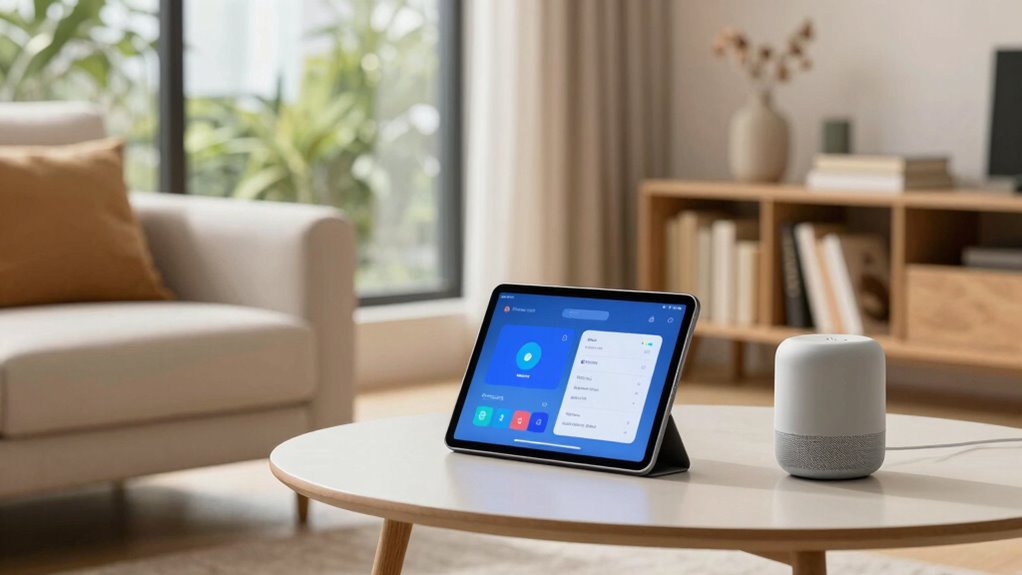
Smart home automation can seem overwhelming at first, but it’s easier to get started than you might think. The key is to focus on simple, manageable steps that gradually build your confidence and your smart home setup. Think of your smart home as a toolkit designed to make your daily routines smoother. A good starting point is understanding how voice control can simplify your interactions with technology. Instead of fiddling with apps or switches, you can just speak commands to turn on lights, adjust the thermostat, or secure doors. Voice control makes your home feel more responsive and intuitive, especially when you’re busy or multitasking. It’s an easy way to see immediate benefits without diving into complex configurations.
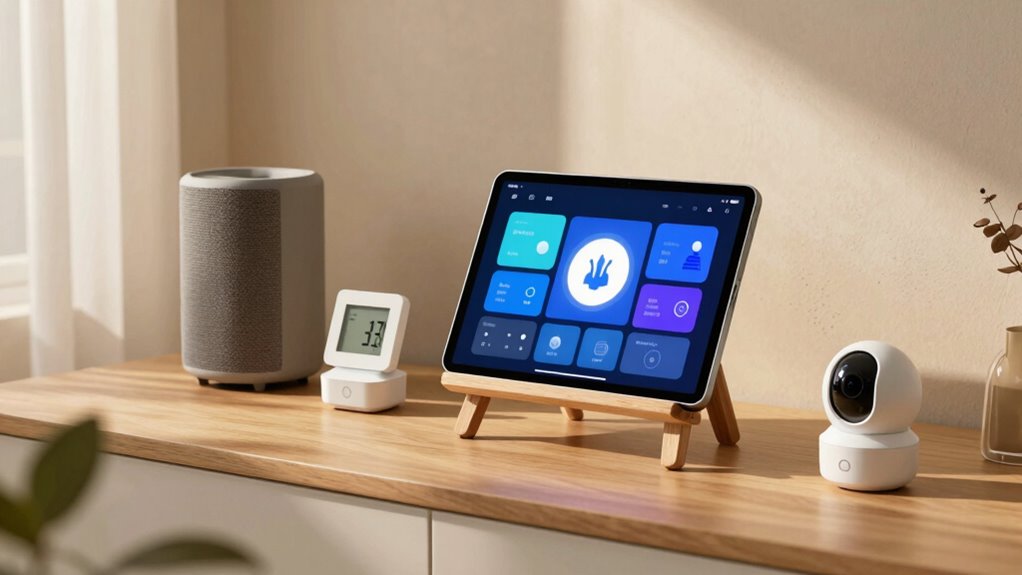
Next, consider your security systems. These are foundational to smart home automation because they help protect your home and give you peace of mind. Modern security systems are user-friendly and can be integrated seamlessly into your existing setup. You don’t need to be tech-savvy to install or operate them—you just need to understand their core features. For example, smart cameras let you monitor your property from anywhere using your smartphone, while smart locks allow keyless entry and remote locking or access. You can set alerts for unusual activity or motion detection, which adds an extra layer of security. When you combine these security features with voice control, you gain the ability to command your security system verbally, like asking your system if your doors are locked or requesting a camera feed. Additionally, understanding projector technology, such as contrast ratios and color accuracy, can help you create a more immersive home cinema experience when you decide to expand your smart home setup. Recognizing the importance of interoperability among devices ensures your system remains reliable and easy to manage as you add new components.
As you get comfortable with these basics, you can expand your setup gradually. Think about automating routines, such as having your lights turn on at sunset or your thermostat adjust when you leave or arrive home. The beauty of smart home automation lies in its flexibility—you can start small and scale up over time. It’s also helpful to learn about smart home protocols, which ensure different devices work together smoothly and reliably. The most important thing is to keep your approach straightforward and focus on features that genuinely improve your daily life. Don’t get distracted by every new gadget on the market. Instead, prioritize what makes your home safer and more convenient, such as voice-controlled devices and robust security systems. This way, you’ll avoid feeling overwhelmed and enjoy the tangible benefits of smart home automation from the start.

Home Assistant Green | Smart Home hub with Advanced Automation | Official Home Assistant Hardware
💡 EASIEST WAY TO GET STARTED WITH HOME ASSISTANT – With Home Assistant already installed, it only requires…
As an affiliate, we earn on qualifying purchases.
As an affiliate, we earn on qualifying purchases.
Frequently Asked Questions
How Secure Is Smart Home Automation From Hacking?
Smart home automation’s security depends on your cybersecurity practices. While devices have vulnerabilities, using strong encryption protocols and updating firmware regularly can protect you from hacking. Be cautious with default passwords, enable two-factor authentication, and secure your Wi-Fi network. Staying aware of cybersecurity concerns helps reduce risks, so you can enjoy the convenience of smart home tech without compromising your privacy or security.
Can I Automate Without Technical Skills?
Yes, you can automate your home without technical skills. Many smart devices feature voice control, making setup simple and intuitive. You can also explore DIY installation options, which guides you step-by-step through process without needing expert help. These tools are designed for beginners, so you can enjoy automation benefits like controlling lights, thermostats, or security cameras with minimal effort and technical knowledge.
Do Smart Devices Work During Power Outages?
Smart devices typically don’t work during power outages unless you have a renewable backup, like a solar panel or battery system, to provide power. This setup enhances your power resilience, ensuring essential devices stay operational. Investing in renewable backup options allows you to maintain smart home functionality during outages, giving you peace of mind and improved control over your home environment even when the grid is down.
What Is the Average Cost of a Smart Home System?
The average cost of a smart home system varies, typically between $500 and $2,500, depending on your choices. You can customize your smart device setup by selecting devices that fit your budget and needs, and plan your automation scheduling to maximize efficiency. Keep in mind, adding more devices or advanced features will increase costs. Start small, then expand as you get comfortable with smart device customization.
How Do I Choose Compatible Devices?
To choose compatible devices, focus on device compatibility and ecosystem integration. Check if devices support the same communication protocols like Zigbee, Z-Wave, or Wi-Fi. Stick to one ecosystem, like Amazon Alexa, Google Home, or Apple HomeKit, to guarantee seamless integration. Read product descriptions and reviews to confirm compatibility, and consider devices that are designed to work within your preferred ecosystem for easier setup and reliable operation.

Hiseeu Wireless Pro WiFi Security Camera System, 16CH 4K NVR Kit, Corded Powered 8Pcs 5MP CCTV Home Security Camera System for Indoor/Outdoor, Night Vision, Waterproof, Motion Detection, 3TB HDD
【Local & Remote Control】 The home security camera system support local view & control, no need WiFi. For…
As an affiliate, we earn on qualifying purchases.
As an affiliate, we earn on qualifying purchases.
Conclusion
Getting started with smart home automation might feel like trying to tame a wild storm, but remember, it’s all about taking small steps. As you learn and grow, each device becomes a building block in your smart home castle. Keep experimenting, stay curious, and don’t rush the journey. Before you know it, your home will work together harmoniously, turning your everyday routines into a symphony of convenience and comfort.

Philips Wi-Fi Door Lock, WiFi Smart Lock Keyless Entry Deadbolt for Front Door, Compatible with Alexa & Google Assistant, Remote Control, Built-in WiFi, APP Fingerprint Passcode Unlock, Auto Locking
𝐅𝐥𝐞𝐱𝐢𝐛𝐥𝐞 𝐖𝐚𝐲𝐬 𝐭𝐨 𝐔𝐧𝐥𝐨𝐜𝐤: Unlock the way you want: app, passcode, fingerprint, physical key, or voice via Alexa/Google…
As an affiliate, we earn on qualifying purchases.
As an affiliate, we earn on qualifying purchases.

ecobee Smart Thermostat Essential – Energy Star Certified programmable Wi-Fi Thermostat – Works with Siri, Alexa, and Google Assistant
Save up to 23% every year on heating and cooling costs, adjusts to your set schedule to save…
As an affiliate, we earn on qualifying purchases.
As an affiliate, we earn on qualifying purchases.