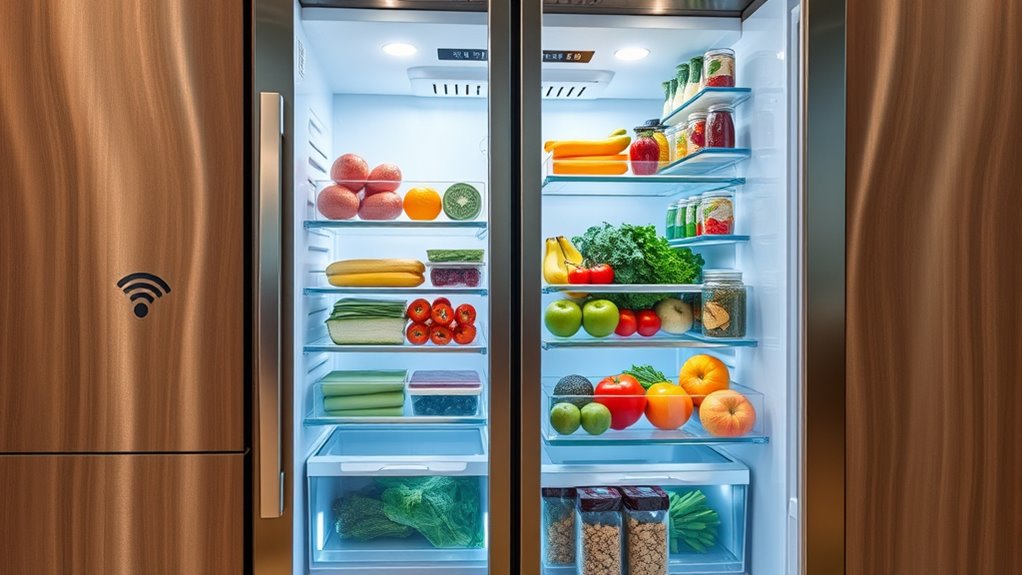

Your smart fridge can do much more than keep your food cold. It uses built-in cameras so you can check your supplies instantly and remotely. It automatically updates shopping lists based on what’s running low or expiring. You can control temperatures and humidity for perfect freshness. Voice commands make managing your fridge hands-free, and energy monitoring helps you save power. Keep exploring to discover how these features can make life easier and more efficient.
Key Takeaways
- Built-in cameras allow instant remote viewing of grocery inventory without opening the door.
- Automated shopping lists update in real-time based on fridge contents and expiring items.
- Smart temperature and humidity controls adapt automatically to preserve different food types.
- Voice commands enable hands-free operation for checking contents or adjusting settings.
- Energy monitoring features help optimize power use and prevent unnecessary energy waste.
Built-in Cameras for Instant Grocery Checks
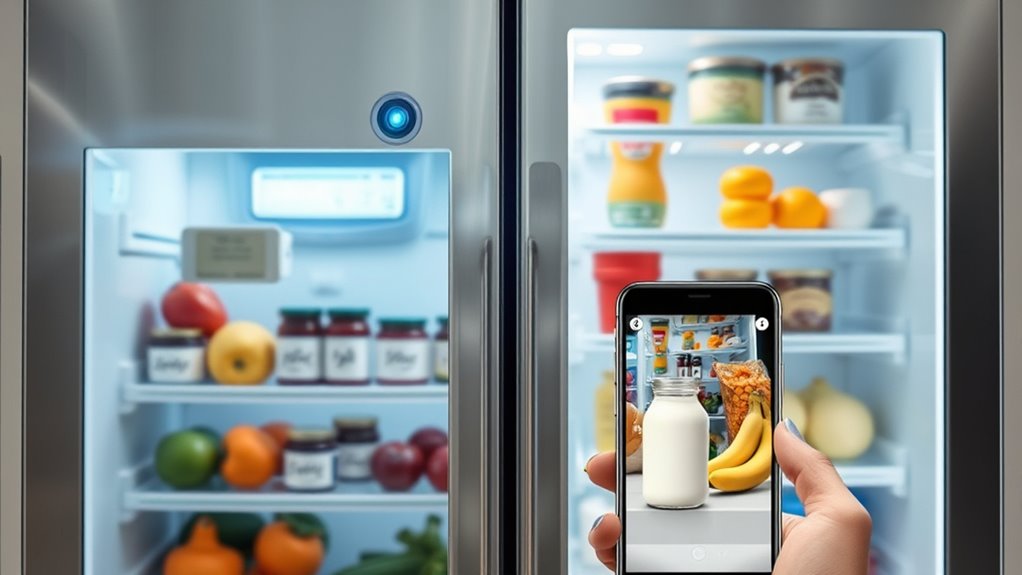
Built-in cameras in smart fridges make it easy for you to check your grocery inventory instantly. With just a glance, you can see what’s inside without opening the door. This feature saves you time and energy, especially when you’re in a rush or trying to avoid unnecessary door openings that can spoil cold air. The cameras provide a clear view of your fridge’s contents, helping you identify items that need restocking or are about to expire. Some models sync with your smartphone, so you can check your fridge from anywhere. This way, you won’t forget what you need at the store or double-buy groceries. Built-in cameras turn your fridge into a smart, efficient assistant, making grocery shopping and meal planning more convenient.
Automated Shopping List Generation
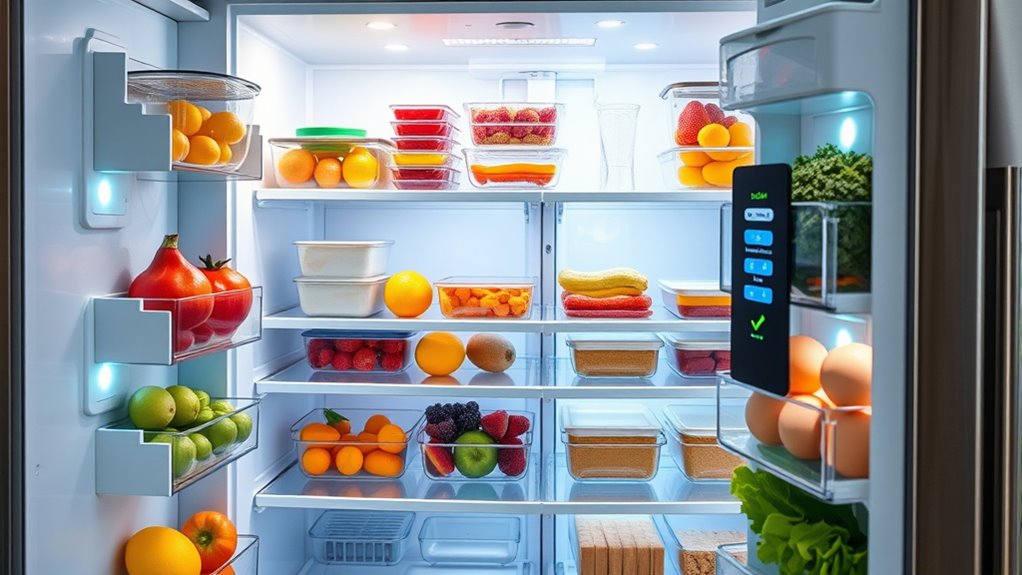
With your fridge’s cameras providing a real-time view of its contents, generating a shopping list becomes effortless. Your smart fridge tracks what’s inside and automatically updates your list as items run low or are used up. When the shelves are nearly empty, the fridge prompts you to add those items to your shopping list or does it for you. It considers expiration dates, purchase frequency, and your preferences to suggest what to buy next. No more manual note-taking or forgotten essentials. The list syncs seamlessly with your smartphone or preferred shopping app, making it easy to review and share. This automation saves you time, helps prevent overeating or waste, and guarantees you always have what you need without constant manual updates.
Smart Temperature and Humidity Controls
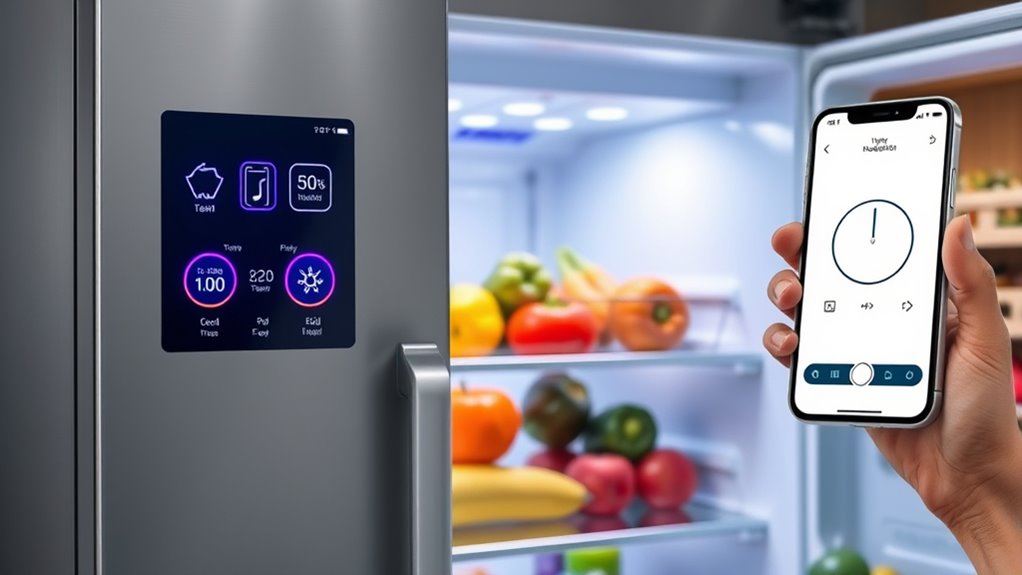
Smart temperature and humidity controls allow your fridge to automatically adjust its environment based on the contents and your preferences. When you store fresh produce, the system detects moisture levels and increases humidity to keep fruits and vegetables crisp. For dairy or meats, it lowers humidity to prevent spoilage. Temperature sensors monitor the internal environment constantly, ensuring ideal cooling without overuse, which saves energy. You can set specific zones for different items, and the fridge maintains those conditions precisely. Some models even learn your habits, adjusting settings during busy shopping weeks or special occasions. This smart regulation helps extend the freshness of your food, reduces waste, and keeps everything at peak quality without you having to manually tweak settings.
Voice-Controlled Operations
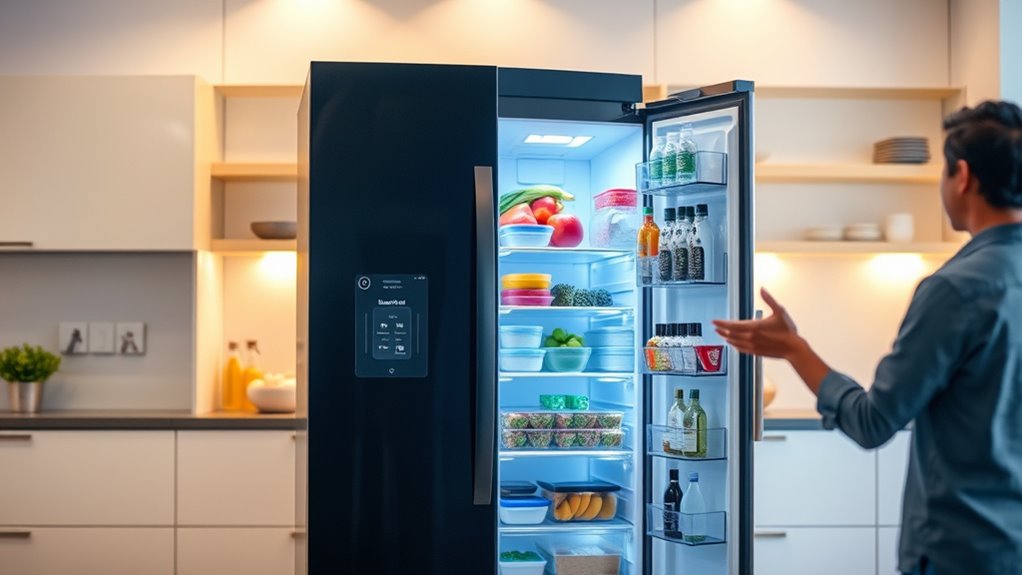
Voice-controlled operations make managing your fridge more convenient by allowing you to give simple, hands-free commands. With this feature, you can check what’s inside, add items to your shopping list, or even adjust settings without lifting a finger. It’s perfect when your hands are full or you’re multitasking. To get started, you just say a command like “What’s in the fridge?” or “Add milk to my shopping list.” Here are some ways you might use it:
- Ask for inventory updates without opening the door.
- Set reminders for expiry dates or grocery restocking.
- Control temperature settings with a quick voice command.
This feature keeps your kitchen efficient and your day hassle-free.
Energy Consumption Monitoring and Tips
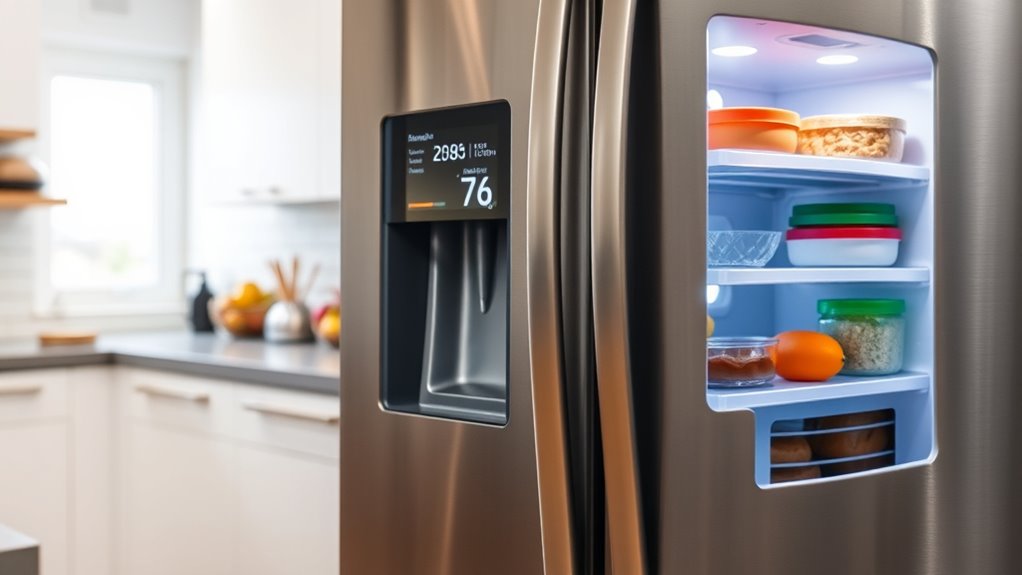
While voice commands make managing your fridge more effortless, keeping an eye on its energy use can further boost efficiency. Many smart fridges have built-in energy monitoring features that track power consumption in real-time. By reviewing these reports, you can identify when your fridge uses the most energy and adjust your habits accordingly. For example, avoid leaving the door open for extended periods or overloading the fridge, which forces it to work harder. Also, set temperature controls to suitable levels—usually around 37°F (3°C) for the fridge and 0°F (−18°C) for the freezer. Regularly defrosting and cleaning the coils can improve efficiency. These simple steps help reduce energy waste, save money, and extend your fridge’s lifespan.
Frequently Asked Questions
Can My Smart Fridge Suggest Recipes Based on Stored Ingredients?
Yes, your smart fridge can suggest recipes based on stored ingredients. It scans the items inside and uses its connected app or interface to recommend meal ideas tailored to what you have. This feature helps you save time, reduce waste, and get creative in the kitchen. Simply input or let the fridge automatically detect your ingredients, and it’ll do the work of offering delicious, practical recipes for your pantry.
Does the Fridge Integrate With Other Smart Home Devices?
Think of your smart fridge as a hub in your smart home universe. Yes, it seamlessly integrates with devices like smart lights, thermostats, and voice assistants. With this connection, you can control everything from your fridge’s touchscreen or voice commands, creating a harmonious environment. It’s like having a conductor guiding your smart devices, ensuring they work together effortlessly, making your home more efficient and responsive to your needs.
How Secure Is the Data Stored on My Smart Fridge?
Your smart fridge’s data security depends on its manufacturer and your settings. Most use encryption and regular updates to protect your information from unauthorized access. However, it is crucial to enable strong passwords and keep firmware current. While manufacturers prioritize security, no device is completely immune. Stay vigilant by reviewing privacy policies and monitoring your network for suspicious activity to guarantee your data remains safe.
Can I Access Fridge Features Remotely via Smartphone App?
Yes, you can access your fridge features remotely through the smartphone app—it’s like having a magic wand in your pocket. With a few taps, you can check inventory, adjust temperatures, or even see what’s inside without opening the door. Just make certain your phone is connected to the internet and the app is properly set up. This way, your smart fridge becomes your personalized kitchen assistant, always ready when you need it.
What Maintenance Is Required for Smart Fridge Sensors and Cameras?
You should regularly clean your sensors and cameras with a soft, damp cloth to remove dust and smudges. Check for firmware updates to guarantee proper functioning and security. Avoid using harsh chemicals that could damage sensitive components. Also, inspect the sensors for any physical obstructions or damage. Performing these simple maintenance steps keeps your smart fridge’s sensors and cameras working accurately and extends their lifespan.
Conclusion
Now that you know these incredible features, your smart fridge becomes more than just a kitchen appliance — it’s like having a personal grocery assistant, climate control expert, and energy guru all in one! Imagine never running out of essentials or wasting a single calorie of energy again. With these game-changing tricks, your fridge isn’t just smart — it’s practically a supercomputer revolutionizing your everyday life. Get ready to be amazed every time you open the door!