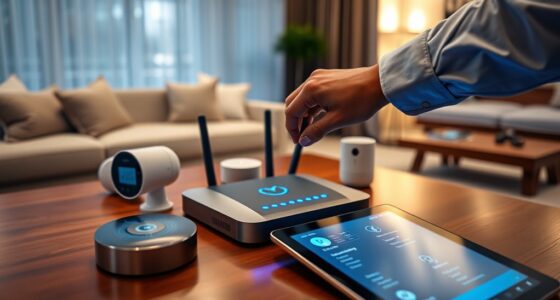

Your router is the most overlooked smart home device you need to secure. It controls your entire network, including security cameras, smart locks, and thermostats. If you leave default passwords, skip updates, or use weak encryption, hackers can easily access everything connected. Securing your router with strong credentials, firmware updates, and network segmentation can block cyber threats. Keep your smart home safe—continue for easy steps to better protect your network.
Key Takeaways
- The router is often overlooked but is the central device that controls all smart home gadgets’ security.
- Default passwords on routers are common vulnerabilities that hackers can exploit to access your entire network.
- Outdated router firmware leaves security flaws unpatched, increasing the risk of cyber attacks.
- Enabling proper encryption like WPA3 and segmenting your network can significantly enhance overall smart home security.
- Regularly monitoring connected devices and updating router settings helps prevent unauthorized access and potential threats.
Why Your Router Is the Heart of Your Smart Home Security
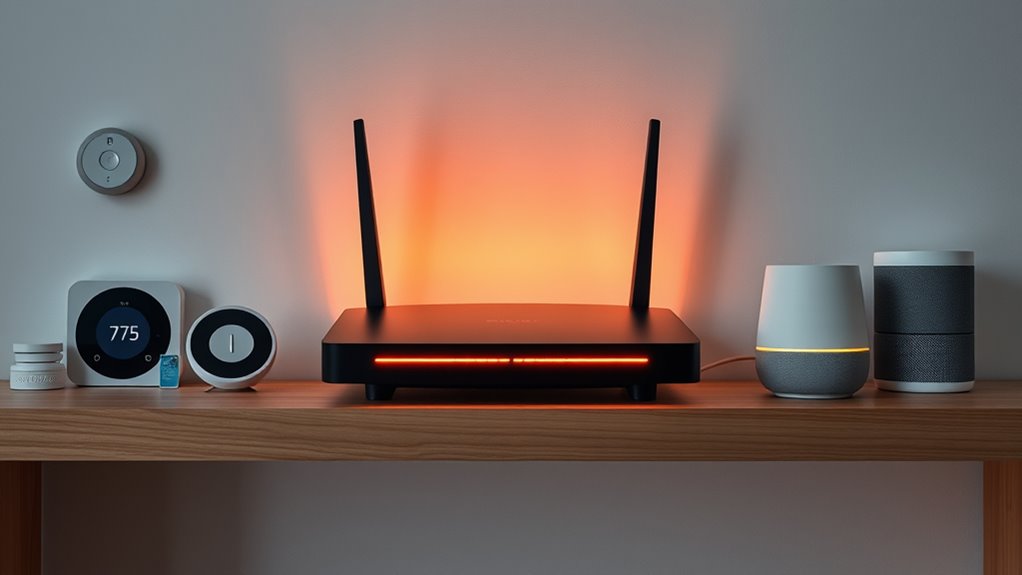
Your router is the central hub of your smart home, controlling how all your devices communicate and stay connected. Without it, your smart gadgets wouldn’t function properly or securely. It manages data flow, ensuring your smart security cameras, locks, and thermostats work seamlessly. If your router isn’t secure, hackers can gain access to your entire network, compromising your privacy and safety. A vulnerable router can become a gateway for cyber intruders to control or spy on your smart devices. That’s why protecting your router is critical—it’s the first line of defense against cyber threats. By securing your router, you create a strong foundation that keeps your entire smart home safe, ensuring your devices operate securely and your personal information stays private.
Common Mistakes That Leave Your Router Vulnerable

Many common mistakes can leave your router vulnerable to cyber threats, undermining the security of your entire smart home. One mistake is using default settings without changing them, which hackers can easily exploit. Failing to update your router’s firmware leaves known security flaws unpatched, giving cybercriminals an advantage. Additionally, using weak or easily guessable passwords on your router makes unauthorized access simple. Ignoring network segmentation, such as not creating separate networks for your smart devices, increases risk exposure. Also, leaving remote management enabled can let attackers access your router from anywhere. Lastly, neglecting to disable unnecessary features or services opens additional attack vectors. Being aware of these mistakes helps you protect your network from intrusions that could compromise your smart home.
How to Change Your Default Router Password
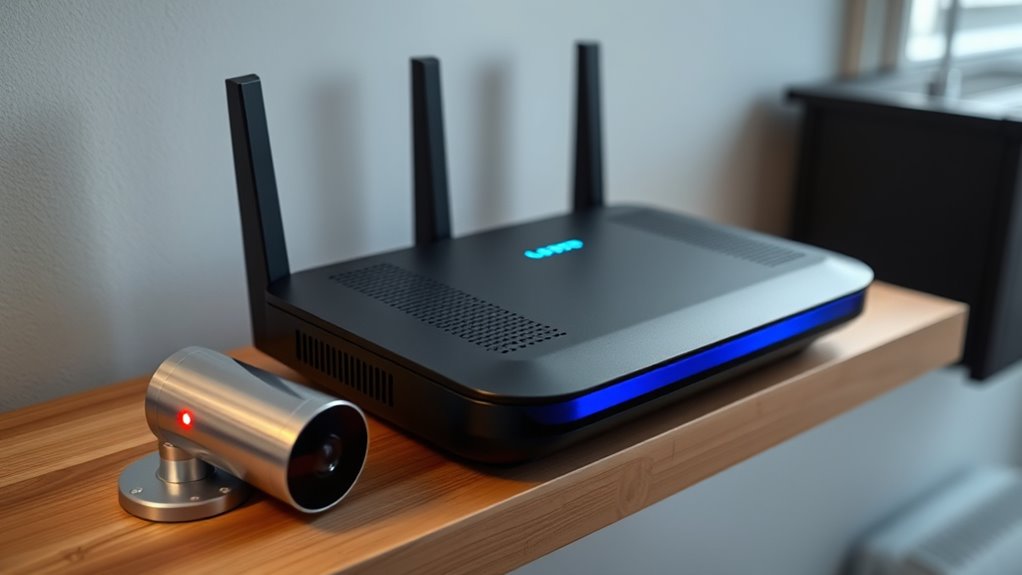
Changing your default router password is a crucial step to securing your smart home network, as hackers often target default credentials to gain access. To do this, log into your router’s admin panel, usually by entering its IP address in your browser. You’ll need your current username and password—often found on a sticker or in the manual. Once logged in, locate the section labeled “Wireless” or “Administration,” then find the option to change the password. Choose a strong, unique password that combines letters, numbers, and symbols. Avoid common or easily guessable passwords like “admin” or “password.” After updating, save your changes and restart your router if necessary. This simple step greatly reduces the risk of unauthorized access to your network.
Keeping Firmware Up-to-Date to Prevent Exploits

To protect your smart home gadgets from security flaws, you need to keep their firmware current. Make it a habit to check for updates regularly and enable automatic updates whenever possible. Removing unused devices also reduces potential vulnerabilities and keeps your network safer.
Regular Firmware Checks
Are you regularly checking and updating your smart home device firmware? If not, you’re leaving your gadgets vulnerable to cyber threats. Firmware updates often include critical security patches that fix vulnerabilities hackers could exploit. Make it a habit to review your device settings or manufacturer’s website periodically for available updates. Some devices may notify you automatically, but others require manual checks. Ignoring these updates can give intruders an entry point into your network. Set reminders to verify firmware status every few weeks, especially after major updates are announced. Staying vigilant ensures your smart home remains secure against known exploits. Remember, firmware updates are a simple but essential step to protect your privacy and your connected devices from potential threats.
Enable Automatic Updates
Enabling automatic updates guarantees your smart home devices stay current without requiring manual checks. When updates are automatic, security patches and bug fixes are installed promptly, reducing vulnerabilities that hackers can exploit. You won’t have to remember to check for firmware updates or worry about missing critical security improvements. Most devices offer an option to enable this feature in their settings menu; verify it’s turned on. Automatic updates also ensure compatibility with other devices and services, maintaining overall system stability. While some updates might cause minor disruptions, the security benefits outweigh the inconvenience. By keeping your firmware up-to-date automatically, you proactively defend your smart home against known exploits and vulnerabilities, making your setup more resilient and secure.
Remove Unused Devices
Removing unused devices from your smart home network is a crucial step in preventing security exploits, especially when keeping firmware up-to-date. Unused gadgets can become entry points for hackers if left connected. Regularly review your devices and disconnect anything you no longer need. This reduces potential vulnerabilities and simplifies your network’s security management.
Here are four steps to effectively remove unused devices:
- Audit your connected devices regularly.
- Revoke access or delete accounts associated with unused gadgets.
- Disconnect devices from your Wi-Fi network.
- Factory reset or securely wipe devices before disposal or resale.
The Importance of Network Encryption and Segmentation
Have you ever considered how unprotected your smart home devices are without proper network security? Without encryption, any data transmitted between your devices and network can be intercepted by hackers, exposing sensitive information like passwords or personal details. Using strong encryption methods, like WPA3, ensures that your data stays private and unreadable to outsiders. Network segmentation is equally essential; by dividing your network into separate zones—one for smart devices and another for your computers—you limit potential access if a device is compromised. This way, even if a hacker gains control of one device, they can’t easily access everything else on your network. Proper encryption and segmentation work together to make your smart home more secure and less vulnerable to cyber threats.
Additional Security Measures for Your Smart Router
To keep your smart home secure, start by changing the default passwords on your router to strong, unique ones. Make sure you enable network encryption to protect your data and regularly update your router’s firmware to patch vulnerabilities. These simple steps can considerably enhance your router’s security and safeguard your devices.
Change Default Passwords
Changing the default password on your smart router is a crucial step to protect your home network from unauthorized access. Default passwords are widely known, making it easy for hackers to break in. To enhance security, create a strong, unique password that combines uppercase and lowercase letters, numbers, and symbols.
Here are four tips to help you choose a secure password:
- Avoid common words or phrases.
- Use at least 12 characters.
- Incorporate random combinations of characters.
- Change it regularly to stay ahead of threats.
Enable Network Encryption
Enabling network encryption is crucial for safeguarding your smart home devices and data. When you activate encryption like WPA3 or WPA2 on your router, it encrypts the data transmitted between your devices and the network. This makes it much harder for hackers to intercept sensitive information or gain unauthorized access. To enable encryption, log into your router’s admin panel and navigate to the wireless security settings. Select the strongest available encryption option, ideally WPA3 if your device supports it. Avoid using outdated protocols like WEP, which are vulnerable to attacks. Additionally, ensure your network name (SSID) is unique but not personally identifiable. Proper encryption acts as a critical barrier, preventing intruders from exploiting your smart home network.
Regular Firmware Updates
Regular firmware updates are essential for maintaining the security of your smart home router. They patch vulnerabilities, fix bugs, and improve overall performance. Neglecting updates leaves your network exposed to cyber threats. To guarantee your router stays secure, follow these steps:
- Check for updates regularly through the router’s admin panel.
- Enable automatic updates if available.
- Download updates only from official manufacturer sources.
- Restart your router after installing firmware to apply changes.
Recognizing and Responding to Potential Router Threats
Your router is the frontline of your smart home’s security, so recognizing signs of potential threats is essential. Look for unusual activity, such as devices connecting unexpectedly or data usage spiking without explanation. Check your router’s admin panel regularly for unfamiliar IP addresses or unknown devices. Slow internet speeds can also signal malicious activity or malware presence. If you notice repeated failed login attempts or your password has been compromised, take immediate action. Reset your router and change default or weak passwords. Enable network encryption like WPA3, and consider setting up a guest network for visitors. Keeping your firmware updated helps patch vulnerabilities. Staying vigilant allows you to respond quickly, preventing potential breaches and maintaining a secure smart home environment.
Frequently Asked Questions
Can I Secure My Smart Home Device Without Changing My Router Settings?
Yes, you can secure your smart home device without changing your router settings. You should update its firmware regularly to patch security vulnerabilities, use strong, unique passwords for each device, and enable two-factor authentication if available. Additionally, place your device on a separate Wi-Fi network or VLAN to isolate it from your main network. These steps help protect your device without needing to alter your router’s configurations.
What Are Signs My Smart Home Gadgets Have Been Hacked?
Like spotting a flickering neon sign, signs your smart home gadgets are hacked include strange device behavior, unexplained resets, or unfamiliar network activity. You might notice devices turning on or off unexpectedly, slow response times, or new Wi-Fi connections. Keep an eye on your device’s app for alerts or unusual commands. Regularly update firmware and change passwords to stay ahead—think of it as upgrading your digital security armor.
Is Using a VPN Effective for Smart Home Device Security?
Yes, using a VPN can enhance your smart home device security. It encrypts your internet traffic, making it harder for hackers to intercept data or access your devices remotely. However, a VPN isn’t a complete security solution. You should also keep firmware updated, use strong passwords, and enable two-factor authentication to fully protect your smart home. Combining these measures offers you the best defense against potential threats.
How Often Should I Reset My Smart Home Router?
How often should you reset your smart home router? You should do it at least once a month to guarantee peak security and performance. Regular resets help clear any lingering malware or unauthorized access. Don’t forget, a simple restart can also refresh your network settings, making it harder for hackers to exploit vulnerabilities. So, set a monthly reminder—you’ll keep your smart home safer and running smoothly.
Are There Specific Brands Known for Better Smart Home Security?
Yes, some brands are known for better smart home security. Brands like Ring, Arlo, and Nest prioritize security features and regular updates. When choosing a smart device, look for those with strong encryption, frequent firmware updates, and good customer reviews. You should also enable two-factor authentication and change default passwords. By selecting reputable brands and following security best practices, you’ll better protect your smart home from potential threats.
Conclusion
Securing your router means safeguarding your network, protecting your devices, and preserving your privacy. It’s about changing passwords, updating firmware, and encrypting your connection. It’s about staying vigilant, recognizing threats, and responding quickly. By making these steps a routine, you strengthen your smart home’s defenses, reduce vulnerabilities, and enjoy peace of mind. Remember, a secure router isn’t just a step—it’s the foundation of a truly protected and smarter home.