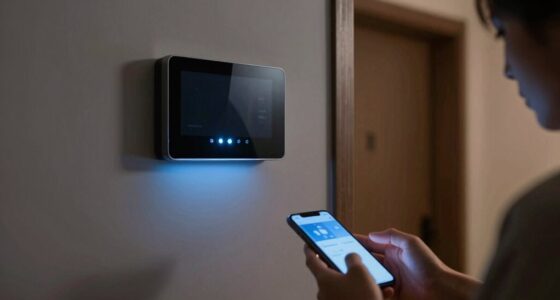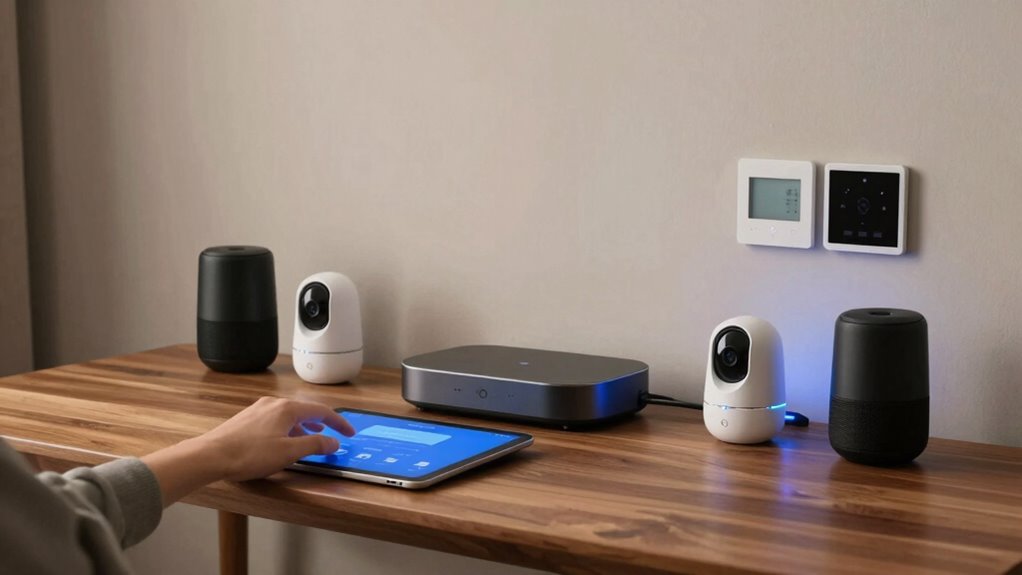

To keep your smart home devices updated without chaos, use a central hub or app to manage updates easily. Enable automatic updates or set a weekly schedule for manual updates through device apps. Regularly check for firmware and software updates, and be sure to restart devices to clear caches. Securing your Wi-Fi and isolating smart devices enhance security. Staying organized and proactive helps your devices perform better and keeps your home safe — learn more to optimize your routine.
Open a free Amazon Business account
Business pricing, bulk buying and tax-exempt orders.
As an affiliate, we earn on qualifying purchases.
Key Takeaways
- Use a central hub or app to manage updates automatically across all devices.
- Schedule weekly manual updates if automatic updates are unavailable or unsupported.
- Enable notifications for update alerts to stay informed without constant checking.
- Segment smart devices on a separate Wi-Fi network to simplify security and maintenance.
- Regularly restart devices and review update release notes for security and performance improvements.
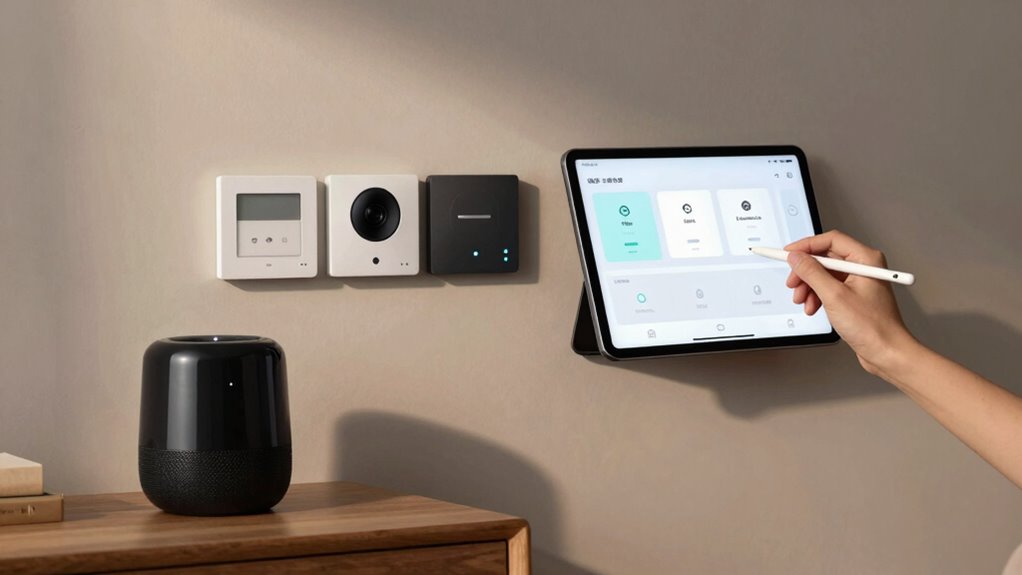
Have you ever wondered how smart home devices stay ahead of security threats and improve your everyday experience? The secret lies in regular updates that enhance their functionality, security, and efficiency. Keeping your devices current doesn’t have to be chaotic; in fact, a little planning makes the process smooth and straightforward. When your smart devices are up to date, you get the latest features, bug fixes, and security patches, which protect your home from vulnerabilities. Plus, many updates focus on improving energy efficiency, helping you reduce utility costs while minimizing your environmental impact. That means your smart thermostat might better learn your schedule, or your voice control system might respond quicker and more accurately, all thanks to timely updates.
Regular updates keep your smart home secure, efficient, and responsive—ensuring you benefit from the latest features and protection.
To keep your devices updated without hassle, start by consolidating your update routines. Most smart home devices connect to a central hub or app, making it easier to manage updates from one place. Check if your devices support automatic updates—this feature is a game-changer because it guarantees your devices stay current without you having to remember to manually update each one. If automatic updates aren’t available, set a regular schedule—perhaps once a week—to check for firmware or software updates through the device’s app. This habit prevents outdated devices from becoming security risks or missing out on performance improvements. Additionally, regular maintenance can help identify potential issues before they impact your device’s performance. Incorporating firmware management best practices ensures your devices function optimally and remain secure. Maintaining software integrity is crucial for a safe and reliable smart home environment.
Another key step is prioritizing security updates. Cyber threats evolve constantly, and outdated firmware can leave your home vulnerable. Enable notifications for updates when possible, so you’re alerted as soon as a new version is available. Some devices even allow you to enable push notifications, ensuring you’re always in the loop. When an update pops up, review the release notes if available, to understand what’s changing—whether it’s a security patch, a new feature, or a performance tweak. This transparency helps you appreciate the value of each update and ensures you don’t overlook critical security enhancements. Regularly checking for firmware updates can also help maintain color accuracy, which is important for a high-quality viewing experience.
Finally, maintaining good device hygiene supports smooth updates. Keep your Wi-Fi network secure with a strong password, and consider segmenting your smart home devices on a separate network to prevent potential breaches. Regularly restart your devices to clear cache and ensure they’re ready to accept updates. By staying organized and proactive with these simple steps, you’ll keep your smart home running seamlessly. Your devices will respond better, be safer from threats, and operate more efficiently—making your smart home not just smarter, but safer and more energy-efficient too.
smart home device firmware updater
As an affiliate, we earn on qualifying purchases.
As an affiliate, we earn on qualifying purchases.
Frequently Asked Questions
Can Updates Improve Device Security Automatically?
Yes, updates can automatically improve your device security, but only if your devices are compatible and set to update automatically. You’ll receive update notifications, prompting you to approve or schedule updates, ensuring your devices stay secure. Regular automatic updates patch vulnerabilities, enhancing security without chaos. Just make sure your smart home devices support automatic updates and compatibility, so you avoid delays and keep your system protected effortlessly.
How Do I Troubleshoot Update Failures?
When troubleshooting update failures, start by checking your network connection and perform network troubleshooting if needed. Make sure your device has a stable internet connection, as this often causes update issues. If updates still fail, consider performing a firmware rollback to the previous version. Restart your device and router, then retry the update. These steps typically resolve common update problems and keep your smart home devices running smoothly.
Are Updates Compatible Across Different Smart Home Brands?
Are updates compatible across different smart home brands? It depends on the devices’ brand compatibility and the update scheduling process. Some brands design their updates to work seamlessly with others, but many require manual intervention or specific platforms like hubs or apps. To avoid issues, check each device’s compatibility and plan update scheduling carefully. This way, you keep your system running smoothly without risking conflicts or disruptions.
Should I Disable Automatic Updates?
You should disable automatic updates if firmware stability is a concern, especially when updates cause compatibility issues. Turning off automatic updates gives you control over when to update, allowing you to monitor user notifications for potential bugs or issues. This way, you can plan updates during convenient times, minimizing chaos. Just remember to manually check for updates regularly to keep your devices secure and functioning at their best.
How Often Should I Manually Check for Updates?
You should check for updates at least once a month, especially if you notice device issues. Coincidentally, timing your manual checks with firmware rollback needs or update scheduling helps prevent chaos. Regular checks make certain your smart home runs smoothly, allowing you to address bugs or vulnerabilities early. Keep a schedule, and consider automatic updates for convenience, but stay alert to make manual checks when needed to maintain control.
smart home hub for device management
As an affiliate, we earn on qualifying purchases.
As an affiliate, we earn on qualifying purchases.
Conclusion
Keeping your smart home devices updated is like tending a garden—you need to stay vigilant and prune regularly to prevent weeds from taking over. I once ignored a firmware update, only to find my security system vulnerable when I needed it most. Regular updates guarantee your devices stay healthy and secure, giving you peace of mind. So, set reminders and stay proactive—your smart home will thank you for it, thriving smoothly without chaos.
automatic smart device update system
As an affiliate, we earn on qualifying purchases.
As an affiliate, we earn on qualifying purchases.
Wi-Fi segmentation for smart home security
As an affiliate, we earn on qualifying purchases.
As an affiliate, we earn on qualifying purchases.
NFL season / tailgating Picks
team gear
As an affiliate, we earn on qualifying purchases.